Get started4 steps
Get your first section on the page
Start with one section. Repeat whenever your page needs another.
-
Find a section that fits
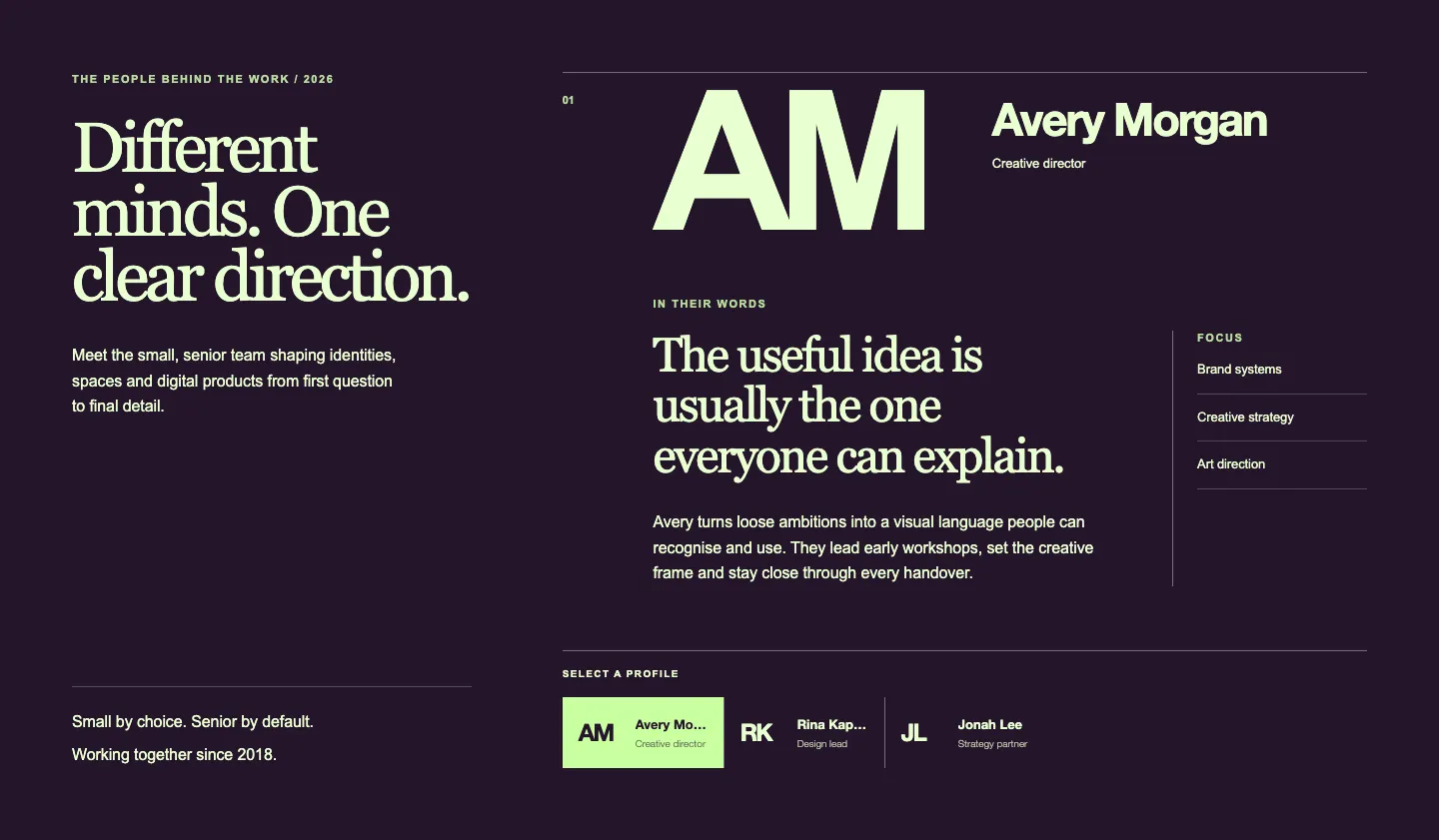
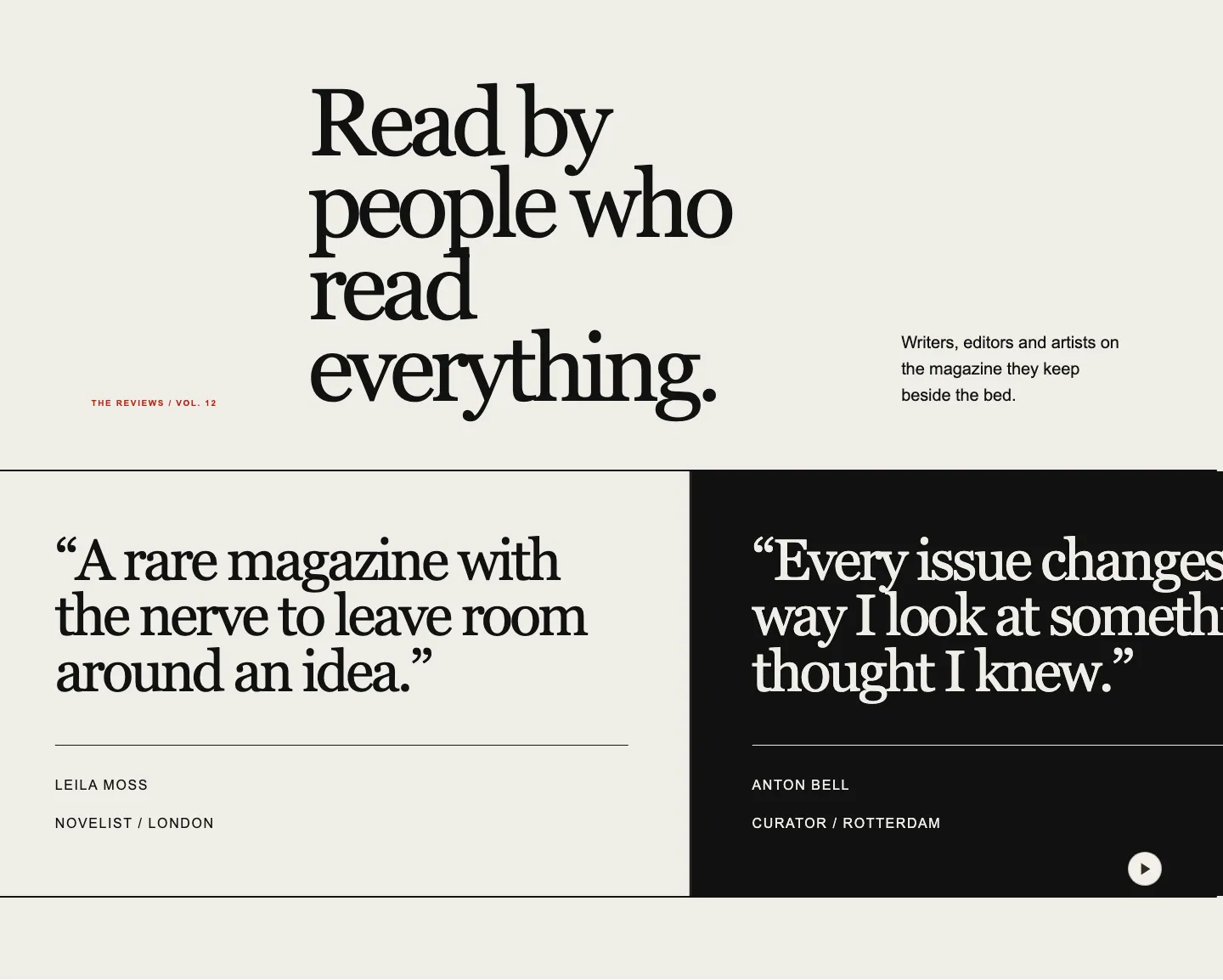
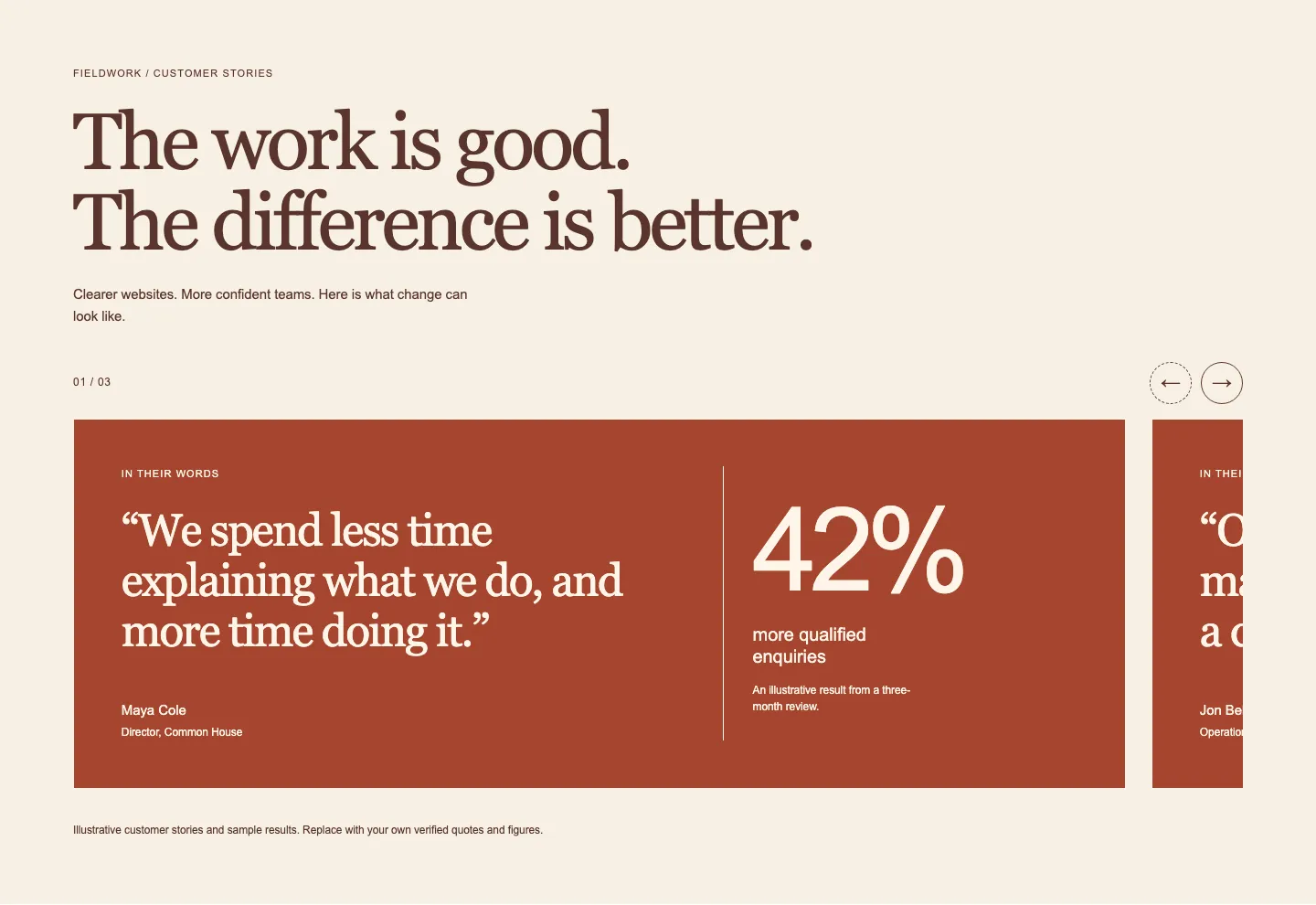
Open Designed Patterns or Core Patterns and choose the part of the page you need: a hero, a feature section, a testimonial, or a footer. Use search and filters to narrow it down.
Open a section to try its live preview, rendered in WordPress. Switch between Desktop, Tablet, Mobile to see how the layout responds. If you have saved a design in the theme tool, apply it on a section page to preview your own colours and type.
-
Copy the version you want
Choose Designed or Use my theme for a Designed Pattern, or a variation for a Core Pattern where available, then press Copy pattern. The pattern is now on your clipboard as WordPress block markup. You do not need to read or edit the code. Copy one variation per paste.
There are 62 free patterns to try without an account. For paid patterns, sign in with an active subscription. Plans start at £49 a year for Core Patterns, Styled looks and theme downloads; Designed Patterns come with the dearer plan. See pricing for access and plan details.
-
Needs plugin? Install it before you paste
Core Patterns use native WordPress blocks and need no plugin. Designed Patterns need Pattern Paste for their finished composition and optional interaction.
Download the plugin from your account. In WordPress, go to Plugins → Add New Plugin → Upload Plugin, upload the zip and activate it. You only do this once per site; the plugin is included with your subscription.
Install it before your first paste. The section’s text, images and links remain native content in the editor. Follow the plugin installation guide if you need a hand.
-
Paste into an empty paragraph
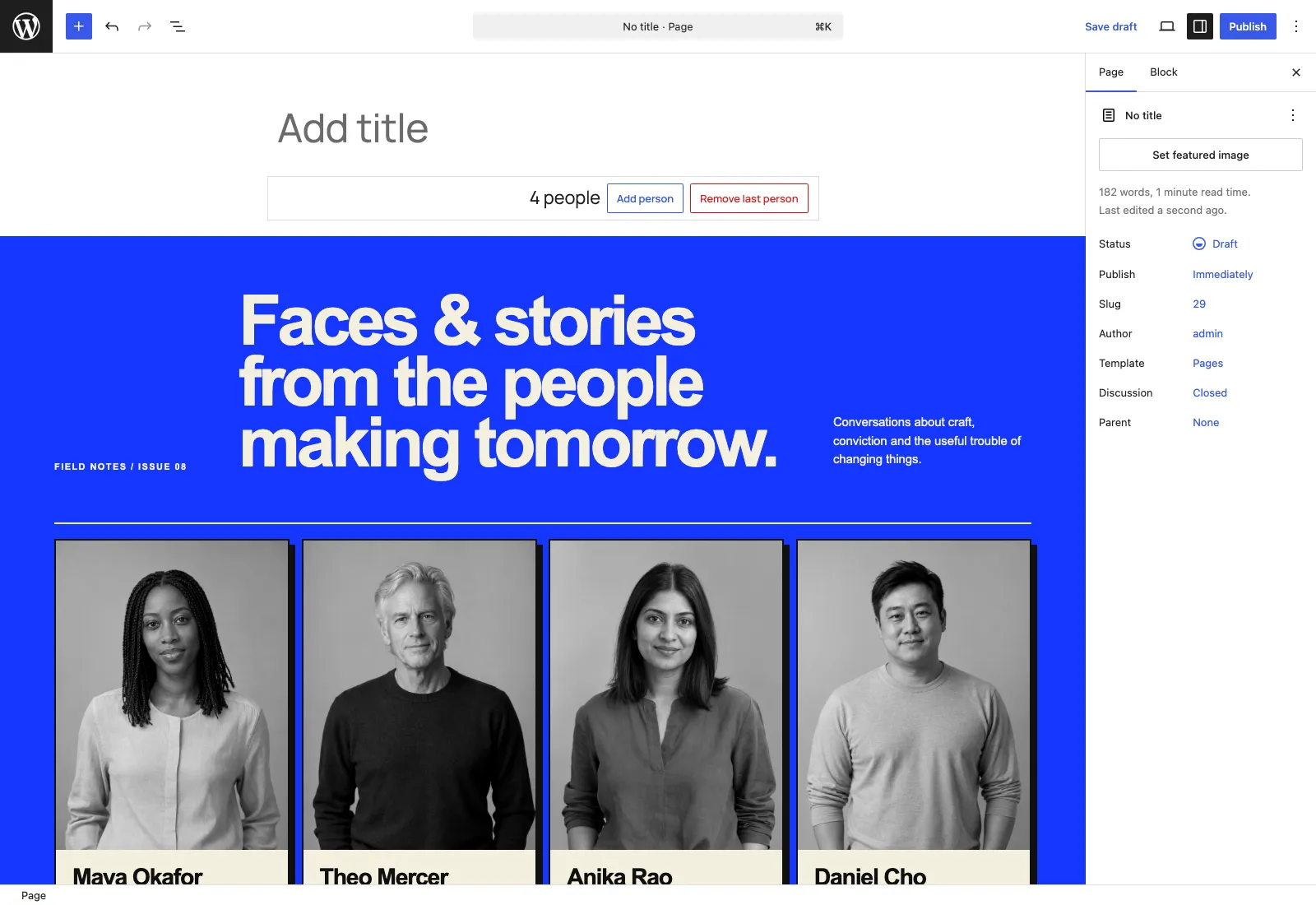
Open a page or post in the WordPress block editor. Click into an empty paragraph, then press Cmd+V on Mac or Ctrl+V on Windows. WordPress turns the pasted markup into blocks you can select and edit.
Seeing code instead of blocks? Undo the paste. Open the editor’s Options → Code editor, paste where you want the section, then switch back to the visual editor.
Change a heading, replace an image, or use the section’s item controls to add, remove or reorder repeated content. Preview the page and save when you are happy. The section is now part of your site.
Make it yours
Make the page your own
Your theme, your content, and room to build further.
-
Keep the look or use your theme
Designed Patterns start with their original palette and type. Choose Use my theme to let the composition follow your site instead. You can change that choice in WordPress.
Adaptive Core Patterns inherit your block theme’s colours, fonts and spacing. Keep your existing supported block theme; you do not need a Pattern Paste theme or to use our theme tool. The same layout takes on a different look on each site, using the theme’s styles and matching presets.
Optional extras marked Own colours keep their own palette and are clearly labelled. A missing colour preset falls back to WordPress defaults and may need adjusting; see the theme compatibility FAQ for the supported setup.
Pasting into a coloured section? Set Colour → Inherit section on the pattern page before copying. This lets the surrounding section supply the colours. Elements designed with their own background keep it.
-
Add your words and pictures
Edit the text directly in the block editor. Replace example images with your own media. Core Pattern image and cover blocks arrive empty, ready for your files. Select an image block and choose a file from your media library or upload a new one.
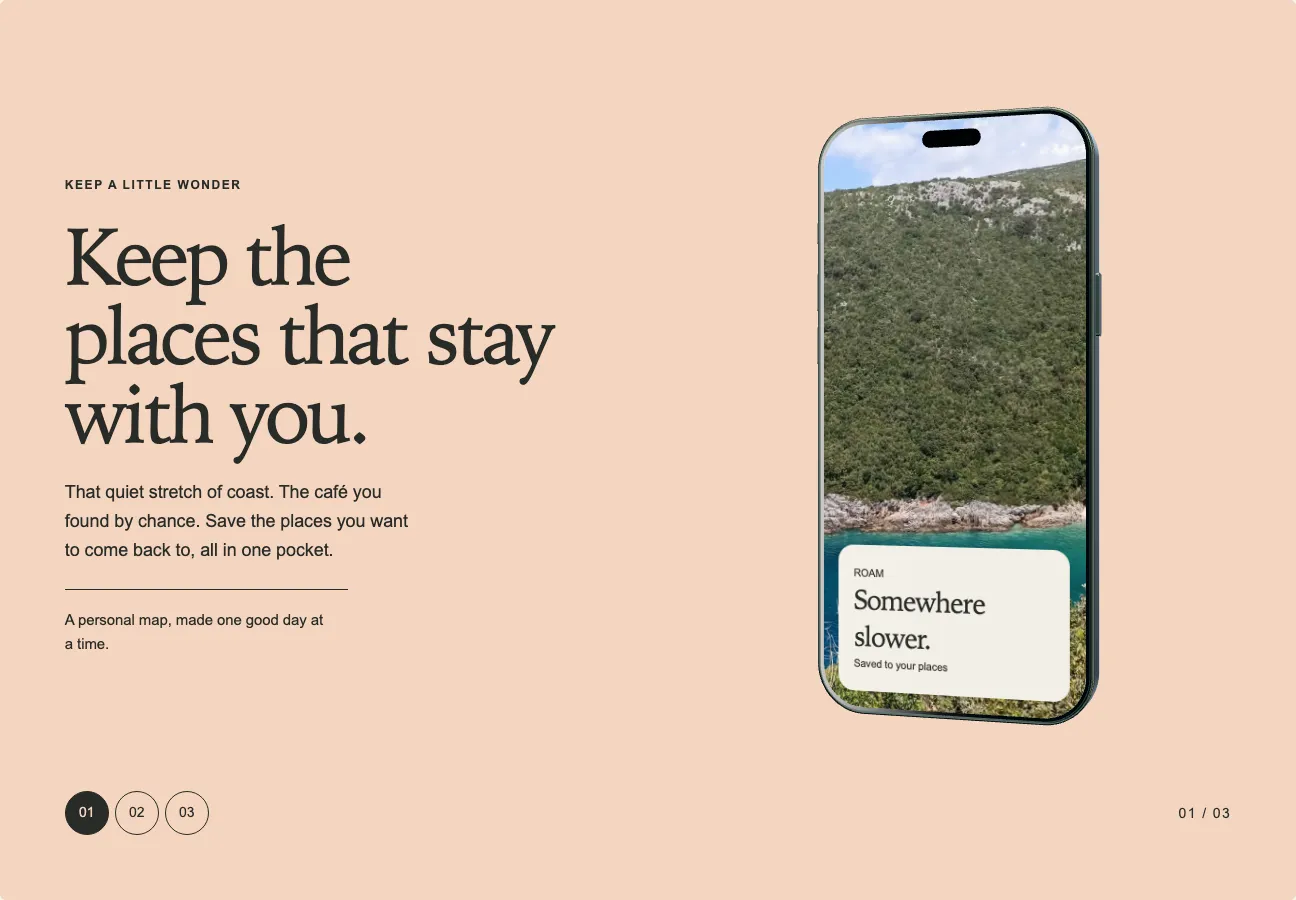
The photographs in our previews help you picture the design; they are not included for use on your site. Add your own images, write useful alternative text where needed, and check the finished page at a narrow width.
-
Start with a theme of your own
Already have a block theme you like? Keep it. If you need one, the theme tool lets you choose colours, pair fonts and set spacing, then see the result across the library. It checks text contrast before building your theme.
Designing is free and needs no account. Downloading the WordPress theme requires a subscription. A free account can save 2 themes in the cloud; subscribers can save up to 10. The installation guides explain how to add your theme to WordPress.
-
Keep what you build
Everything you copy is yours to keep, including after your subscription ends. Use it on your own sites and client projects. Pasted content lives in your WordPress site and does not need a connection to Pattern Paste.
Manage or cancel your subscription from your account. When access ends, you keep your existing work; copying paid patterns and downloading new themes requires an active subscription.
You can build sites with the patterns, but cannot redistribute them as a theme, template or kit for sale. See the licence terms and FAQ for the details.