Free plugin for WordPress
50 Core Patterns.Free, in your block inserter.
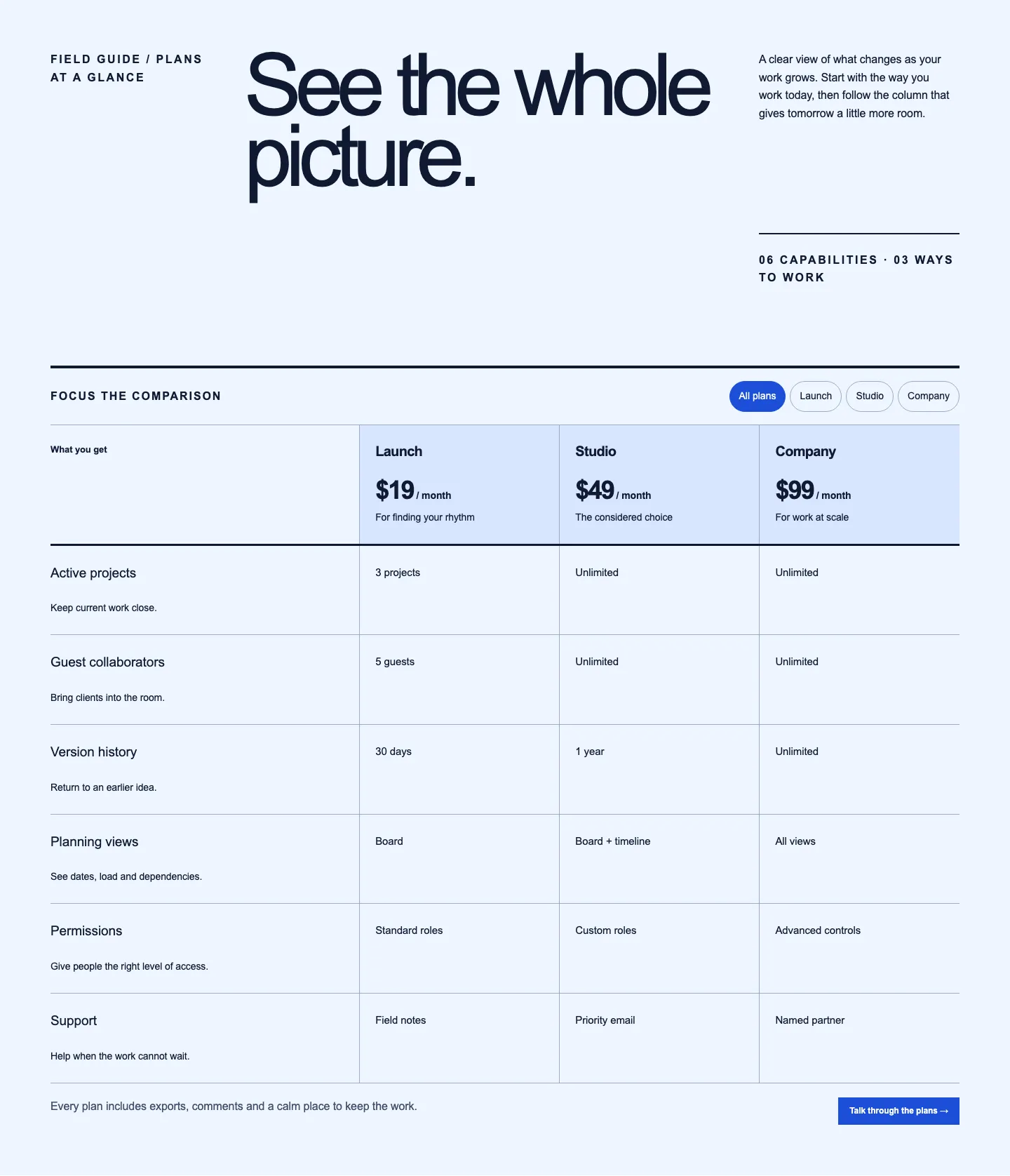
Pattern Paste Free puts 50 Core Patterns in the WordPress block editor. Every one works fully: native blocks you edit in place, no licence key and nothing held back behind a payment.
Version 1.2.0 · 2.1 MB zip · WordPress 7.0+ · PHP 8.2+
A free account, no card.
patterns/50 Core Patternsassets/images/40 bundled images
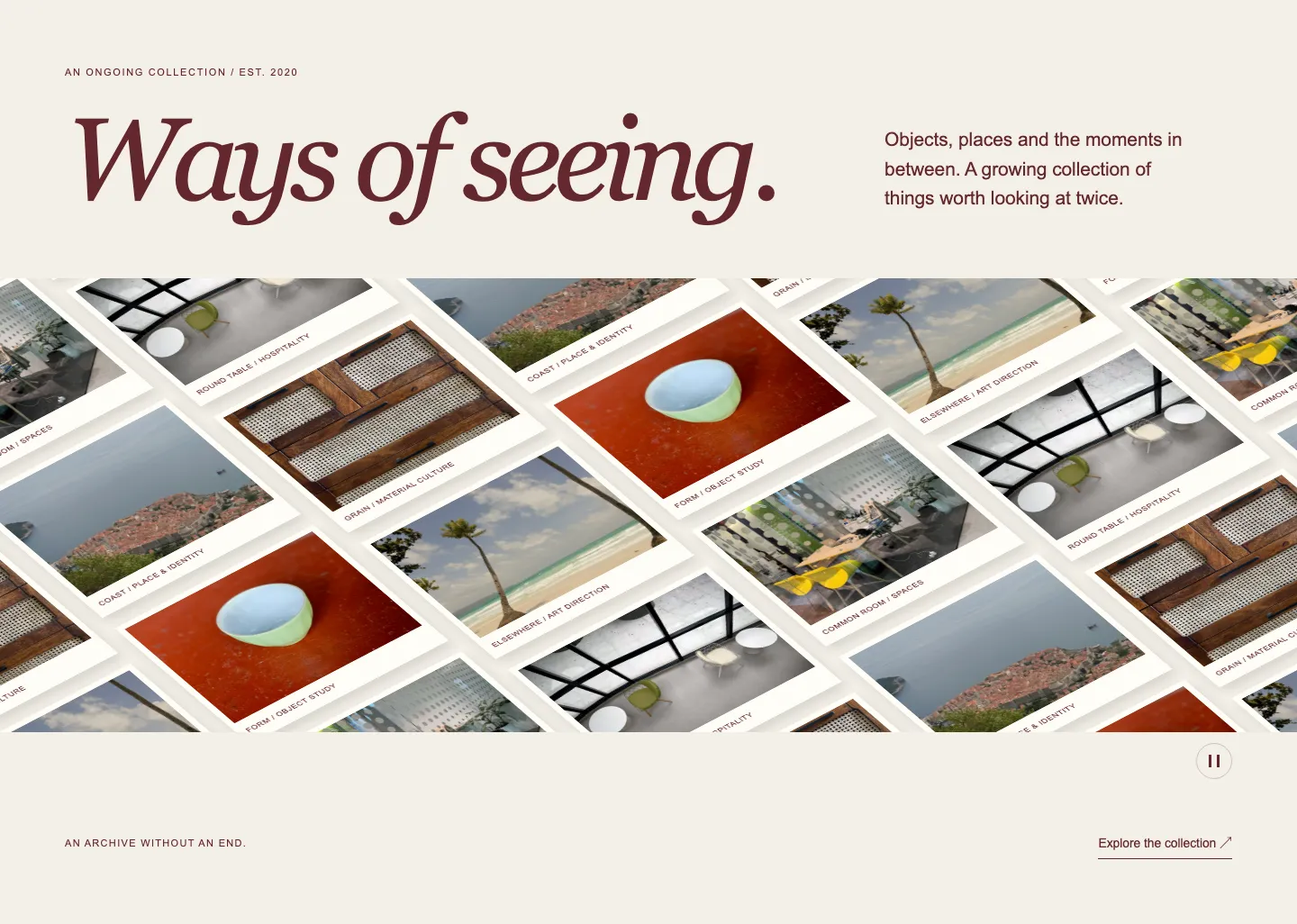
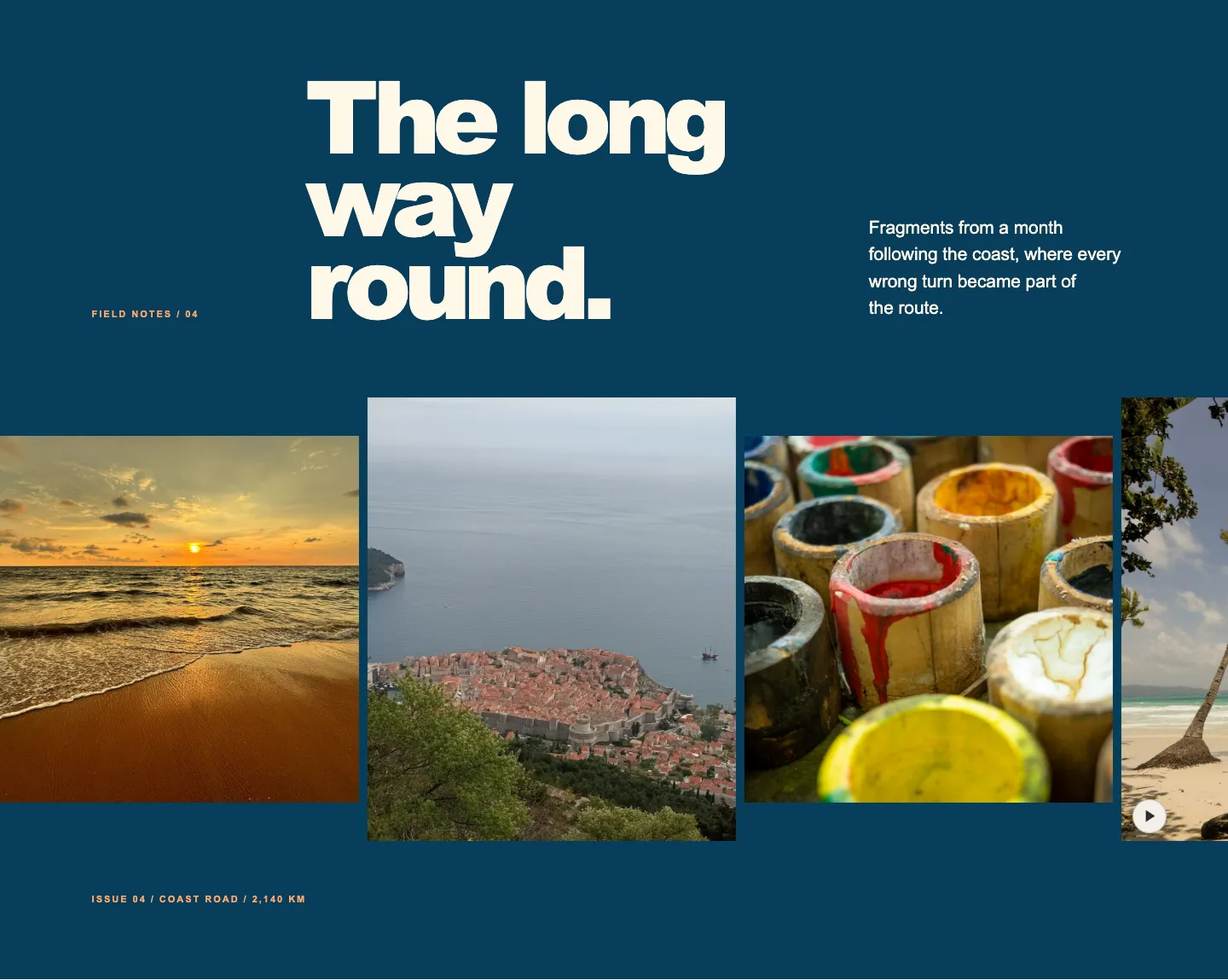
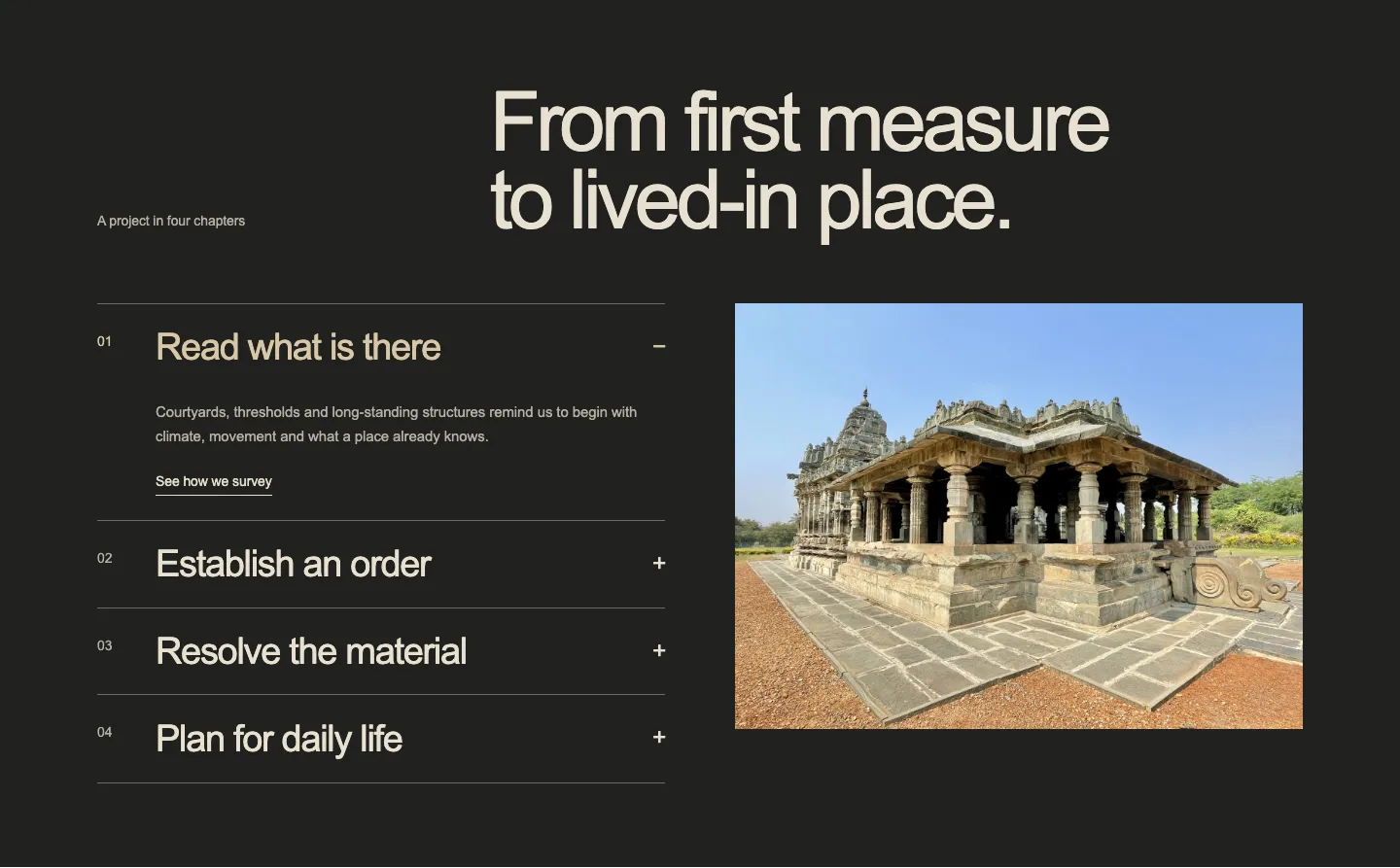
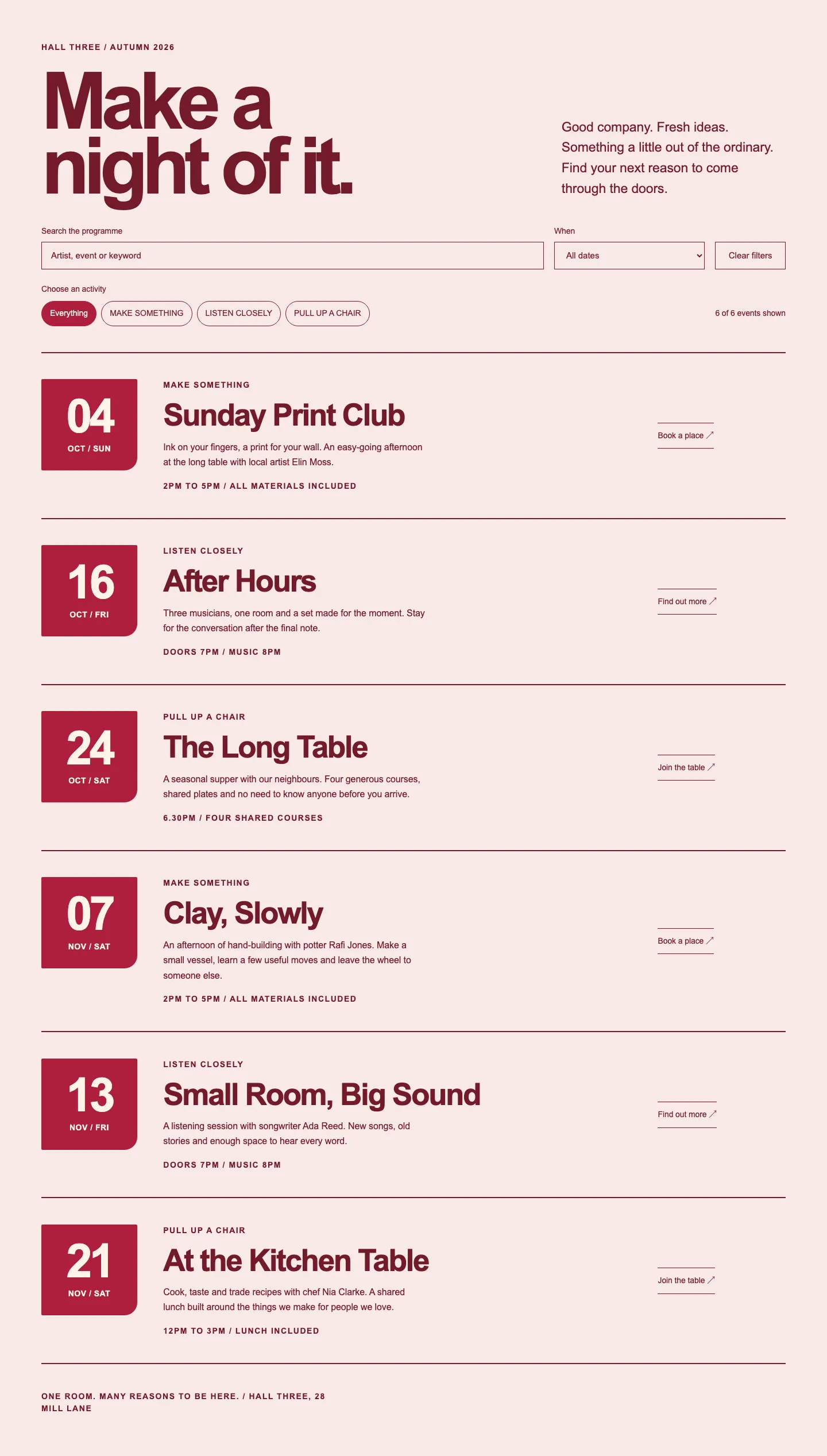
50 Core Patterns that wear your theme


Install it
- Sign in, then download the zip.
- In WordPress, upload it under Plugins, Add New Plugin, then activate it.
- Insert the patterns from the block inserter’s Patterns tab.
Pattern Paste Pro
All 54 Designed Patterns in Pro.
Every one of the 263 Core Patterns and their variations, plugin updates and support, and theme downloads. Pro takes over from the free plugin on activation, and every page you built keeps working.
From £119 a yearex. tax

Questions
Why do I need an account to download it?
Only the download from this site needs one: a free account, with no card and no charge. Pattern Paste Free itself never asks for an account or a licence key, and works on as many sites as you like.
Does it include Designed Patterns?
Not for now. Every one of the 54 Designed Patterns has a live preview on this site, and Pro carries them all with the plugin that renders them.
Is it on WordPress.org?
Not yet. It is built to the WordPress.org plugin guidelines and the directory listing is coming later. Until then, download it here.
Does it contact your server?
No. There is no licence check, no update check of its own, no analytics and no remote code. Every script, style and image it adds, photographs included, is bundled and served from your own site.
What happens to my pages if I upgrade to Pro?
They keep working. Pro uses the same blocks, so activating it takes over from the free plugin and every page you built carries on, images included. If a page still shows images from the free plugin’s folder, Pro offers to copy them into your Media Library; after that you can delete the free plugin.