Pictures with
a place to start.
The photographs and artwork used in Pattern Paste, where they come from, and what happens when you copy a pattern.
What comes with your pattern
Static image blocks include a photograph URL in the copied markup. Paste a pattern and the image can load straight away, ready for you to replace.
Copying a URL does not upload that photograph to your WordPress Media Library. To keep a local copy, upload the image in WordPress and replace the linked image with your uploaded file.
When your content takes over
Query patterns use the featured images from your own posts. The sample posts in our previews are demonstration content and do not copy into your site.
Video blocks leave space for your own clip. The demonstration clips in previews are not included in the copied markup.
WordPress photographs
These photographs come from the WordPress Photo Directory and are published under CC0 1.0. The source links below identify each photographer and original photograph.
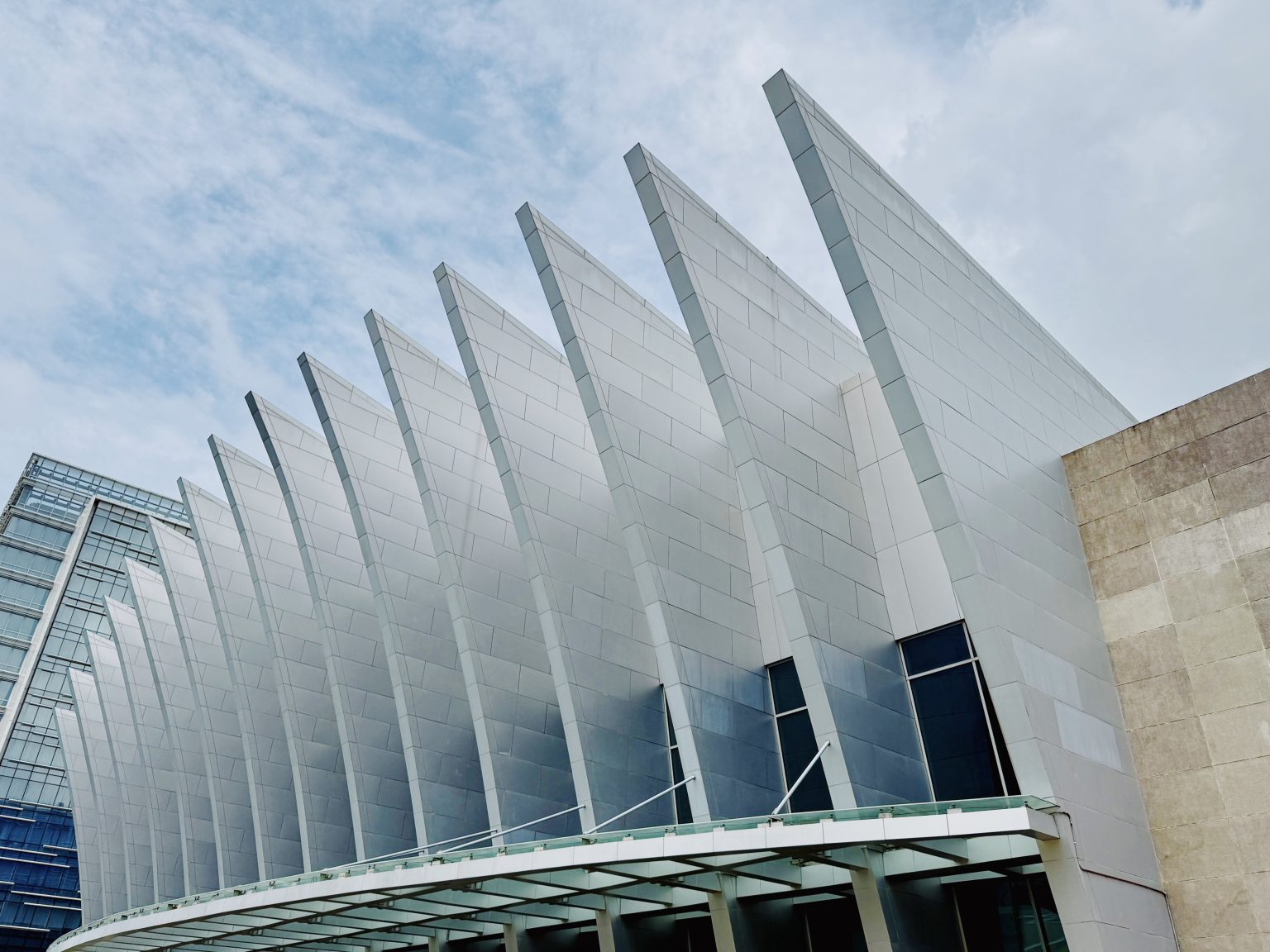
White architectural fins rising above the glass entrance of the Iloilo Convention Center.
Photo by khleomi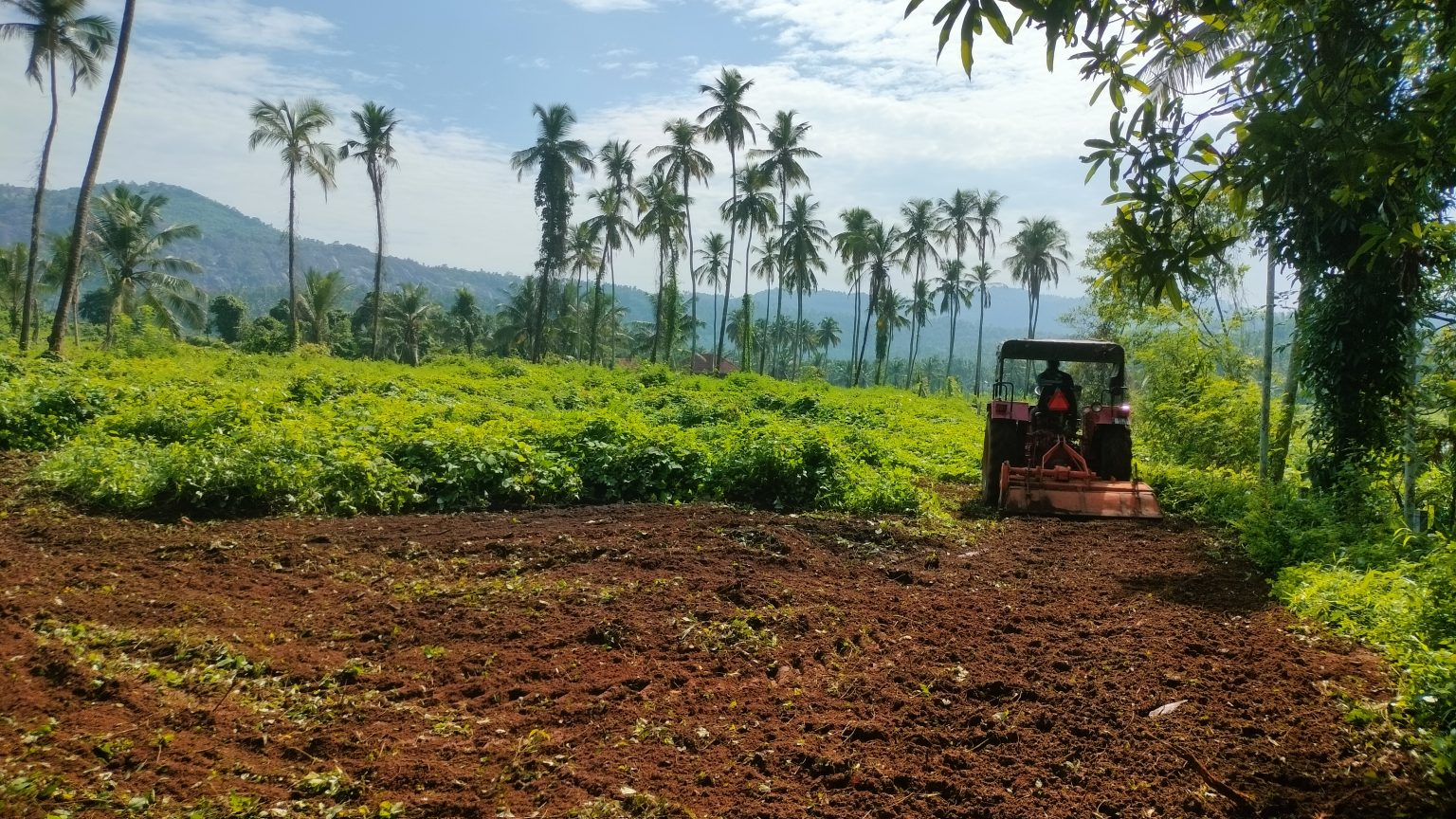
A red tractor working rich brown soil beneath a row of palms and green hills.
Photo by Rakesh Raj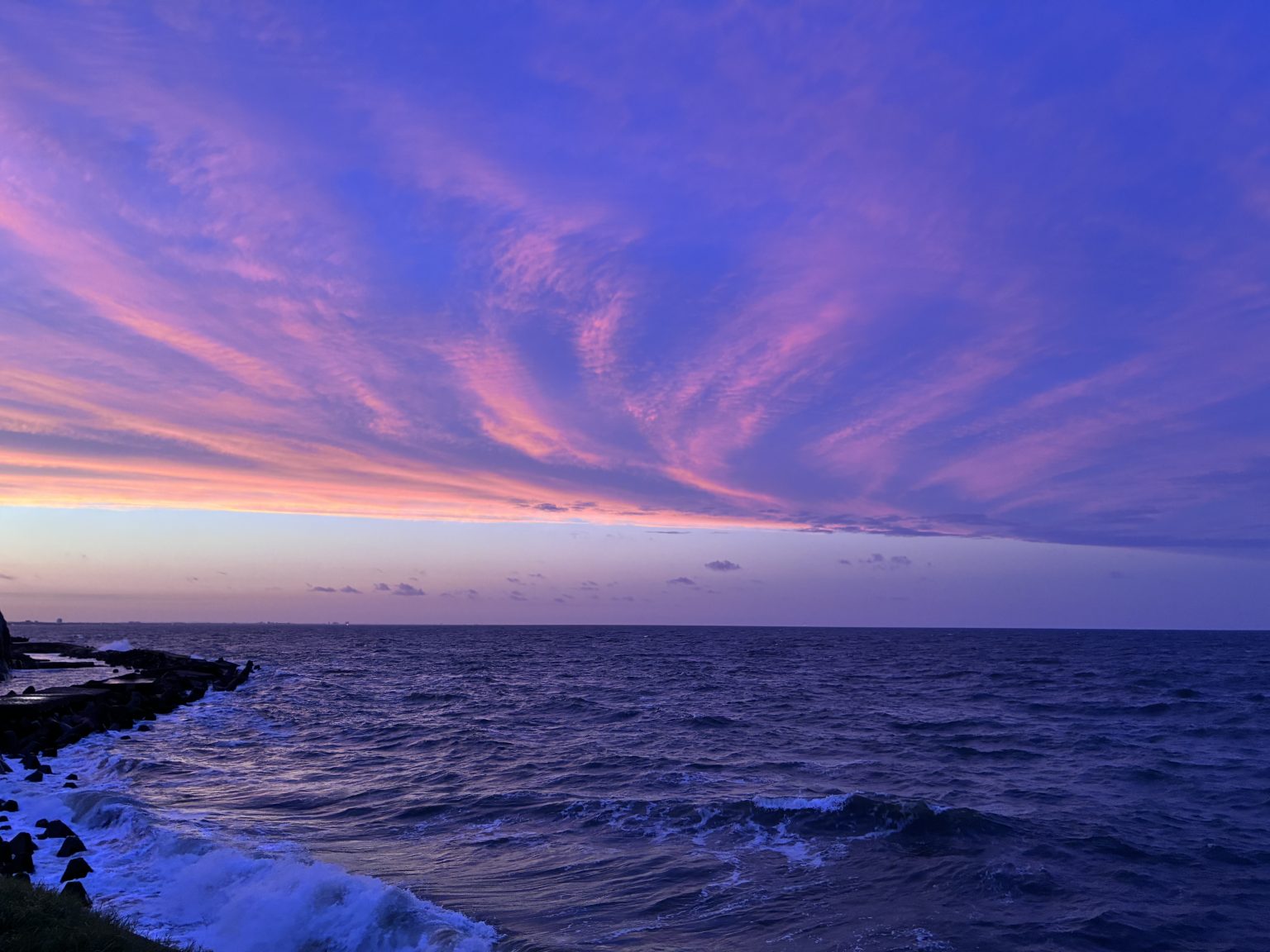
Pink and violet sunset clouds sweeping over a dark blue ocean and rocky shoreline.
Photo by 渡邉厚夫(たいちょ渡邉)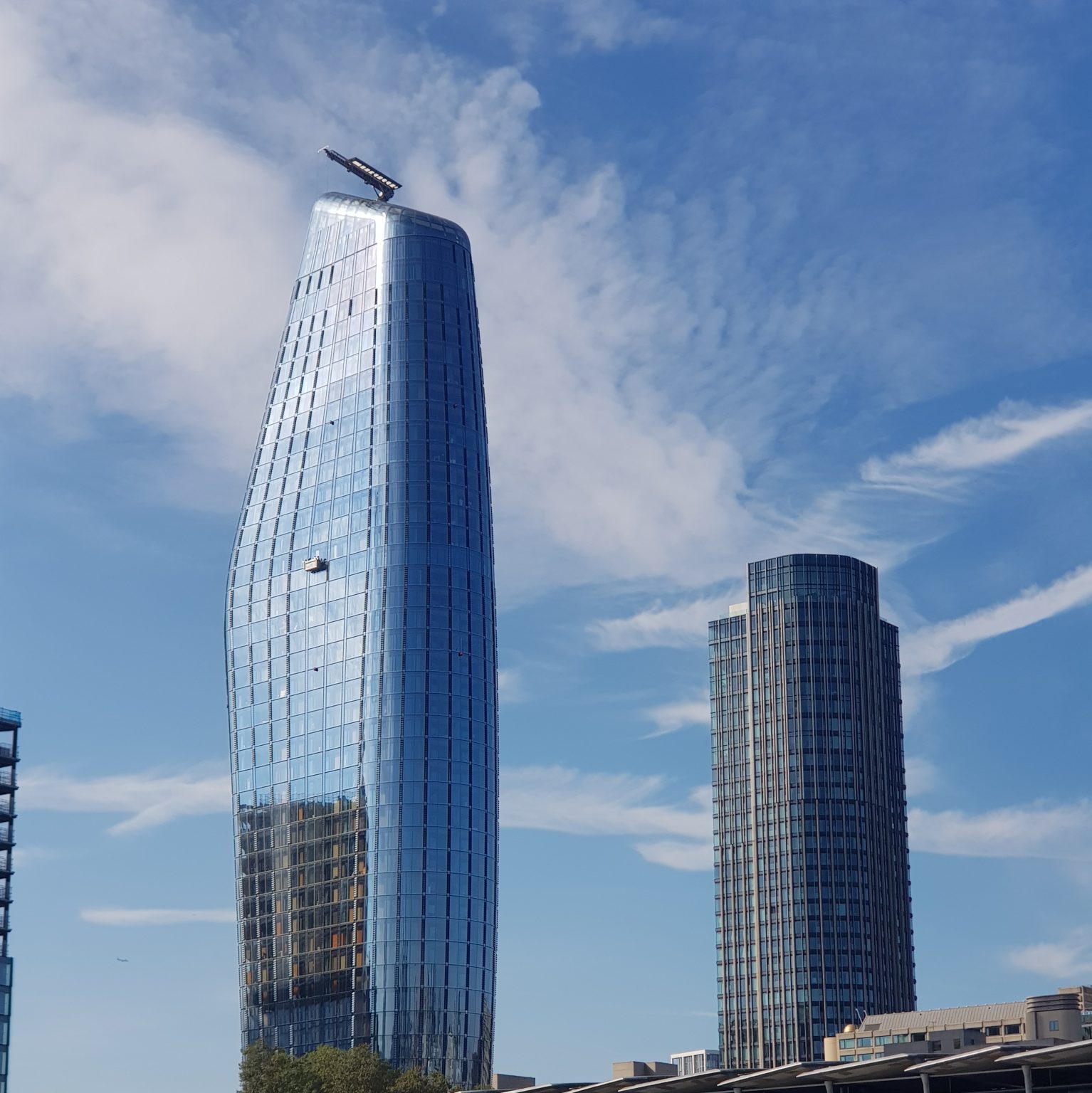
Curving glass towers reflecting blue sky beside a shorter cylindrical building.
Photo by silviamaringiraldo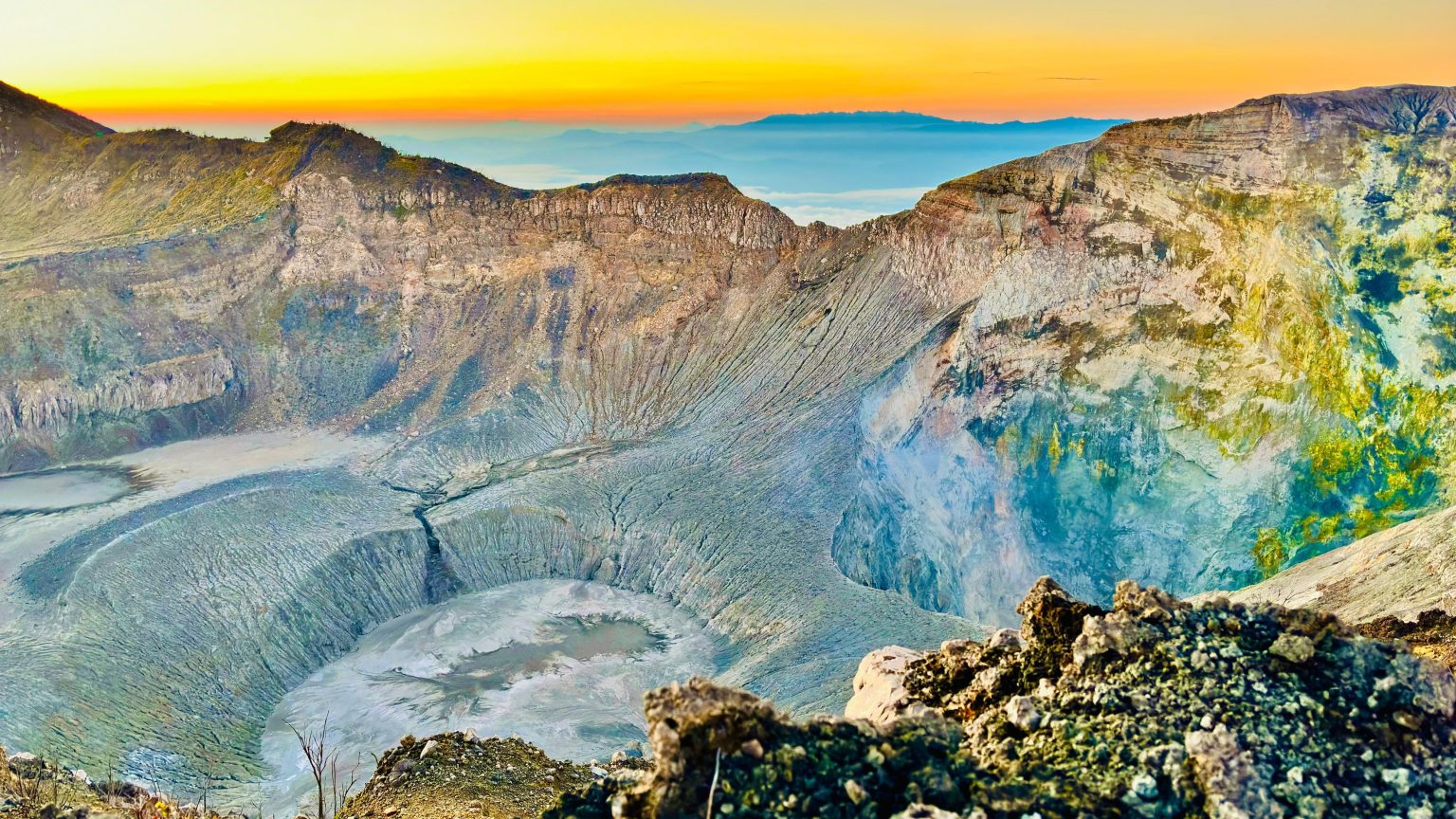
A broad volcanic crater with rugged mineral-coloured walls beneath a golden horizon.
Photo by marbizu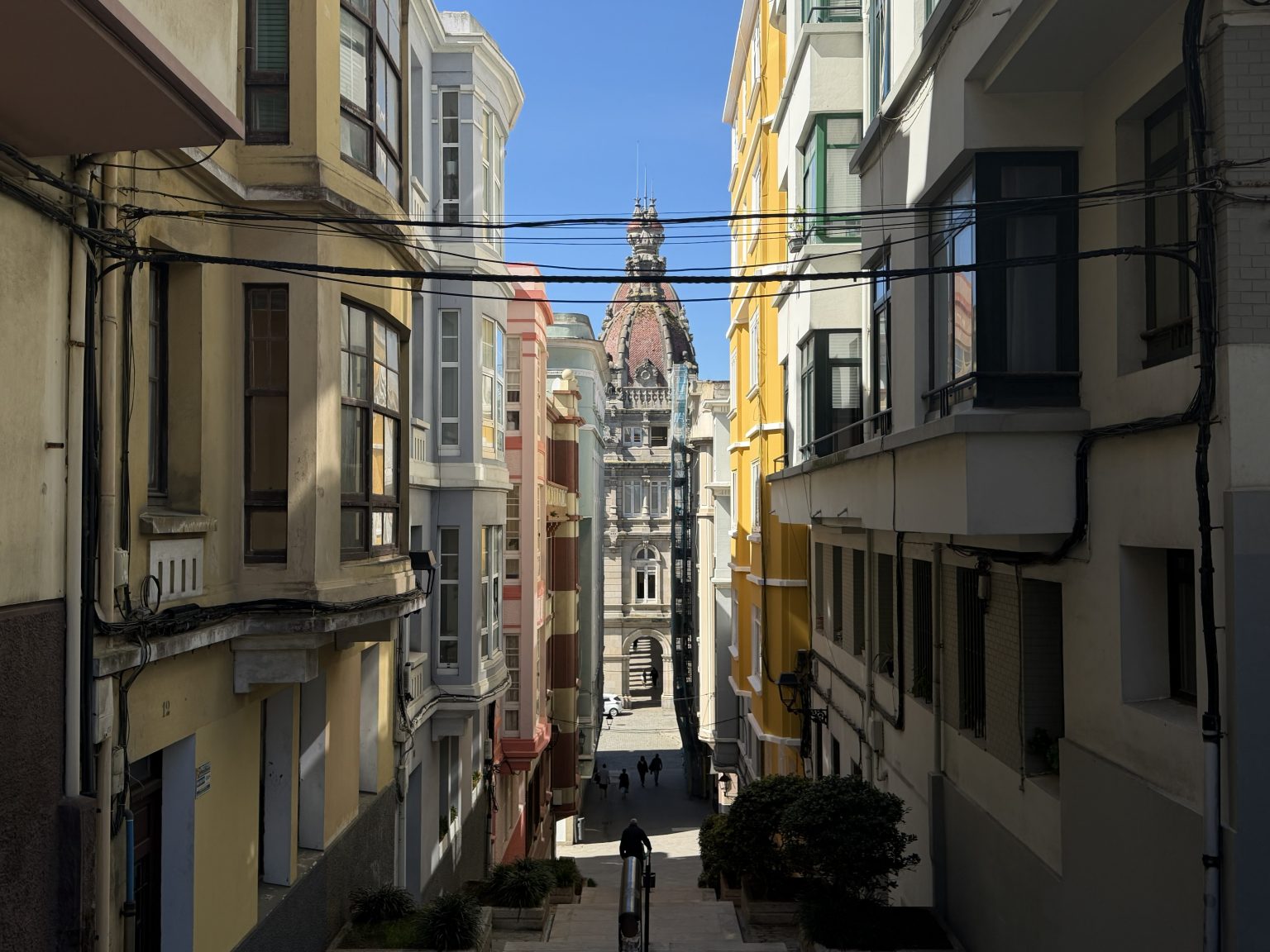
A narrow street framed by glazed balconies leading to A Coruña City Hall under blue sky.
Photo by Daniel Díaz Canosa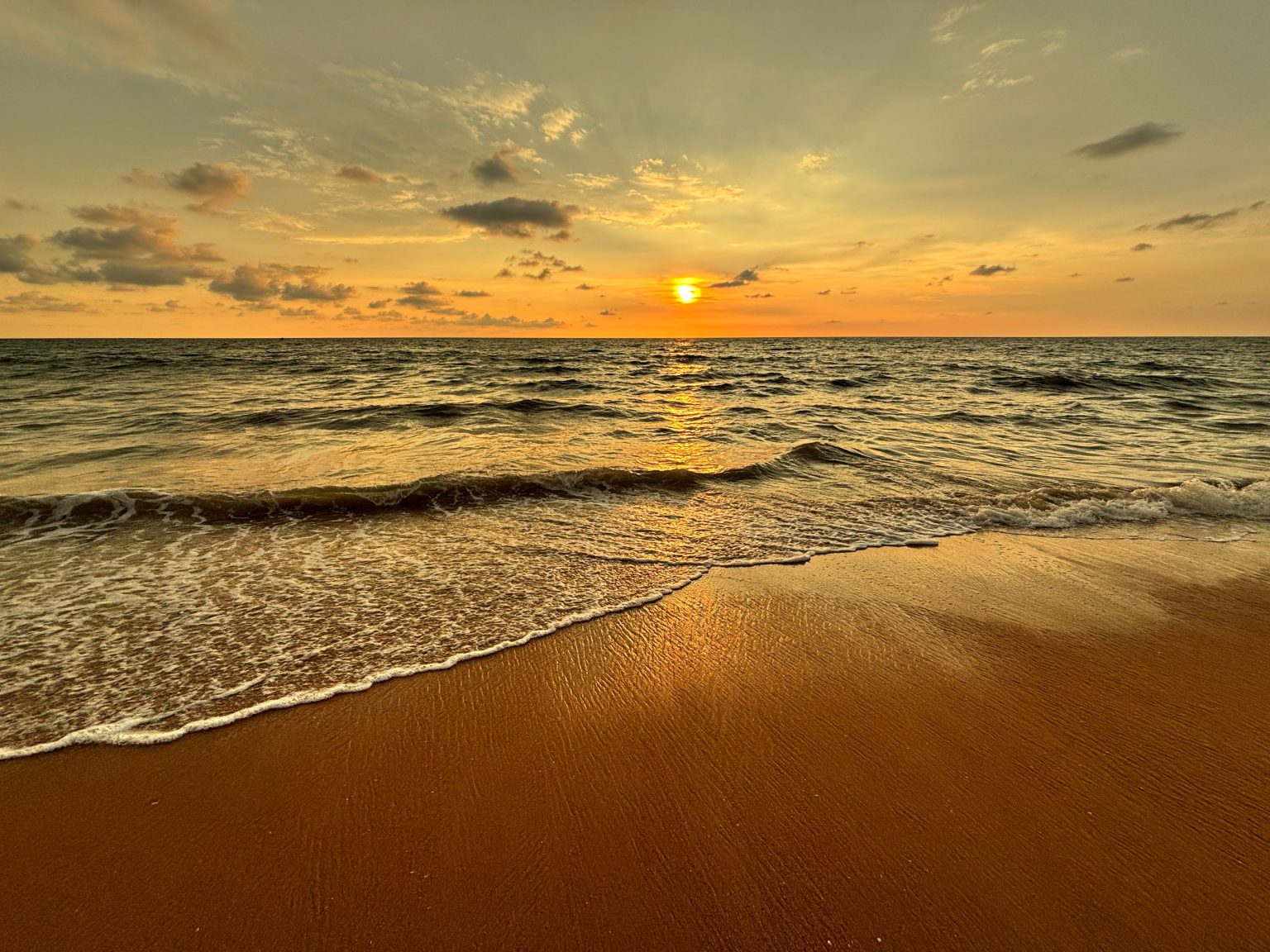
Golden sunset over Negombo Beach with gentle waves curling onto warm sand.
Photo by upekar99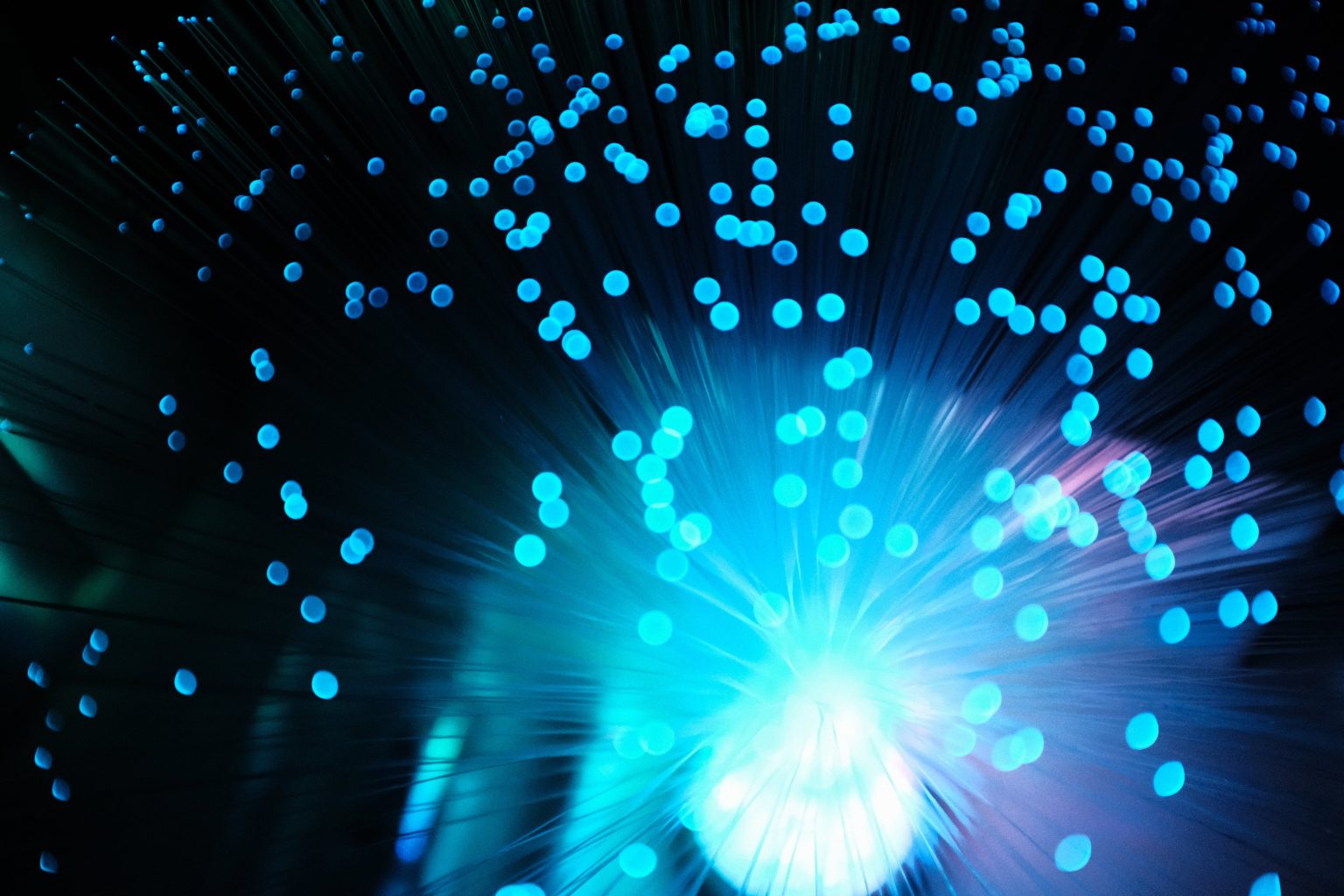
Bright cyan points of light radiating from glowing fibres against black.
Photo by Marcus Kazmierczak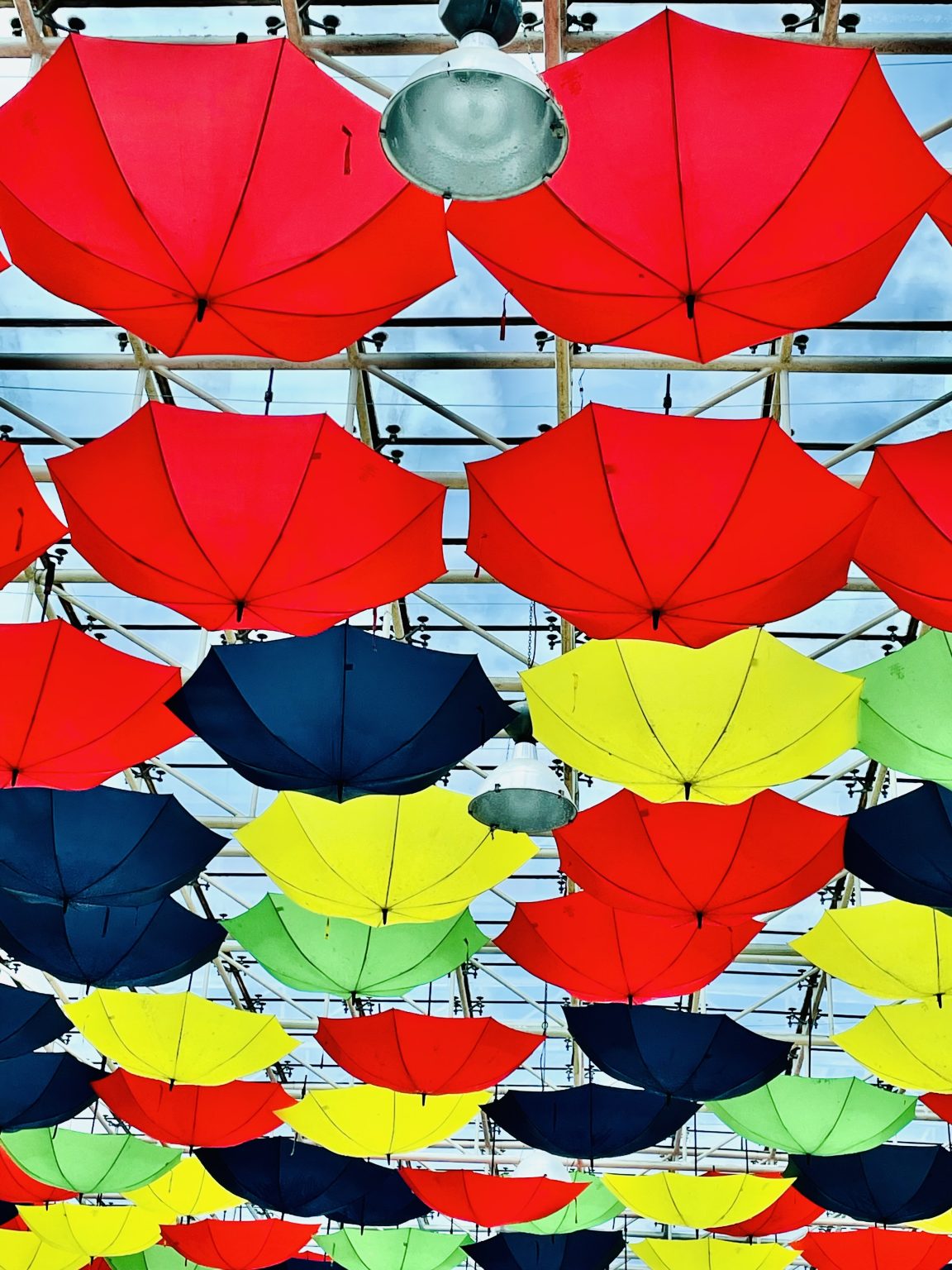
Red, yellow, green and blue umbrellas suspended beneath a glass roof.
Photo by Bigul Malayi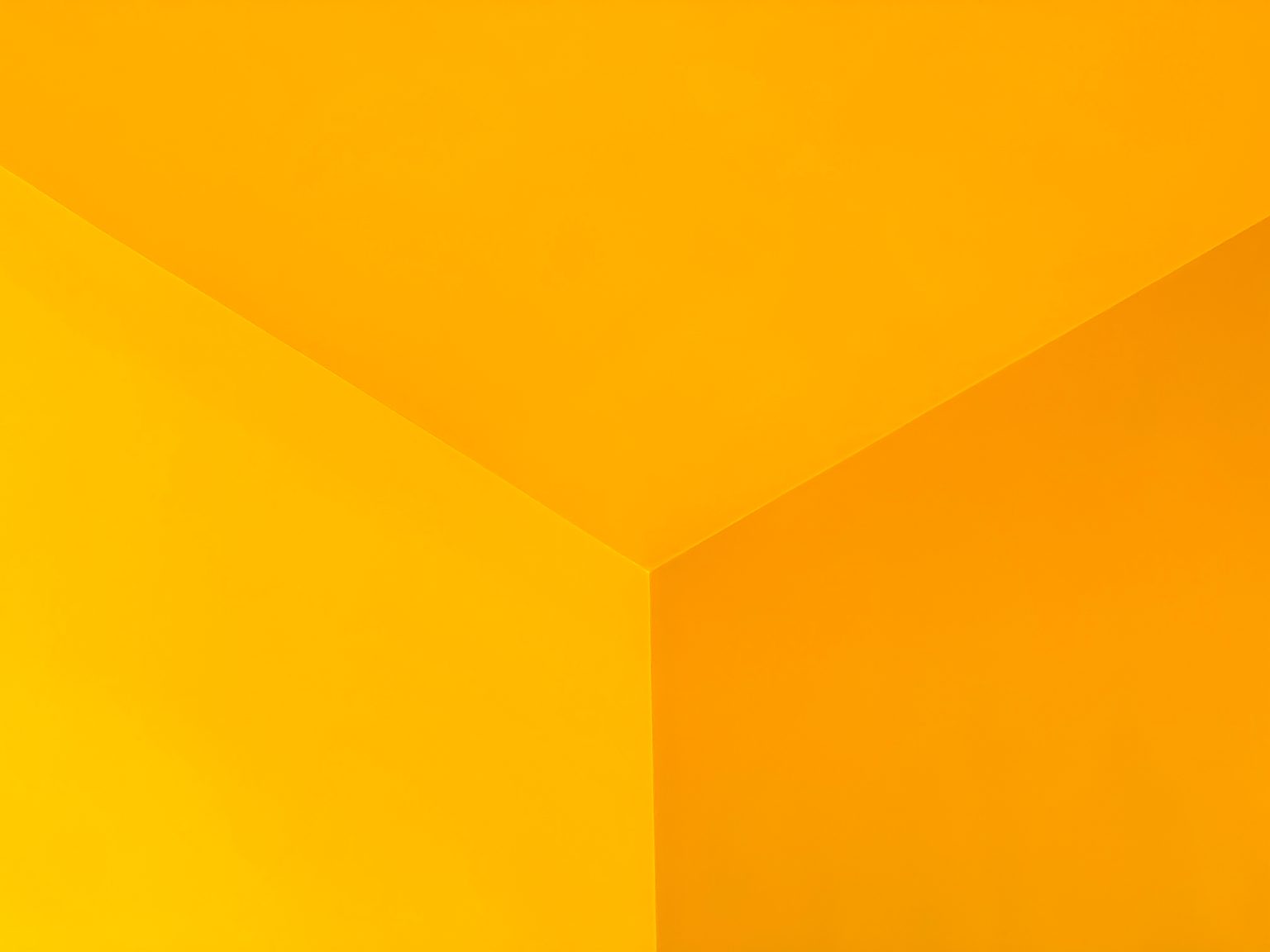
Three vivid yellow wall and ceiling planes meeting at a corner.
Photo by Jakub Pawelec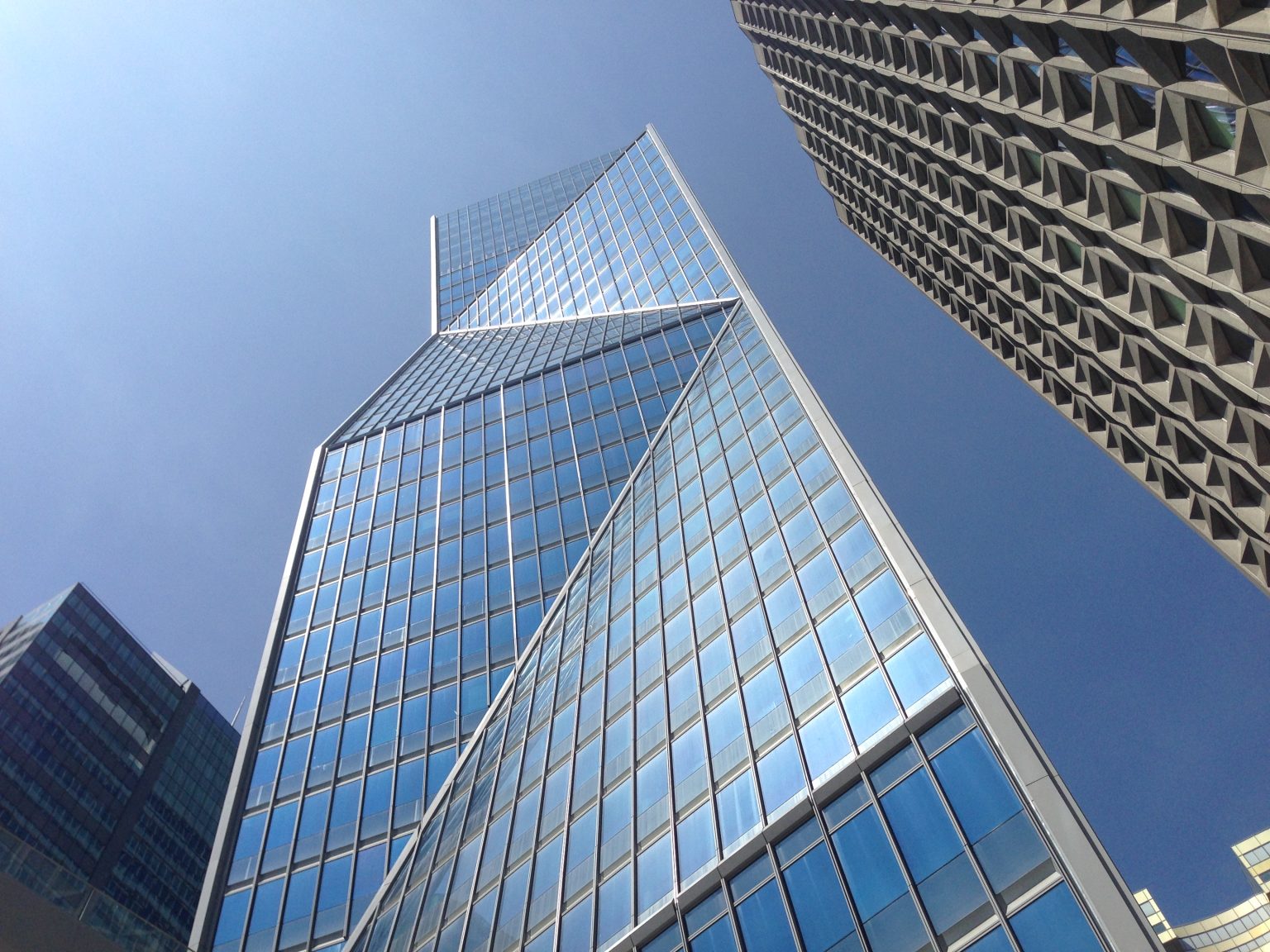
A geometric glass tower rising into a clear blue sky in La Défense.
Photo by Michael Burridge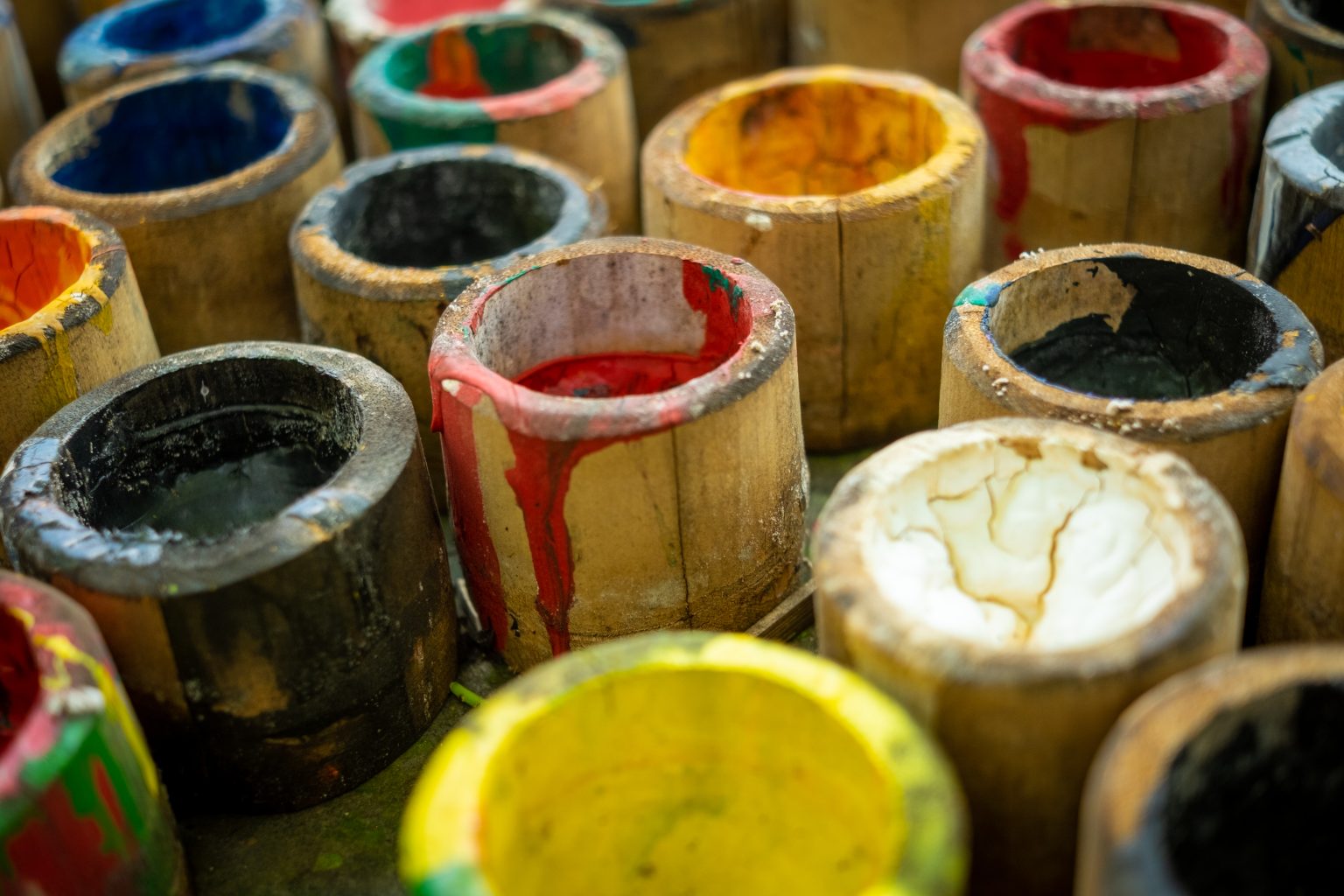
Open pots of bright yellow, red and blue pigment in an umbrella workshop.
Photo by Roy Tanck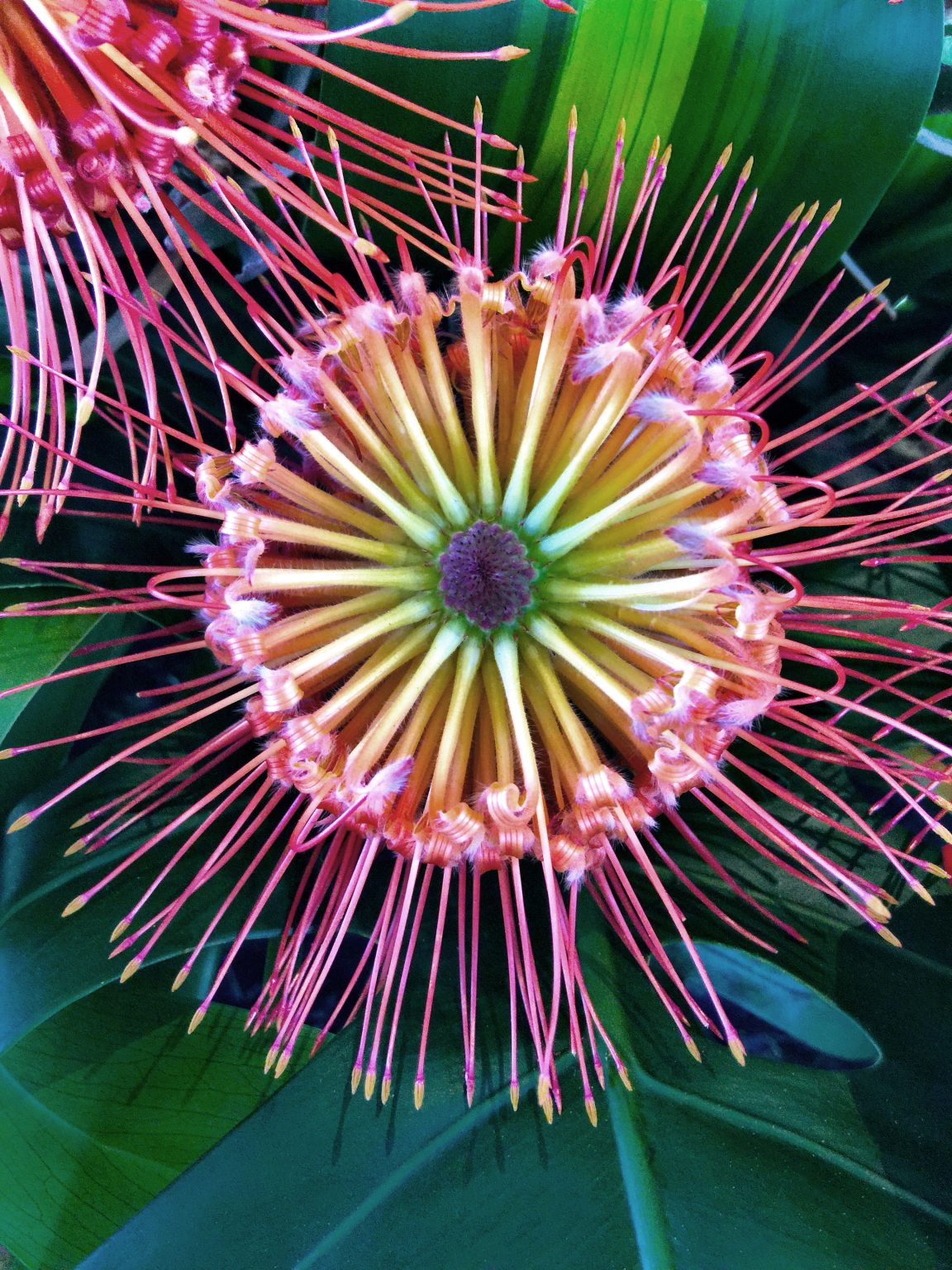
A close-up of a pink and yellow flower with fine radiating filaments.
Photo by Jennifer Bourn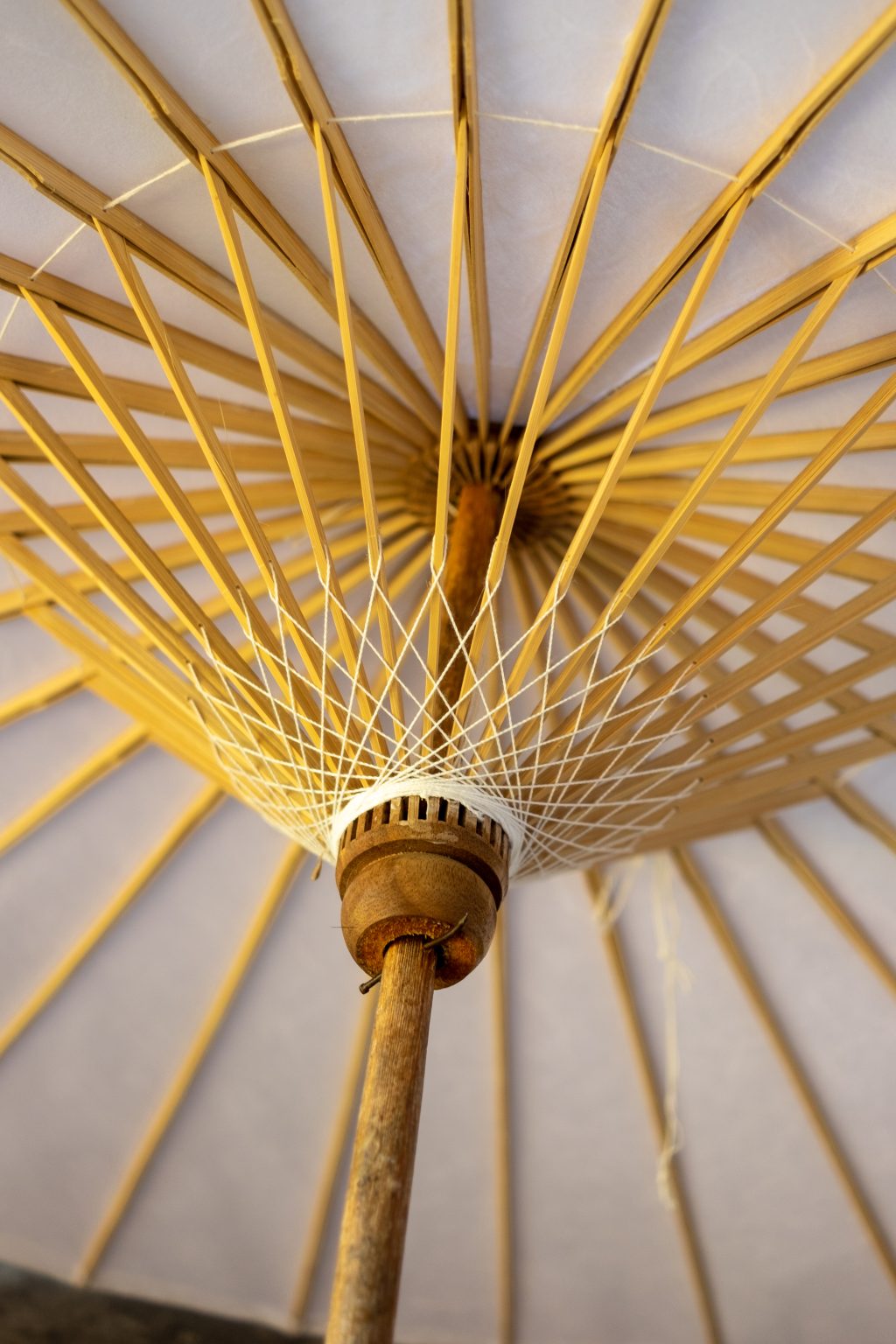
Golden wooden spokes radiating beneath a handmade umbrella in Thailand.
Photo by Roy Tanck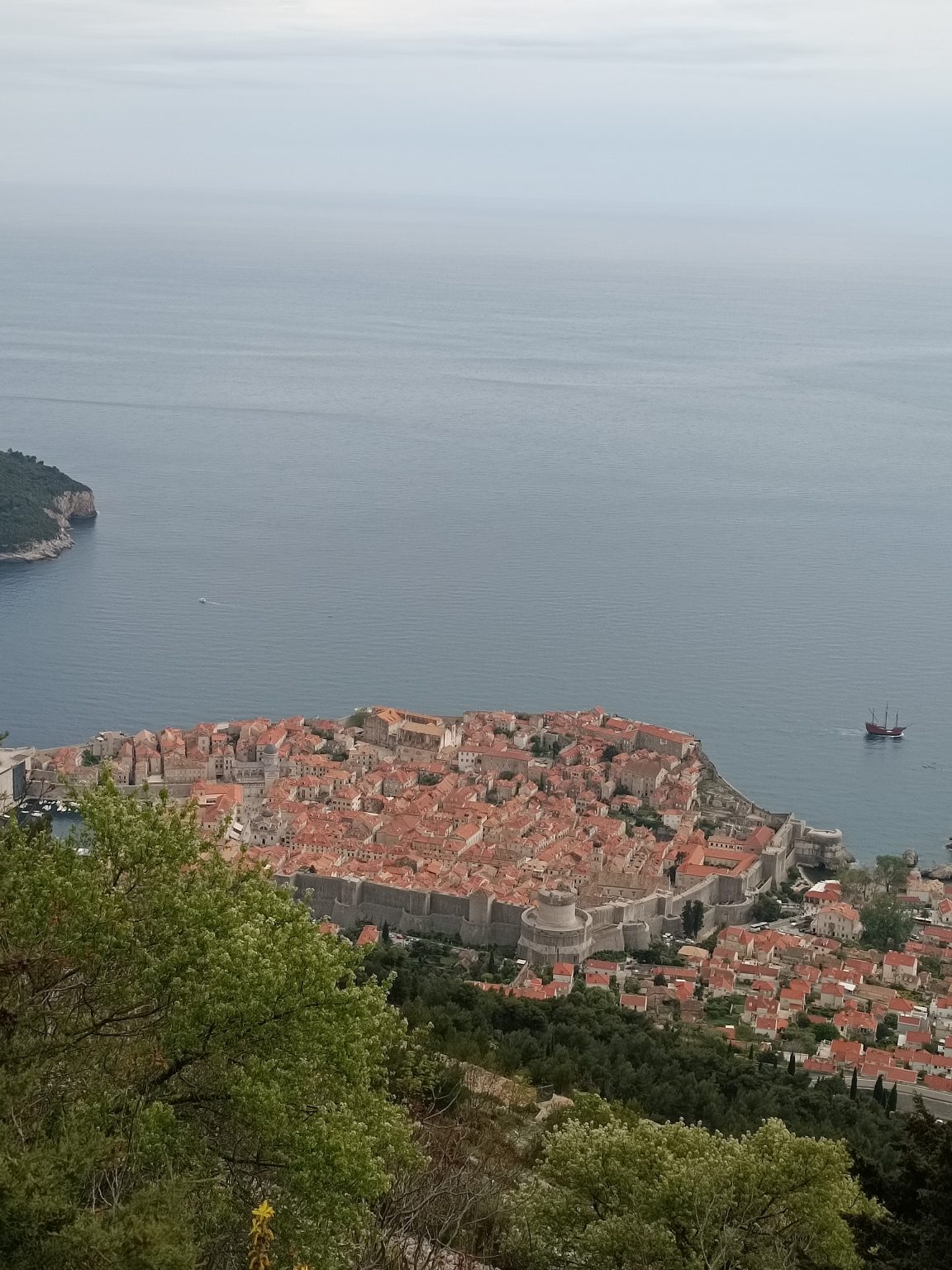
A coastal town with terracotta rooftops beside a calm blue sea.
Photo by Iker Santos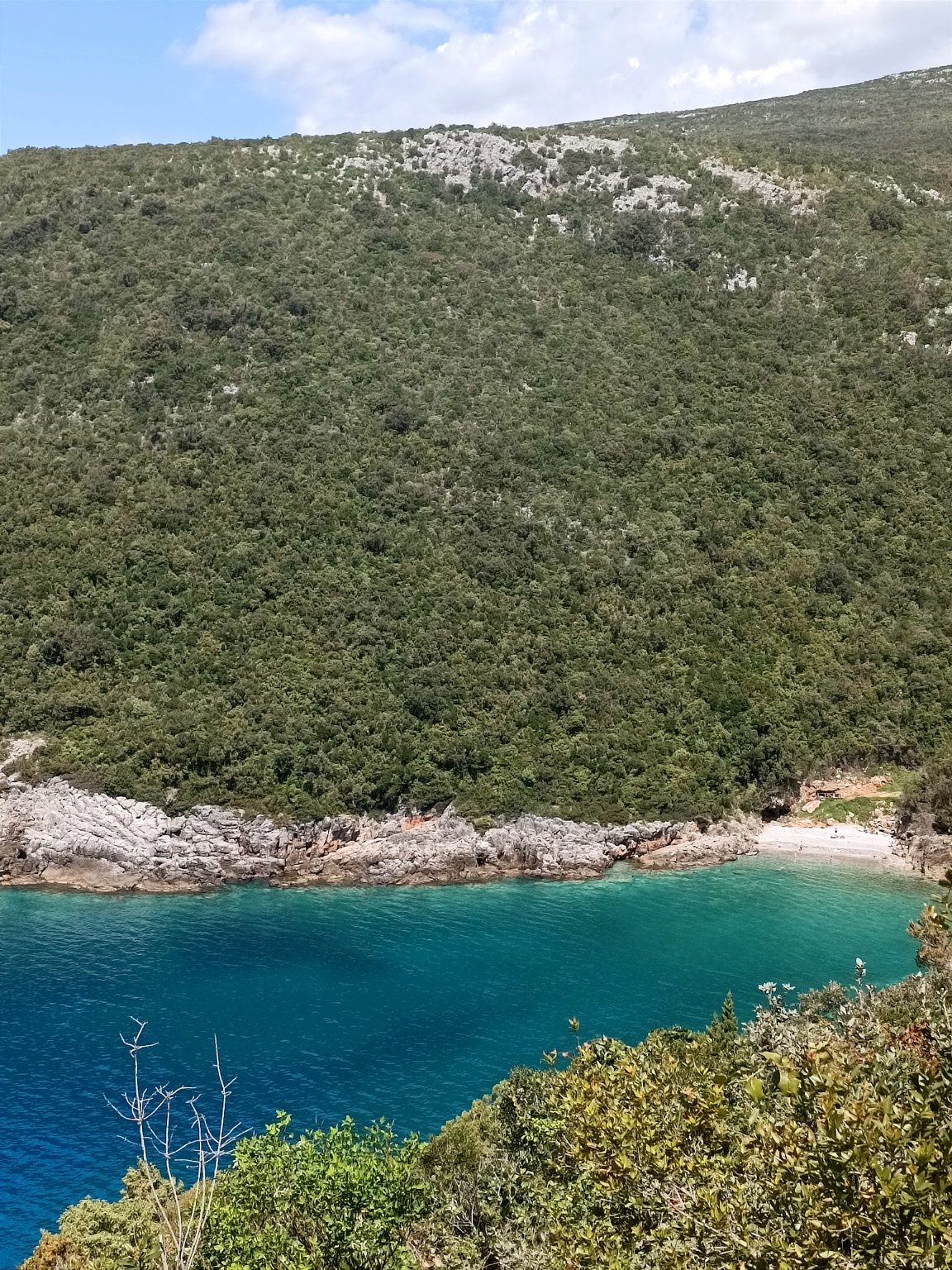
Dense green woodland above a white rocky shoreline and turquoise water.
Photo by Iker Santos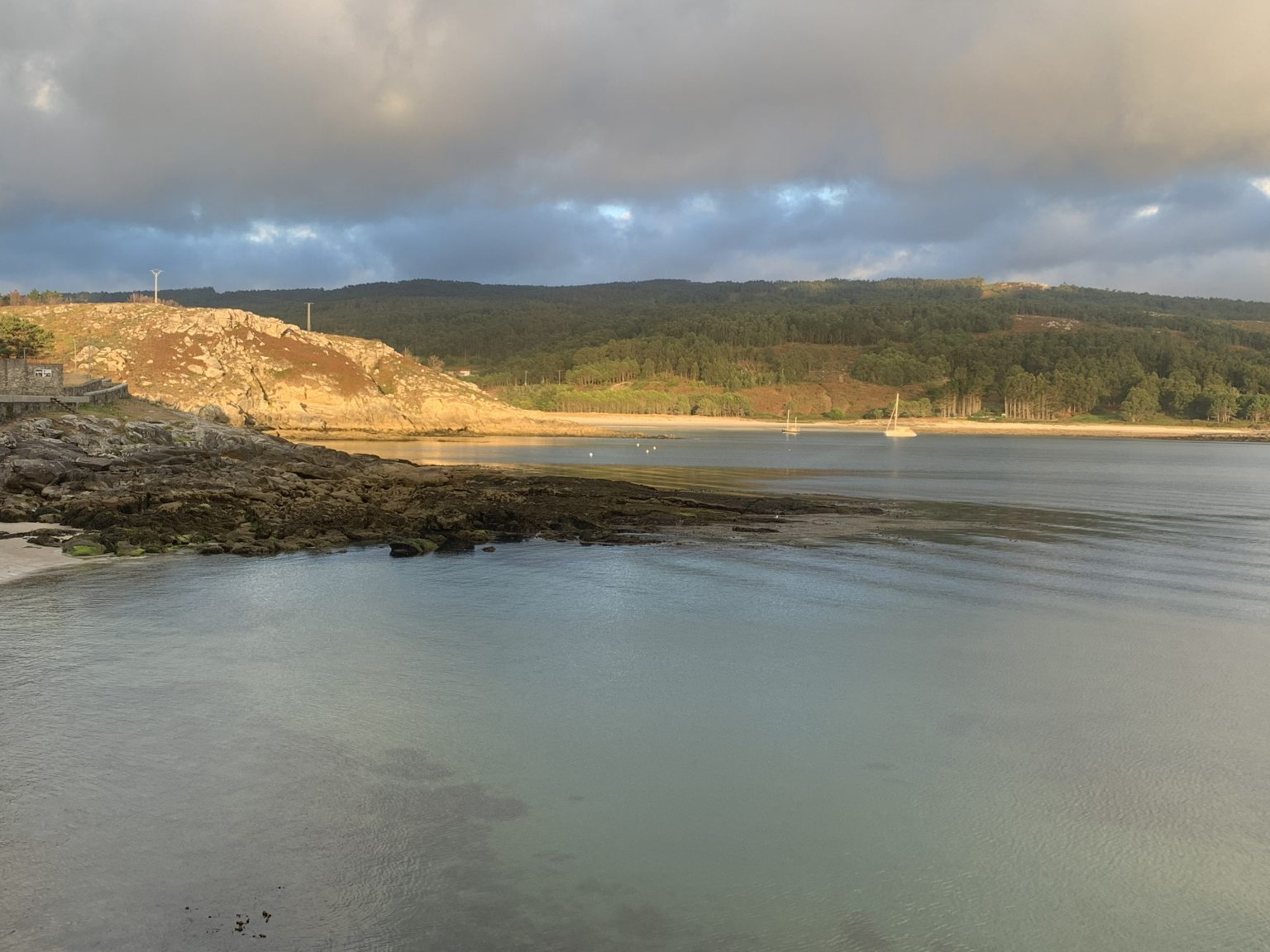
Warm sunlight crossing a sheltered rocky cove beneath dark clouds.
Photo by Damián Ponte Mosqueira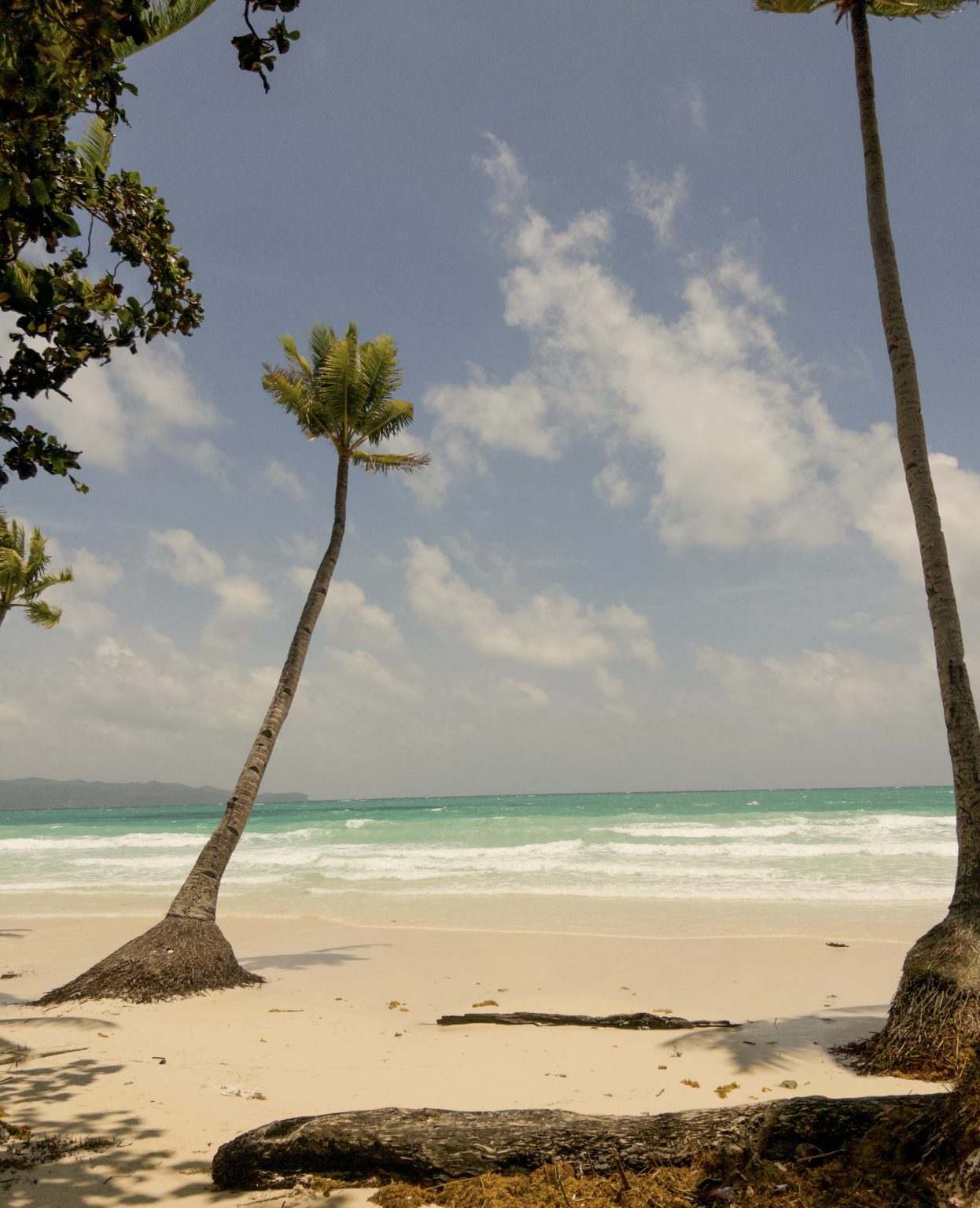
A leaning palm tree above a pale beach and turquoise surf.
Photo by yfpollicar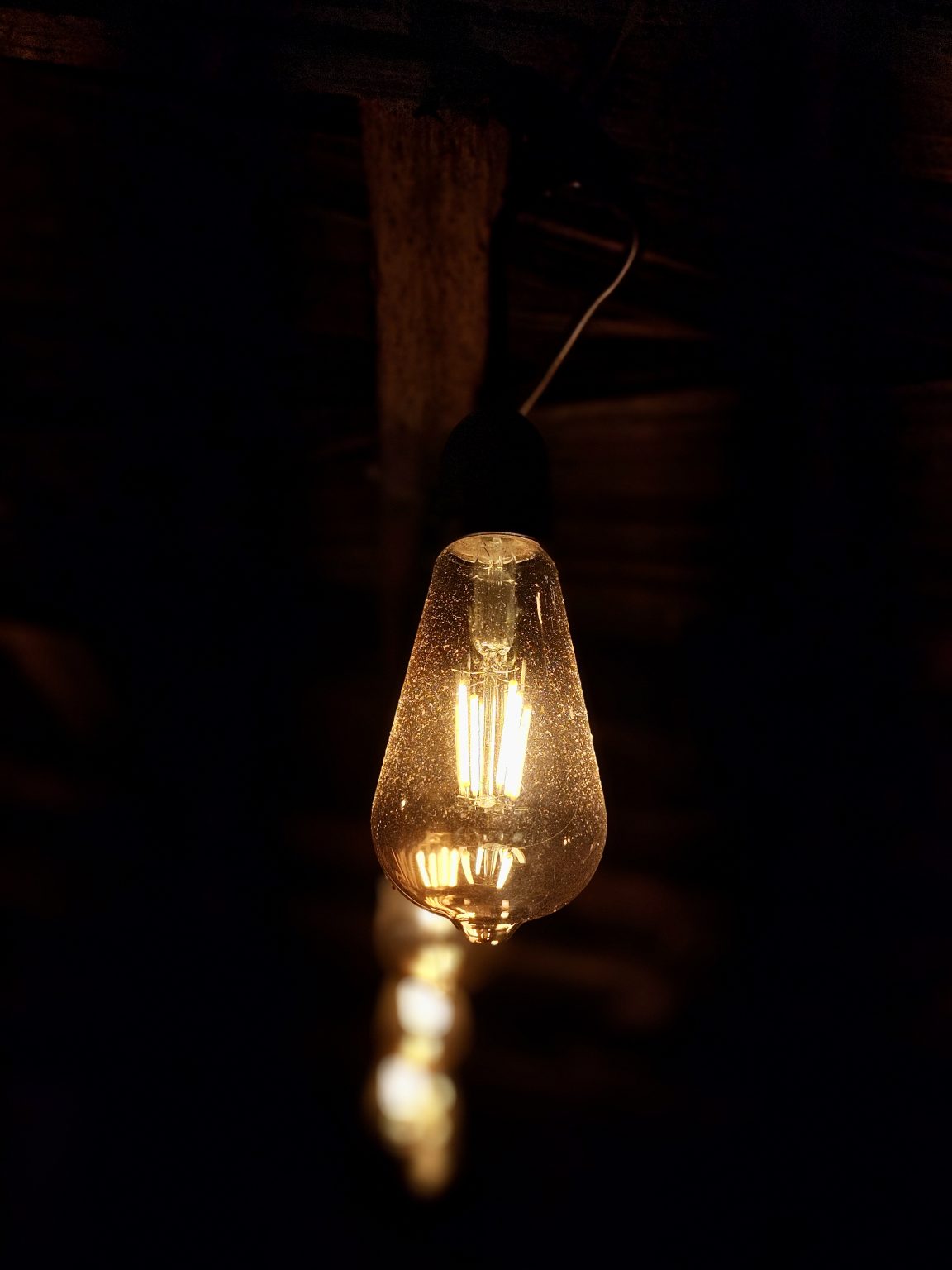
A glowing pendant light against a dark interior.
Photo by Bigul Malayi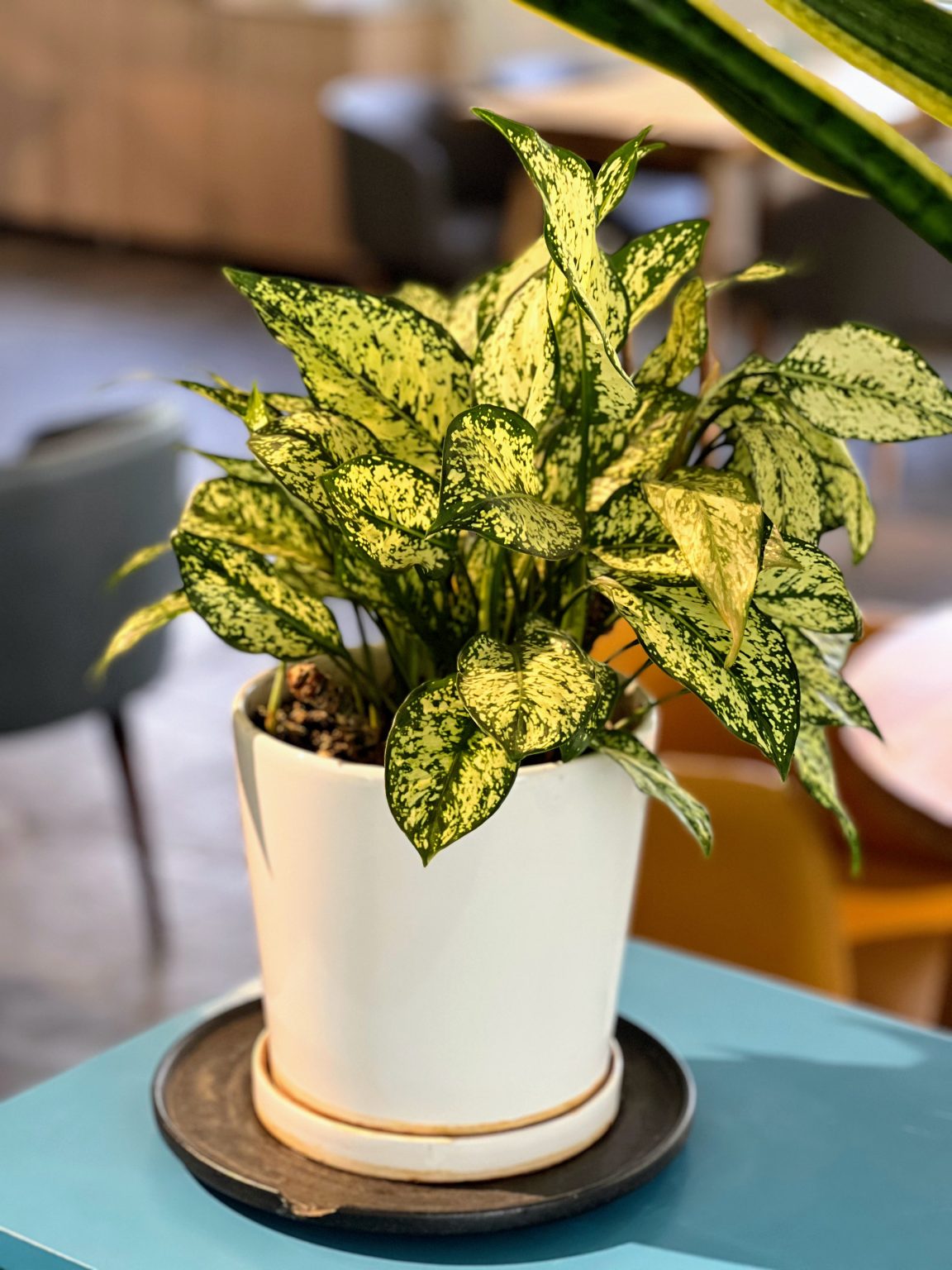
Green and cream leaves of a potted plant.
Photo by Alina Kakshapati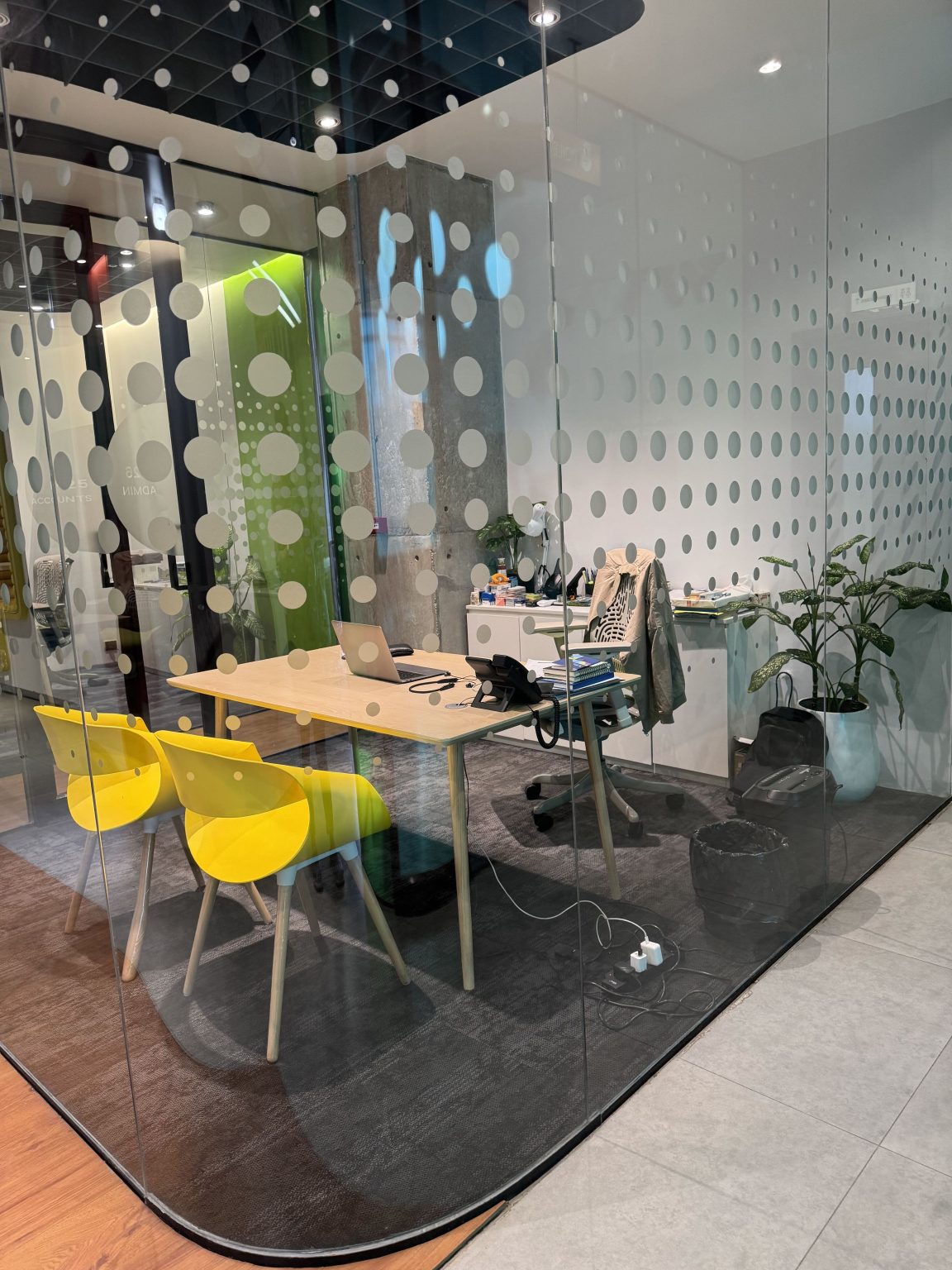
A bright workspace behind patterned glass, with yellow chairs and plants.
Photo by Rashed Hossain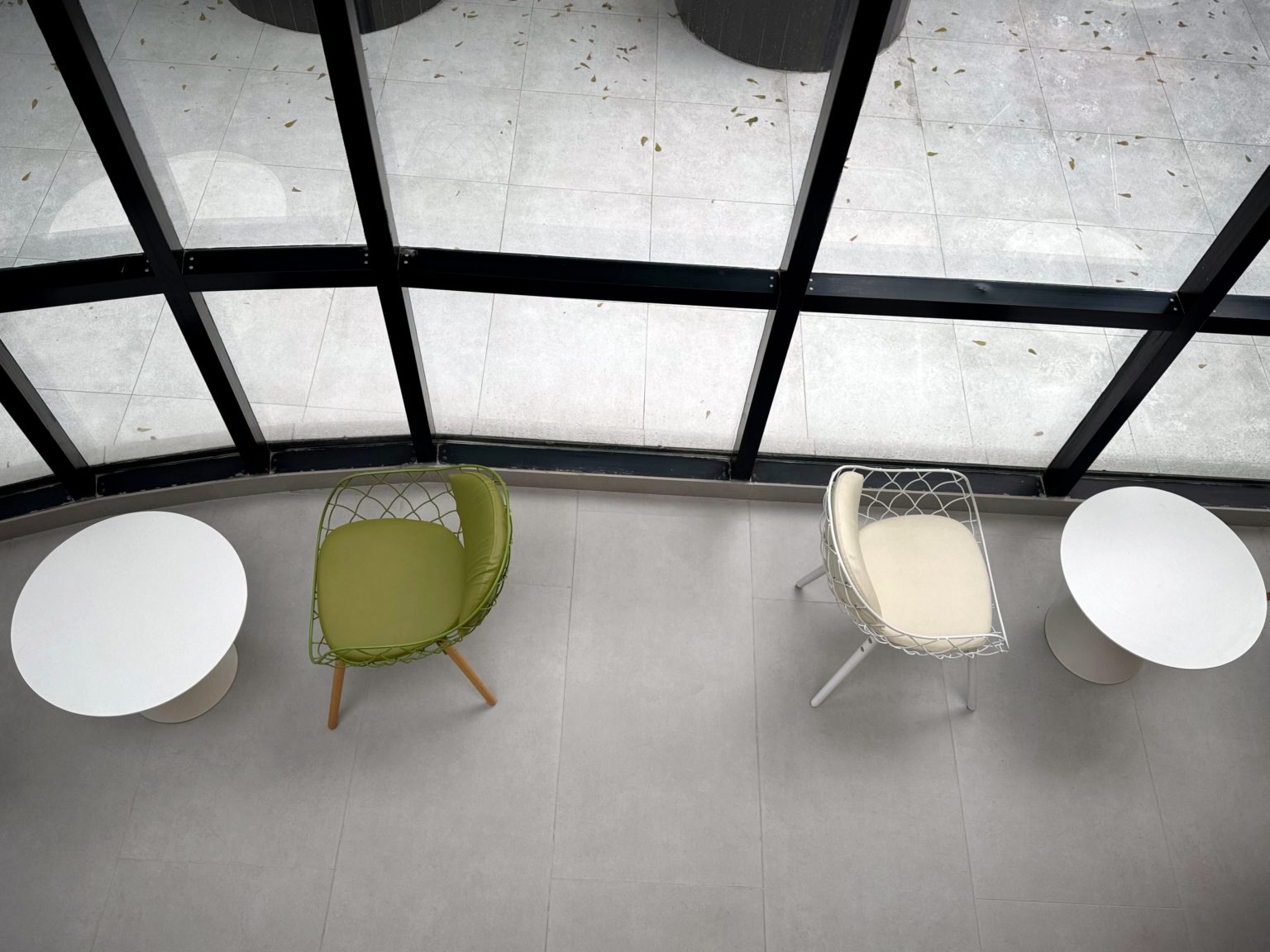
Two round white tables and green and white chairs beside tall windows, seen from above.
Photo by Rashed Hossain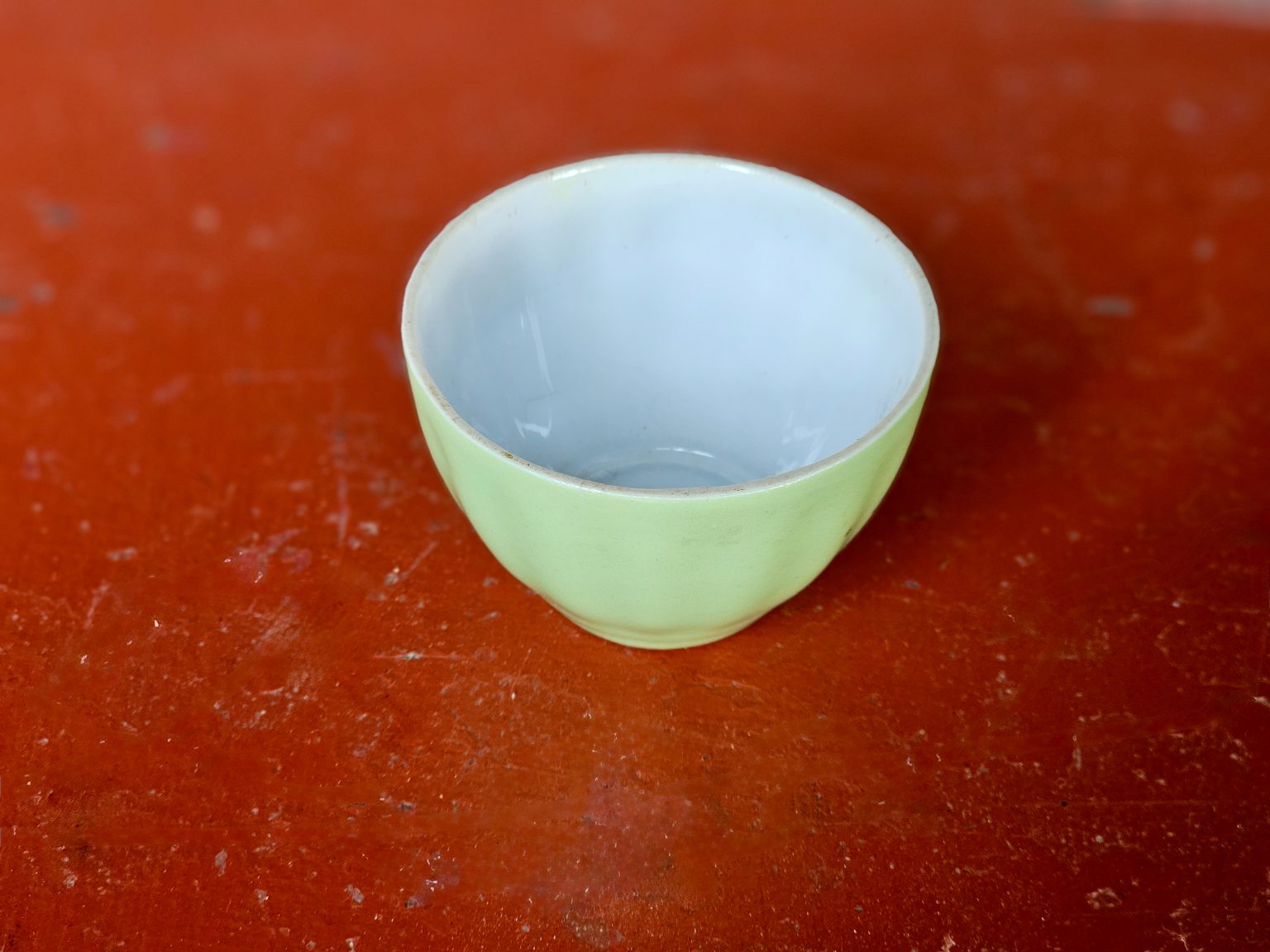
A pale green ceramic bowl on a warm red tabletop.
Photo by Bigul Malayi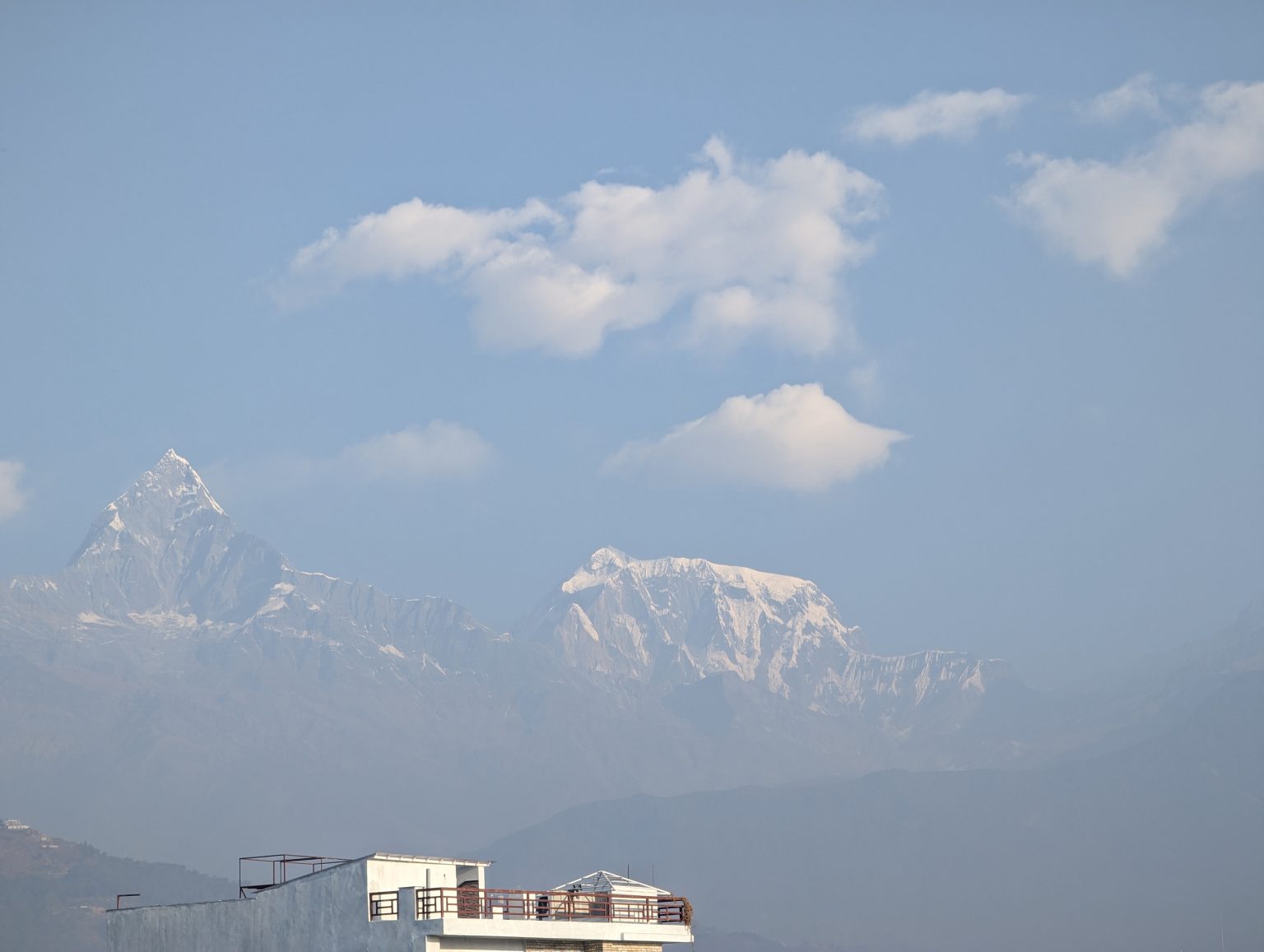
Snow-covered mountain peaks emerging through pale blue haze.
Photo by Rashed Hossain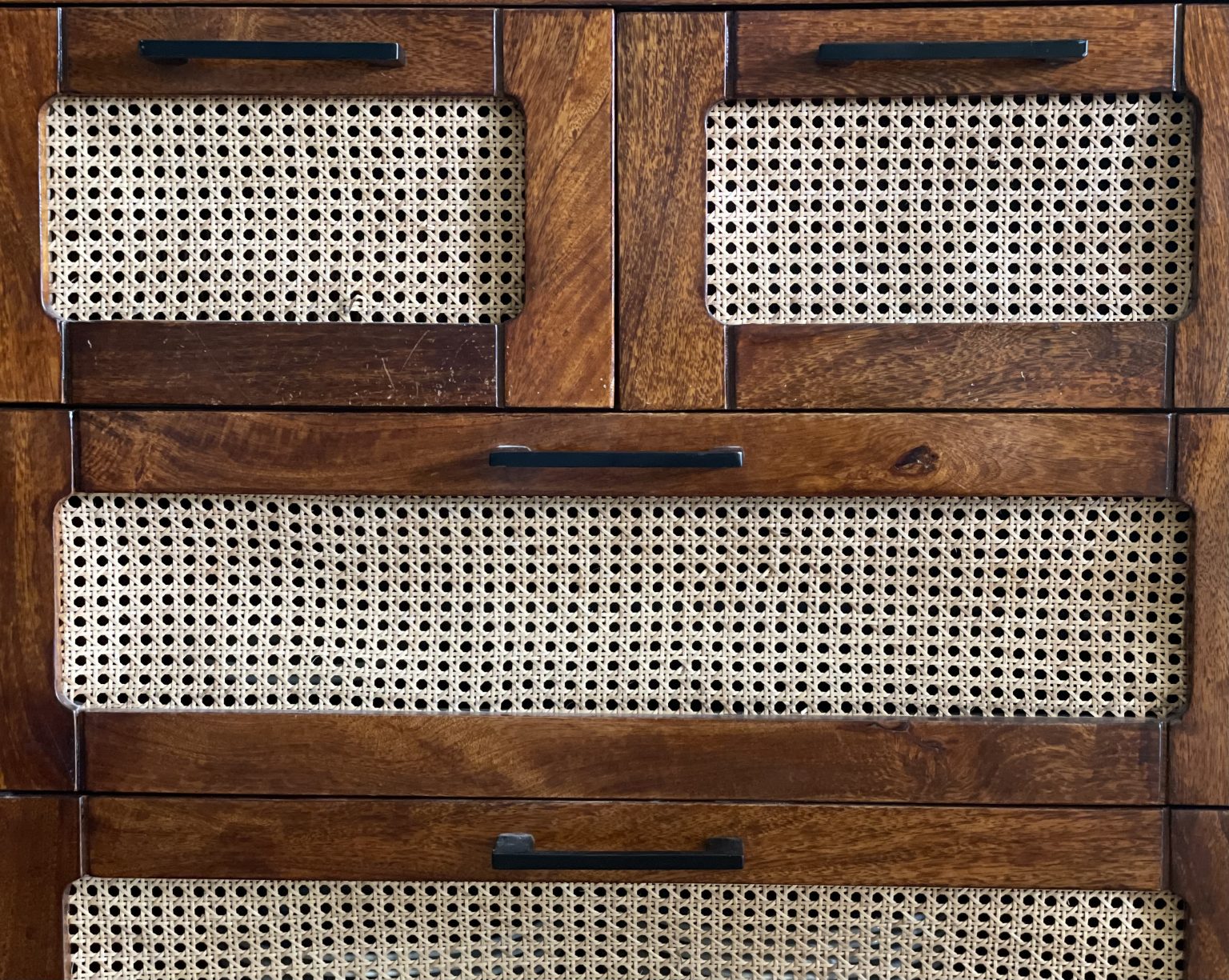
A wooden cabinet with woven cane panels and a dark metal handle.
Photo by Tilak Bahadur Karki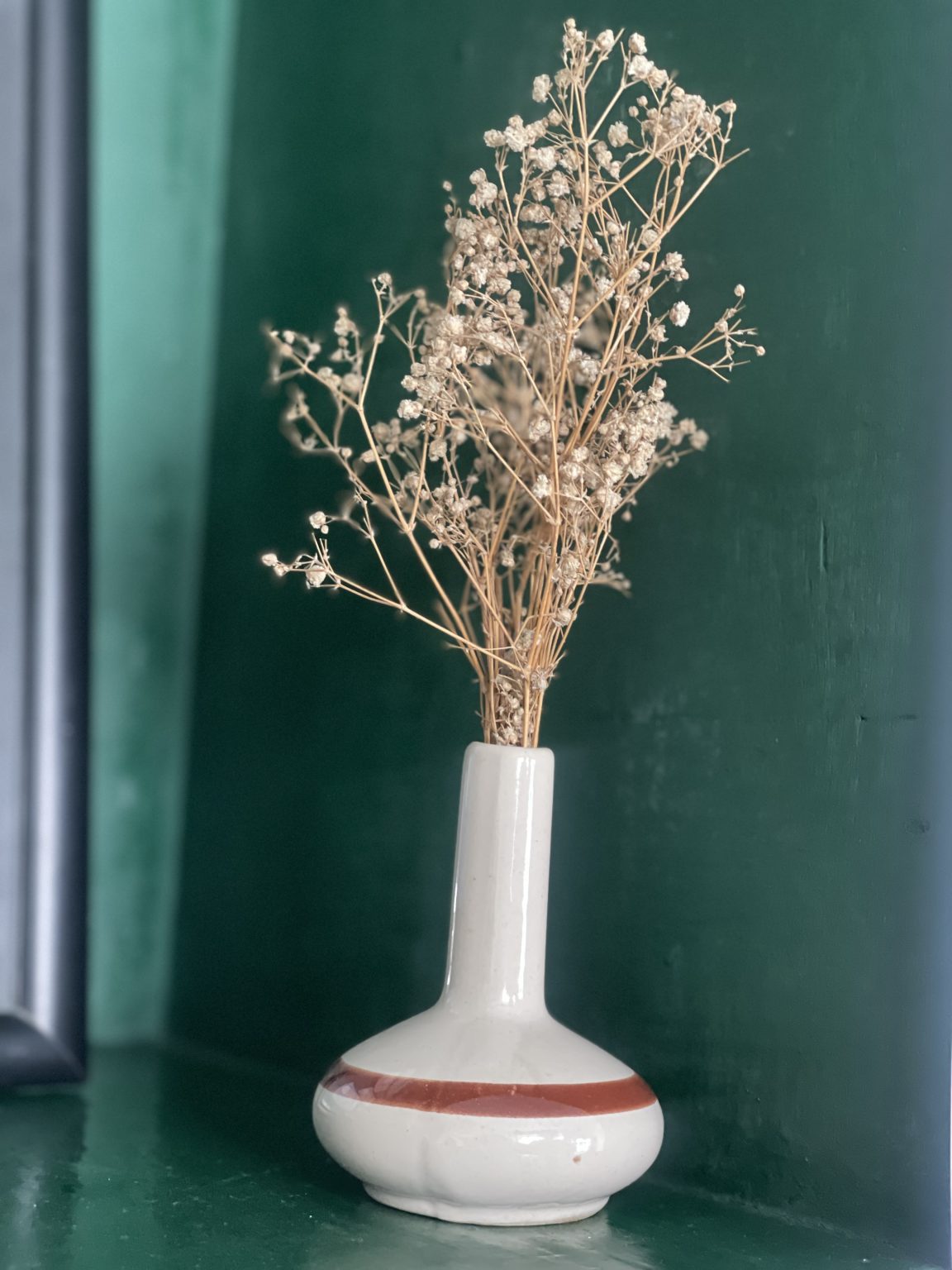
Dried flowers in a slender white vase against a dark green wall.
Photo by Tilak Bahadur Karki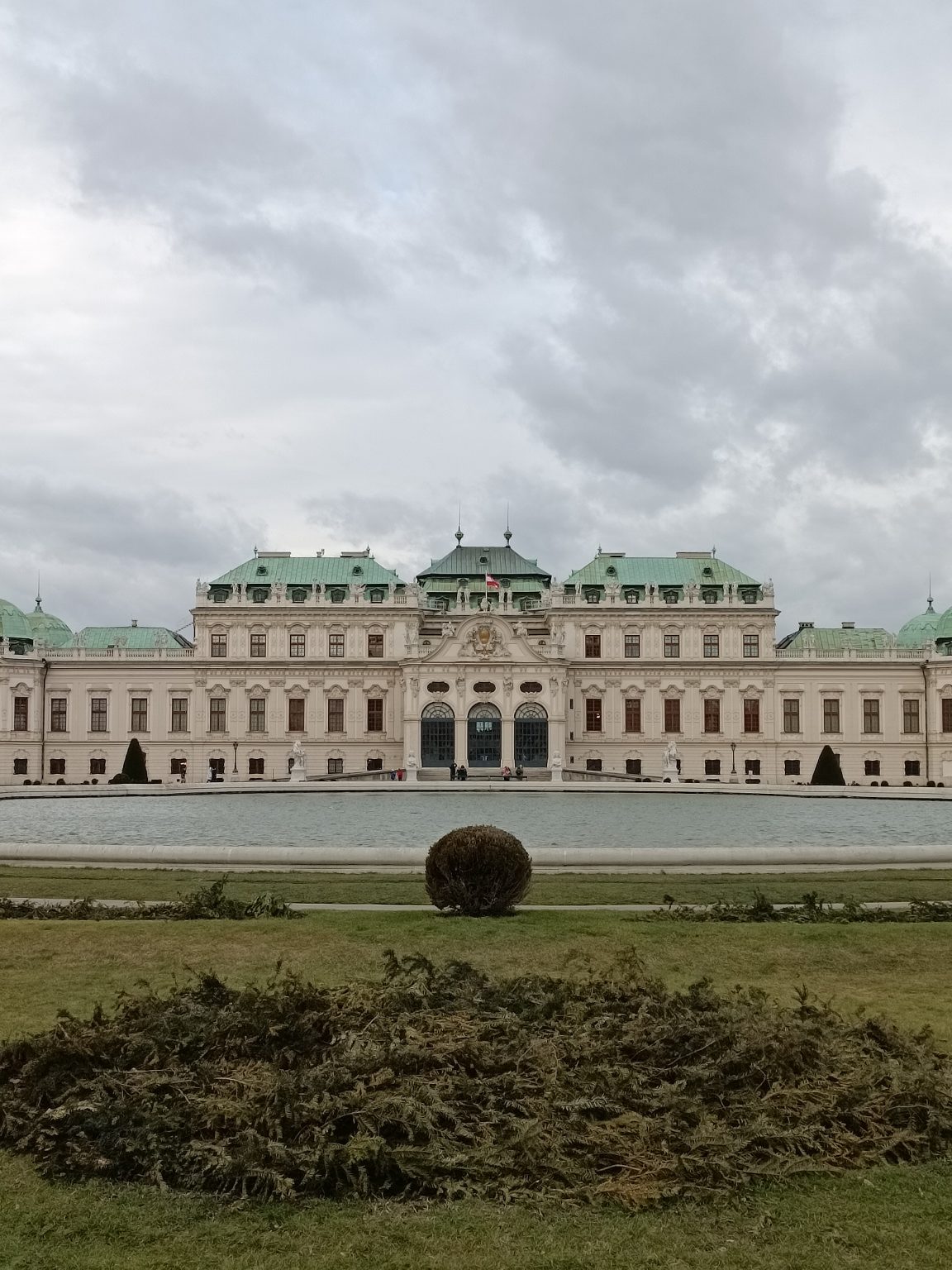
An ornate pale stone palace with a green roof beneath a cloudy sky.
Photo by Iker Santos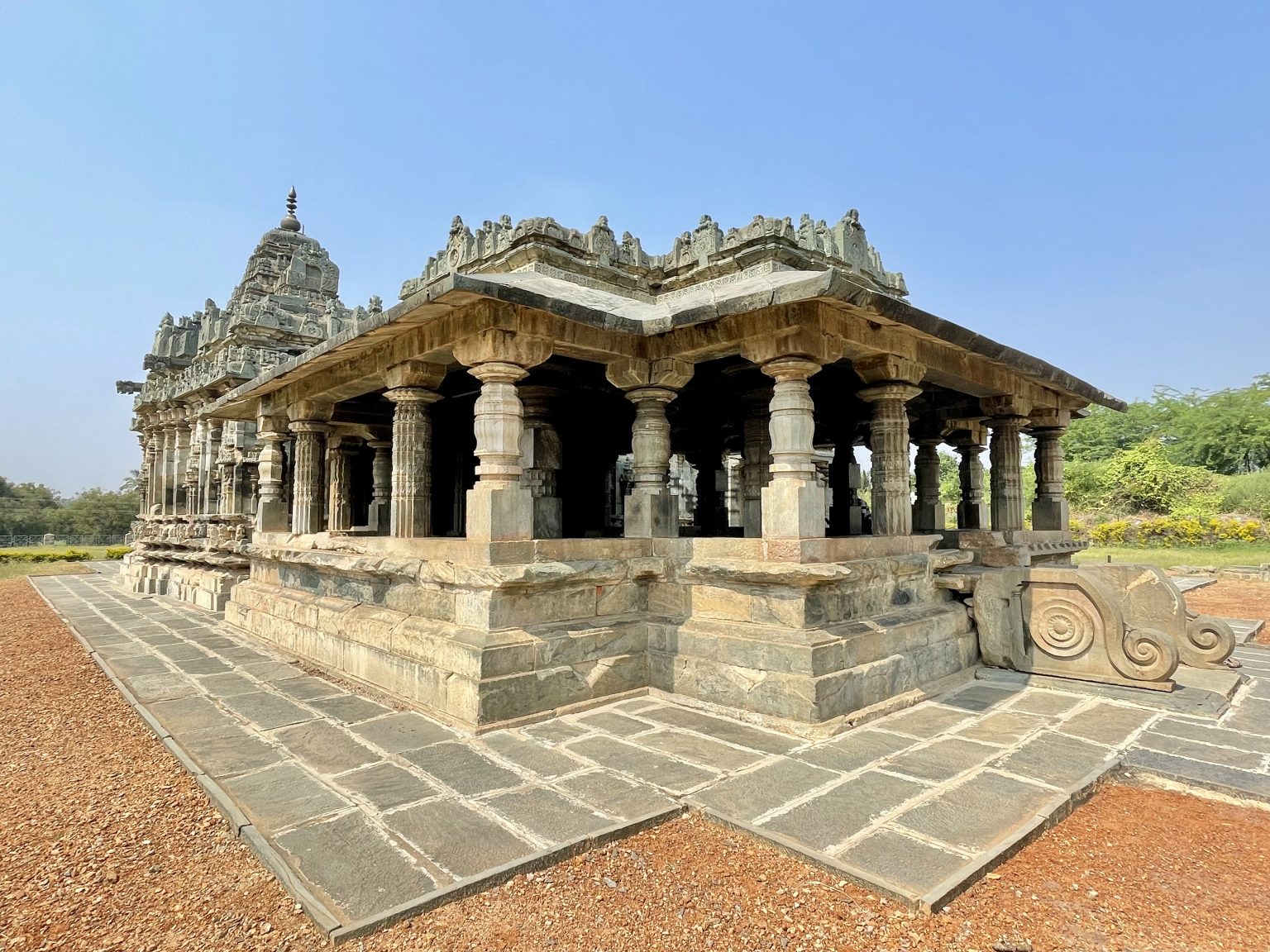
An open stone temple pavilion with carved columns in a paved courtyard.
Photo by Bigul Malayi
Portraits: generated, nobody real
Team, people and testimonial patterns use these portraits. Every one is a generated picture of a fictional person, made for Pattern Paste in one studio setup so a section reads as one team; no real person is depicted and there is no third-party licence to carry. Names and roles in the patterns are demonstration content. Replace them with photographs of your own people.
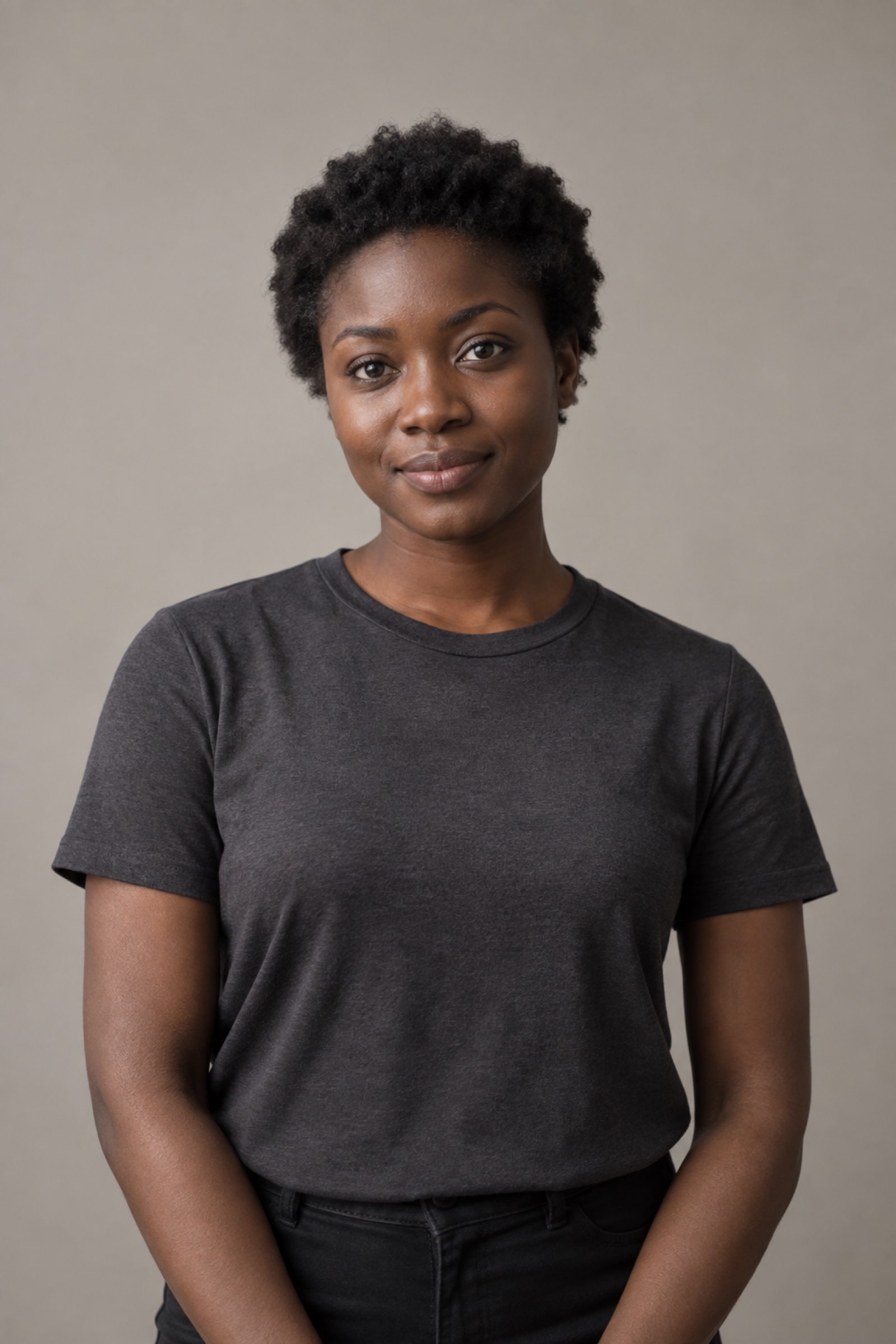 Generated image, no third-party licence
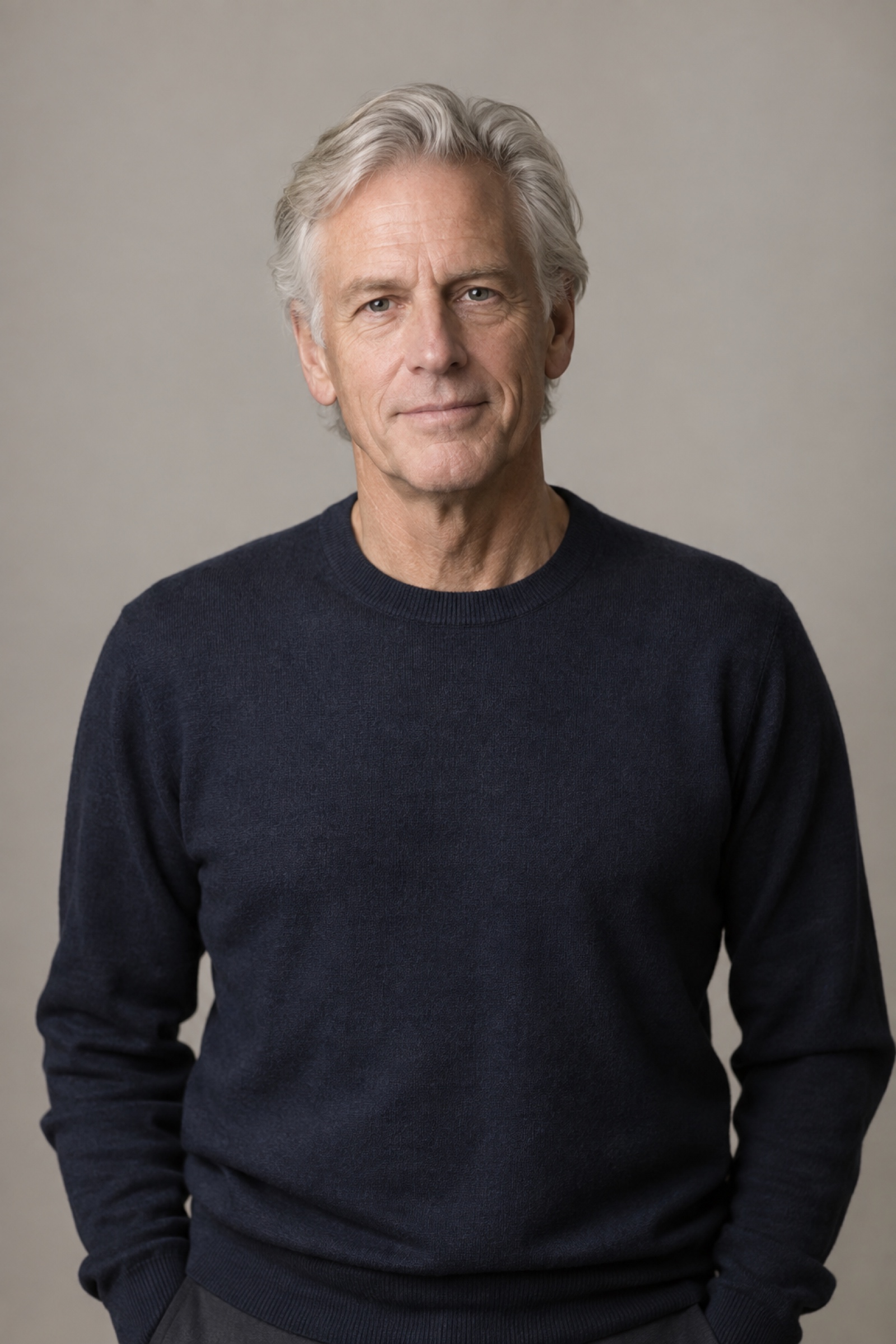 Generated image, no third-party licence
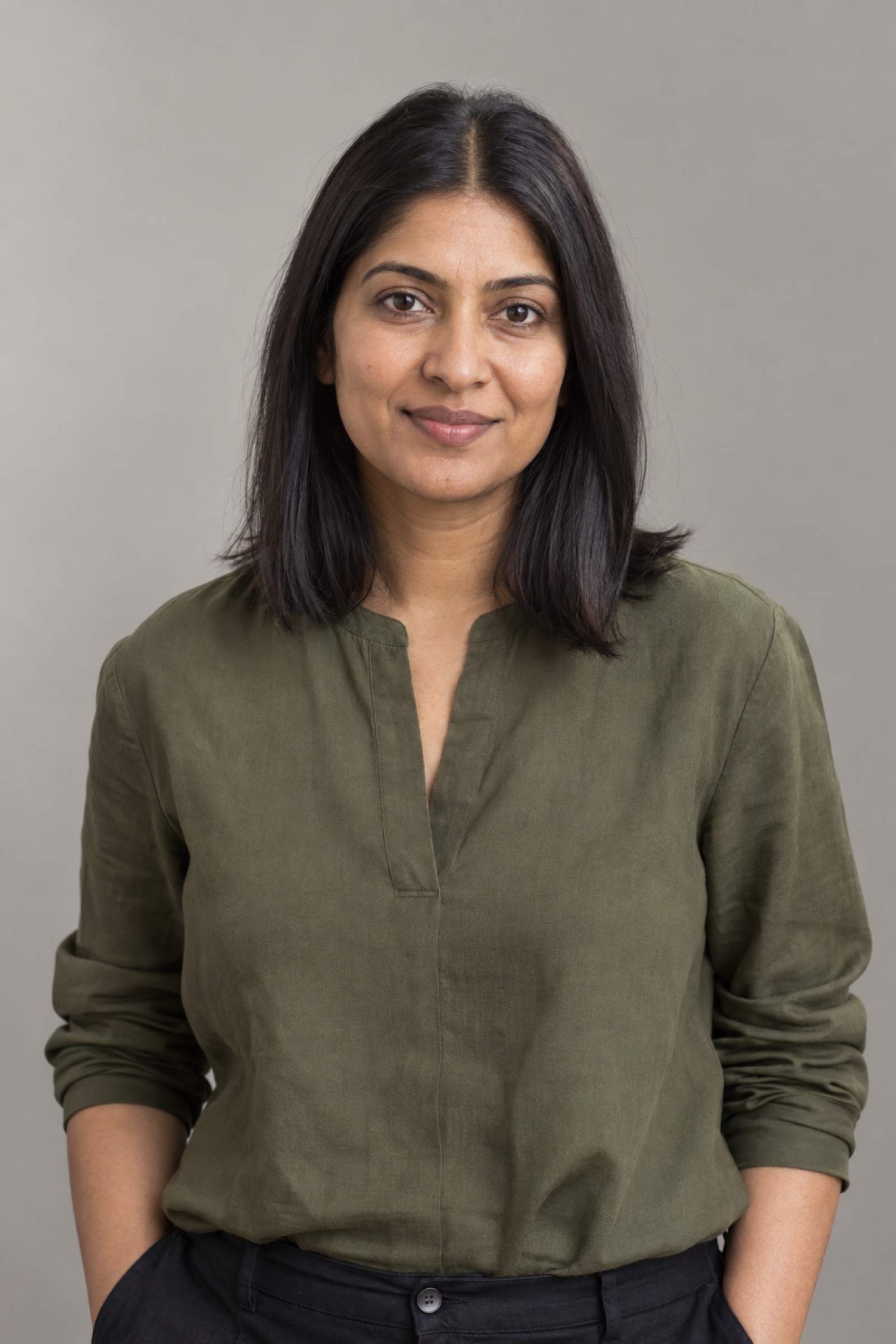 Generated image, no third-party licence
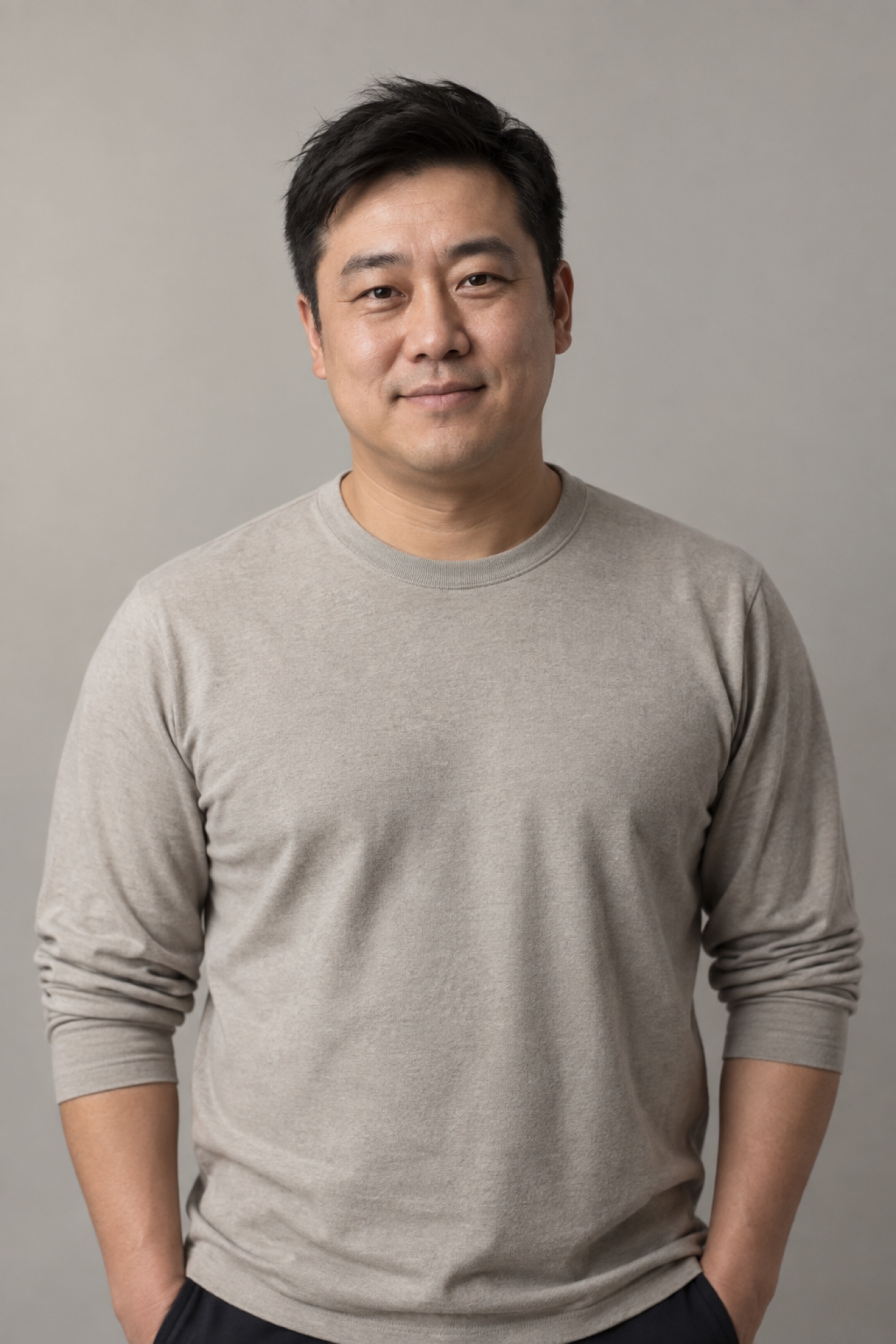 Generated image, no third-party licence
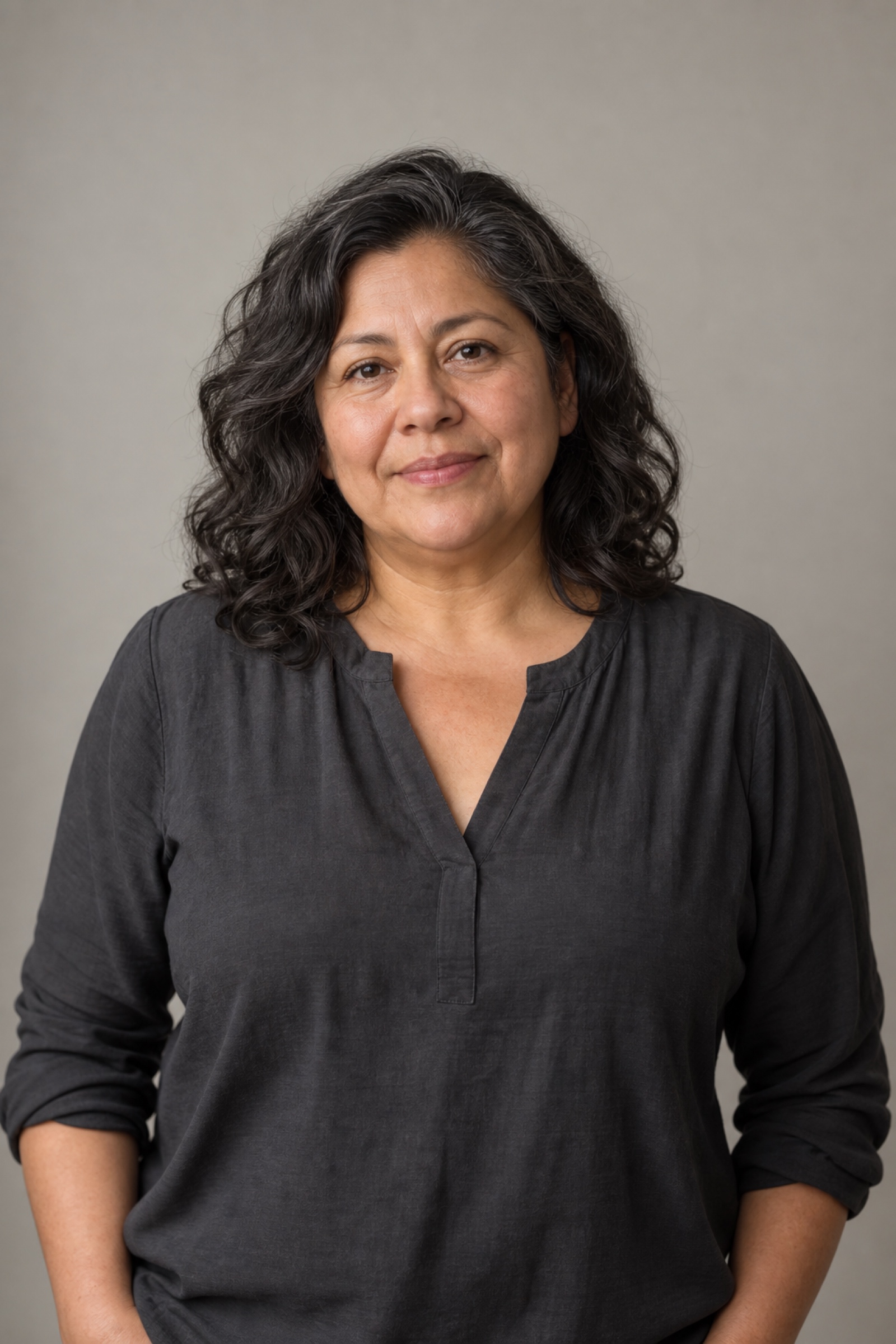 Generated image, no third-party licence
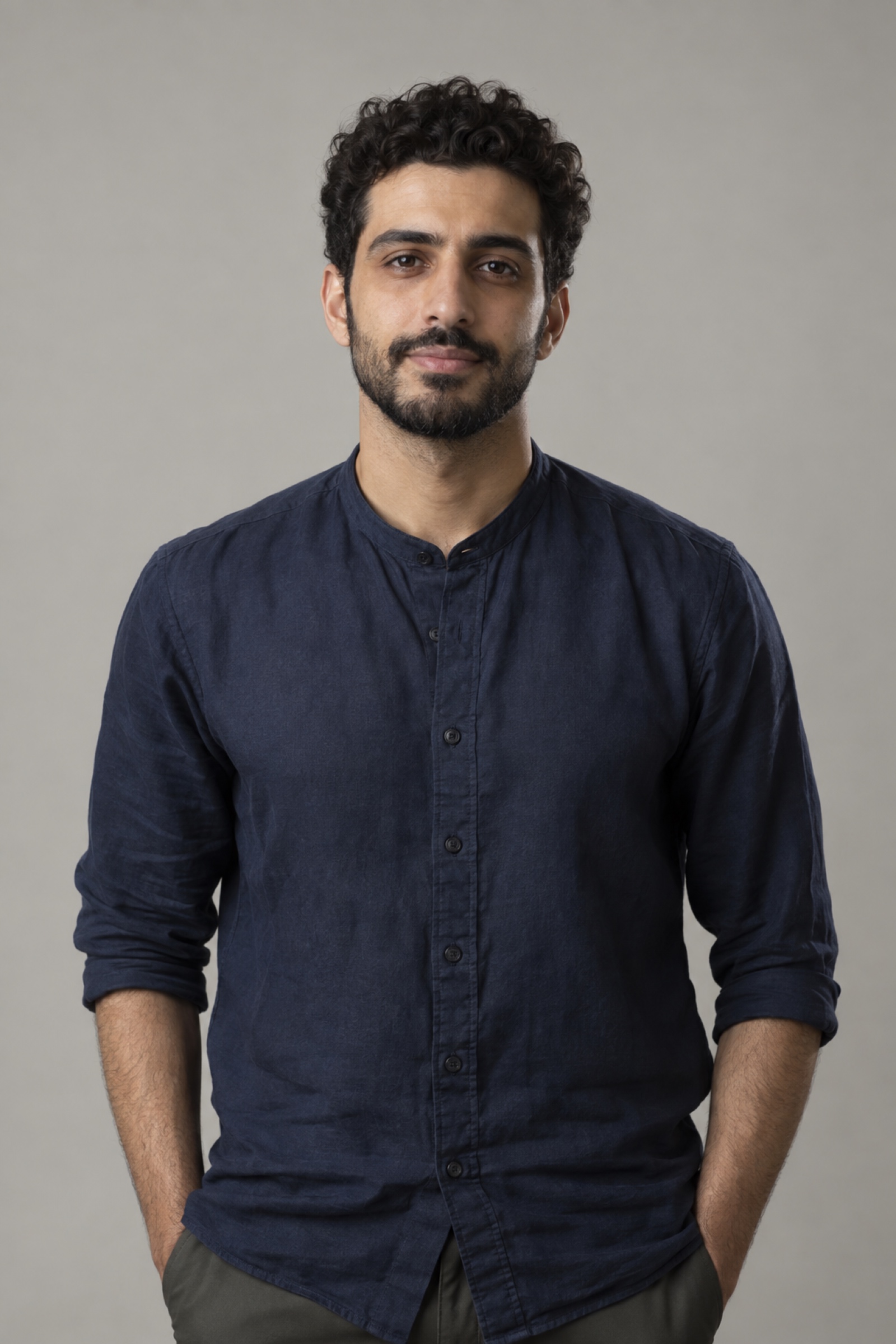 Generated image, no third-party licence
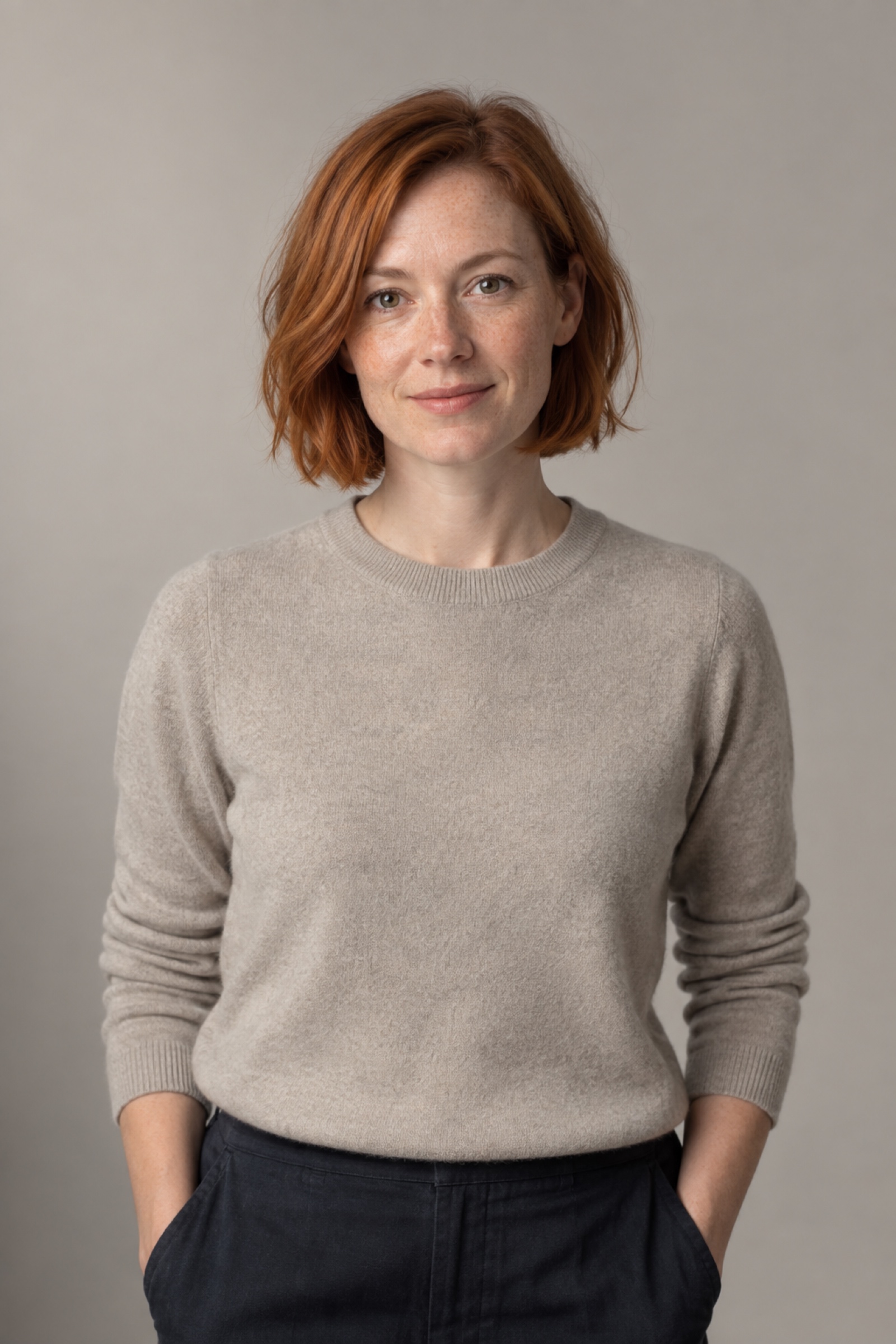 Generated image, no third-party licence
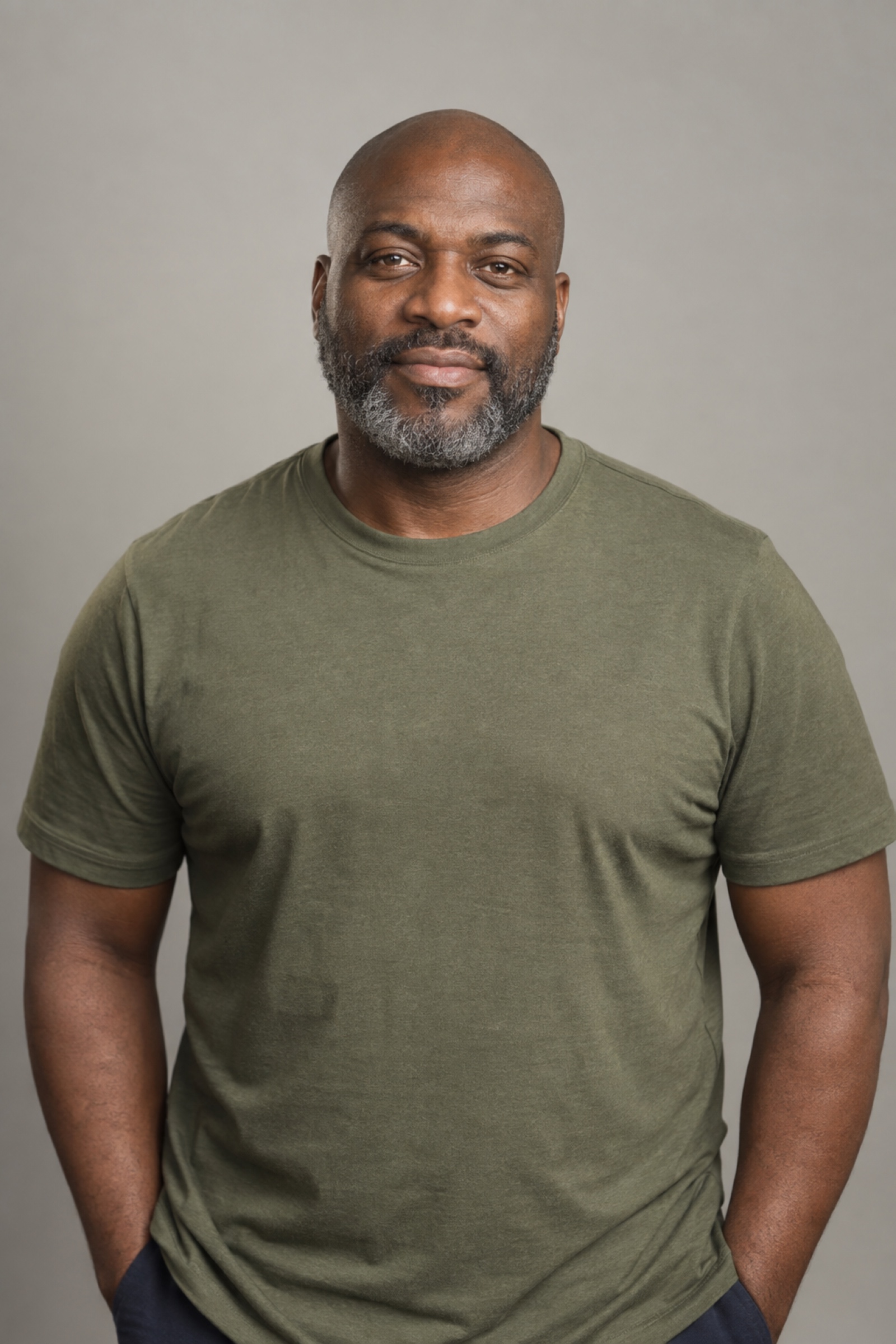 Generated image, no third-party licence
 Generated image, no third-party licence
 Generated image, no third-party licence
 Generated image, no third-party licence
 Generated image, no third-party licence
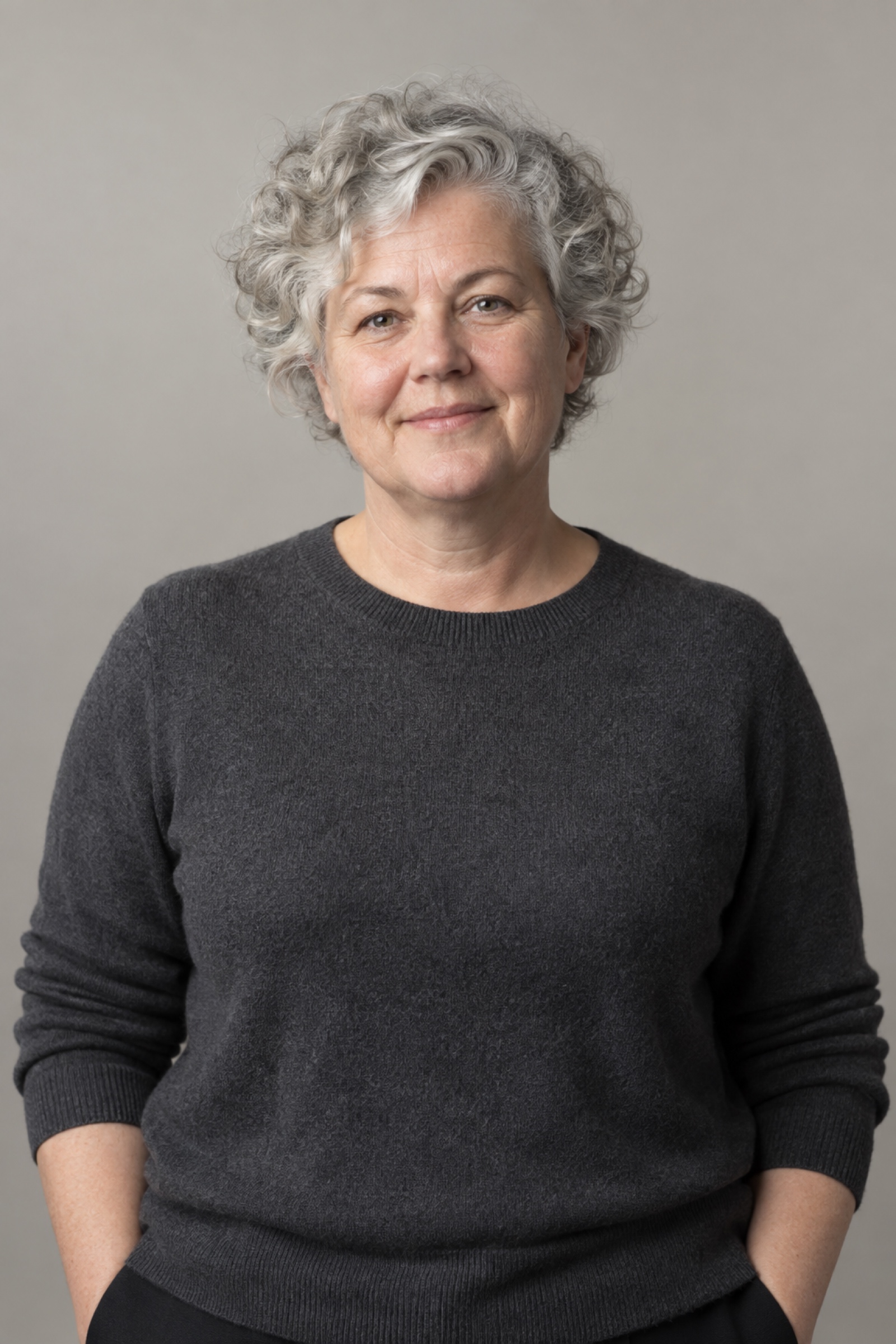 Generated image, no third-party licence
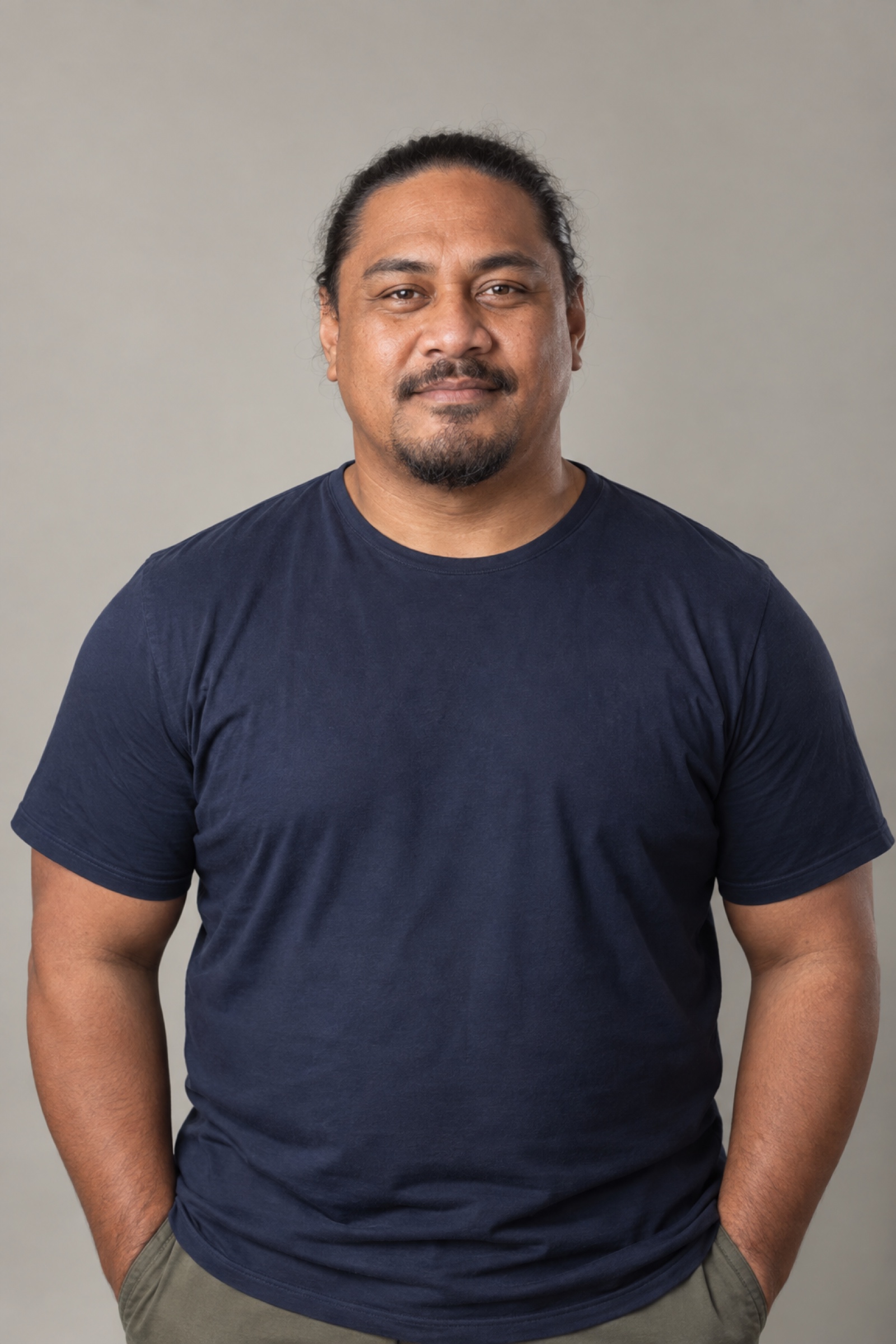 Generated image, no third-party licence
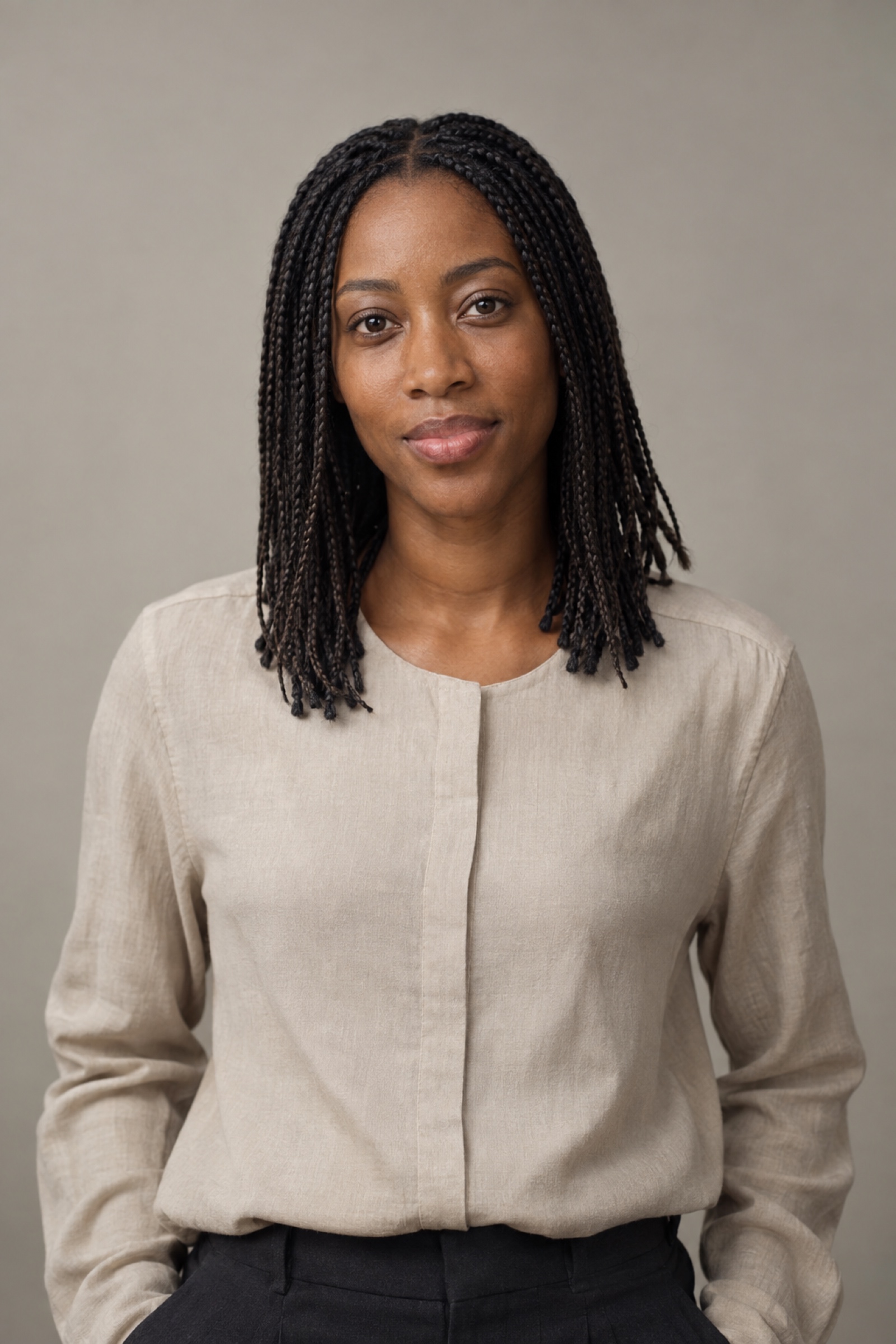 Generated image, no third-party licence
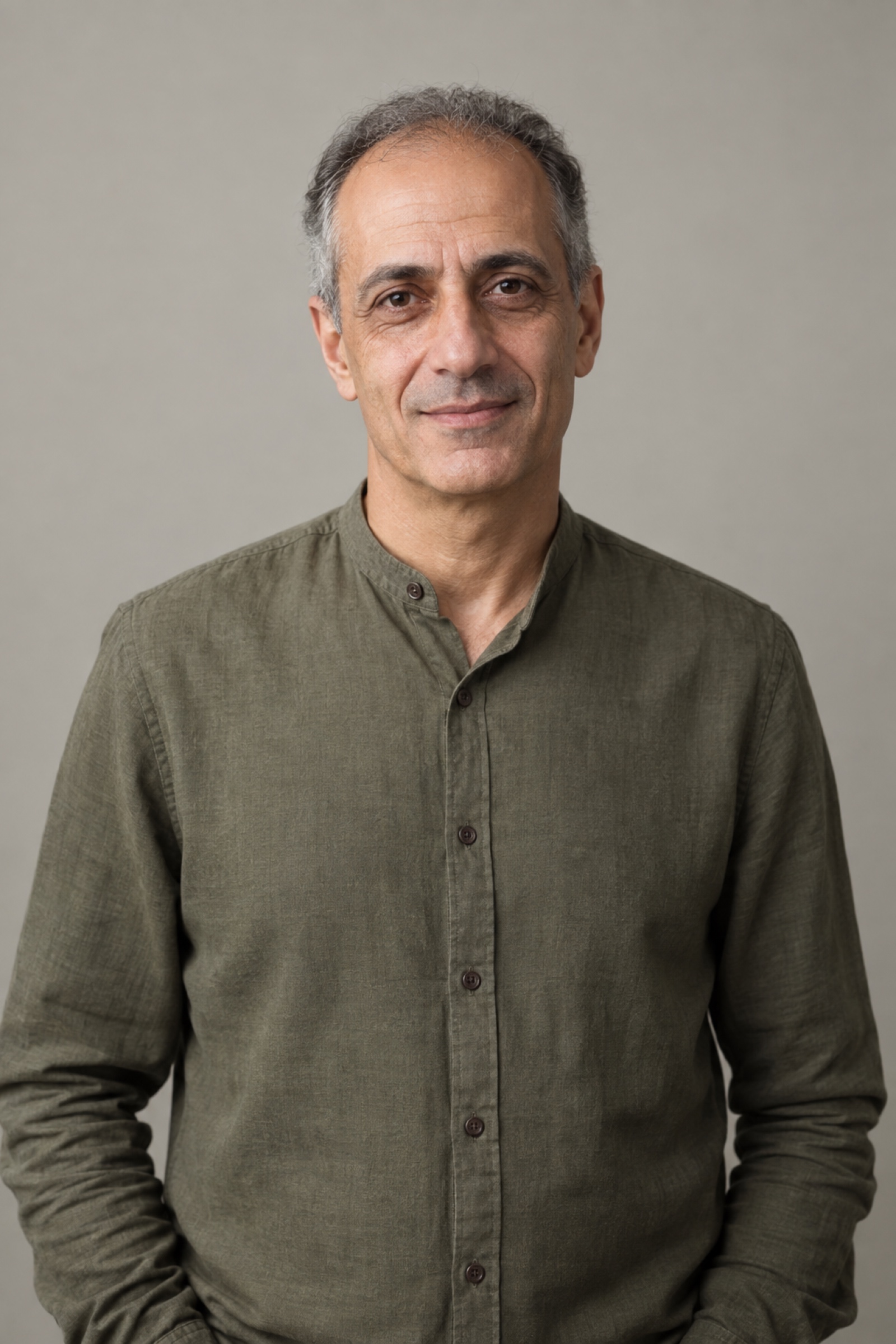 Generated image, no third-party licence
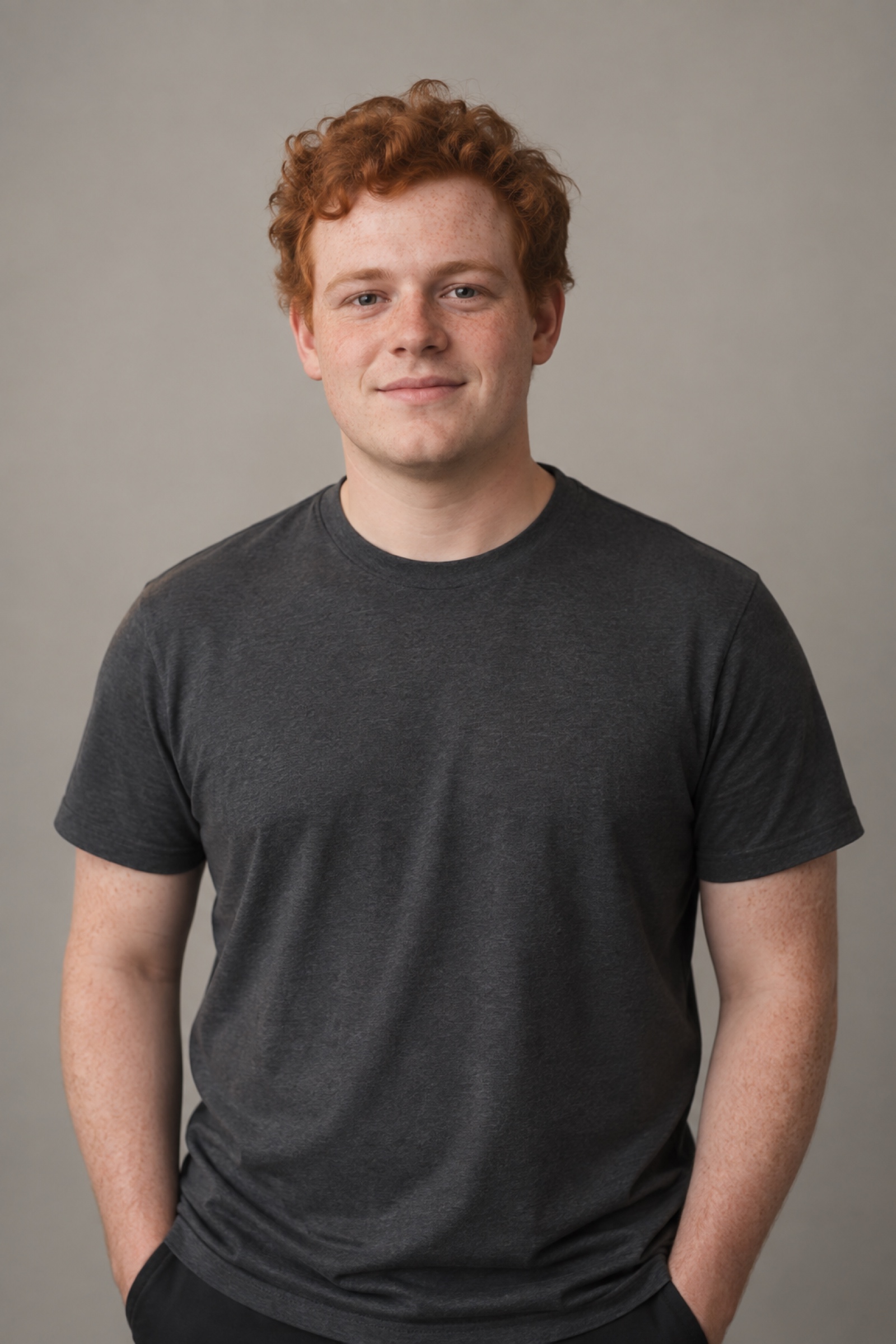 Generated image, no third-party licence
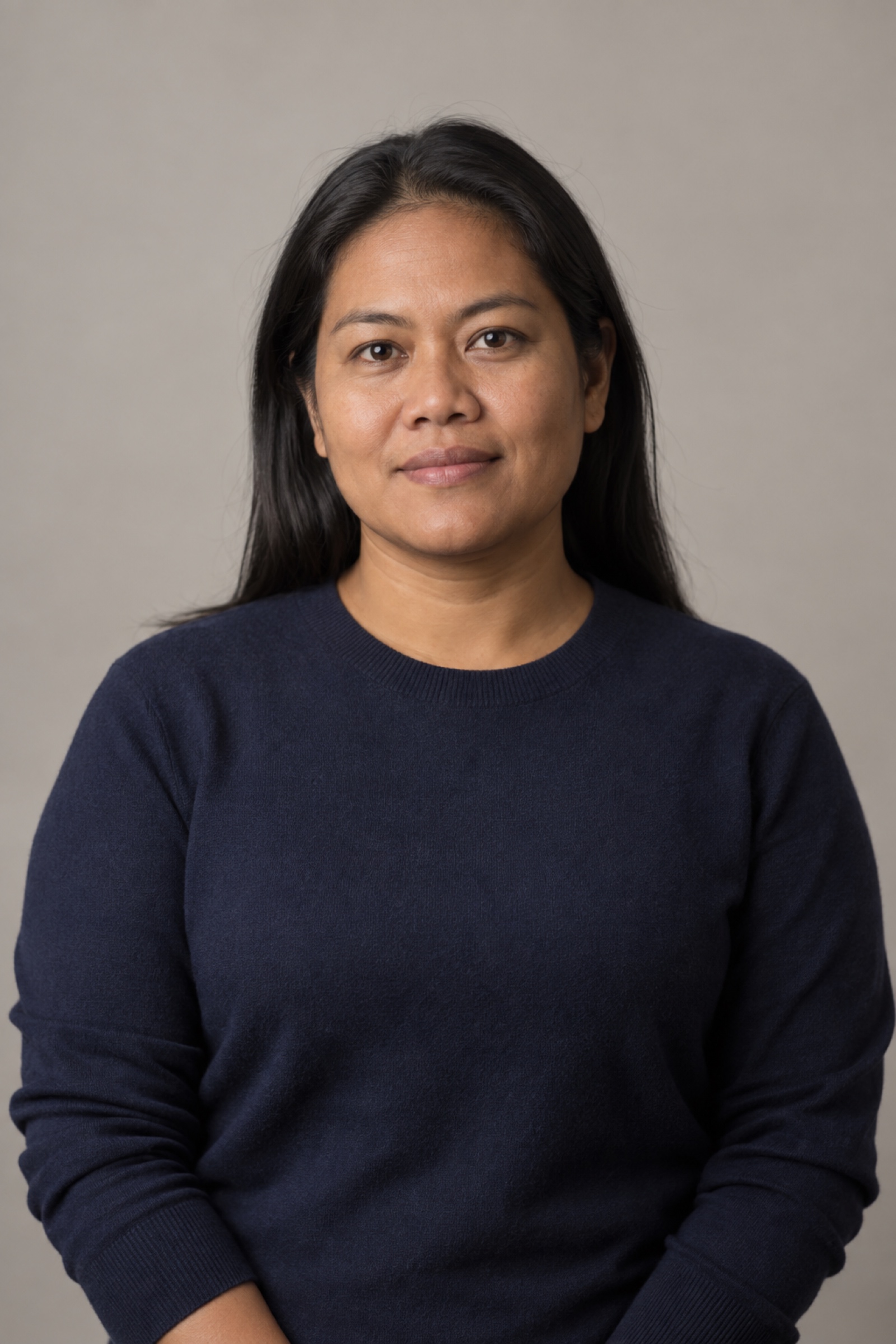 Generated image, no third-party licence
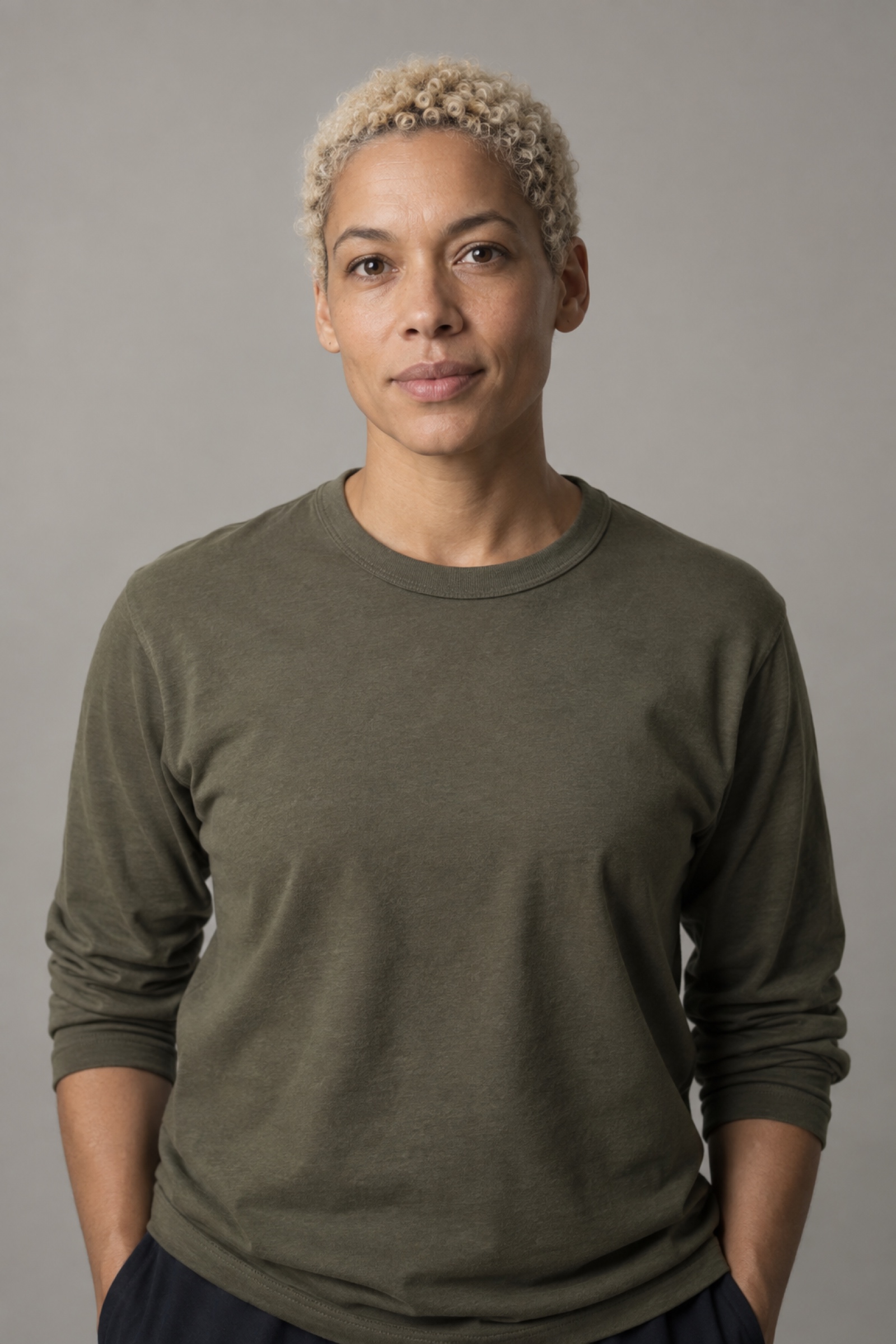 Generated image, no third-party licence
Logos and illustration
Brand marks in client and logo layouts demonstrate the composition. They are trademarks of their respective owners, not CC0 photographs, and do not imply a partnership or endorsement. Replace them with marks you are entitled to use.
The section diagrams, interface icons and Pattern Paste identity illustrate our own site. They are separate from the photographs included in pattern image blocks.
 Apple
Apple Figma
Figma Framer
 GitHub
 Google
 Meta
Meta Microsoft
 Raycast
 Slack
Slack Supabase
 Tailwind CSS
 Vercel