

Start with a supported setup
Pattern Paste is made for the WordPress block editor, also called Gutenberg, and a block theme on WordPress 7.0 or later. Check the supported version range on each pattern page. Classic themes and page builders are outside our supported setup.
Core Patterns use native WordPress blocks and need no plugin. They inherit your theme’s colours and type. Interactive Patterns come with Everything and run in the Pro plugin, which supplies their composition, designed appearance and optional behaviour. Their text, images and links remain editable native blocks.
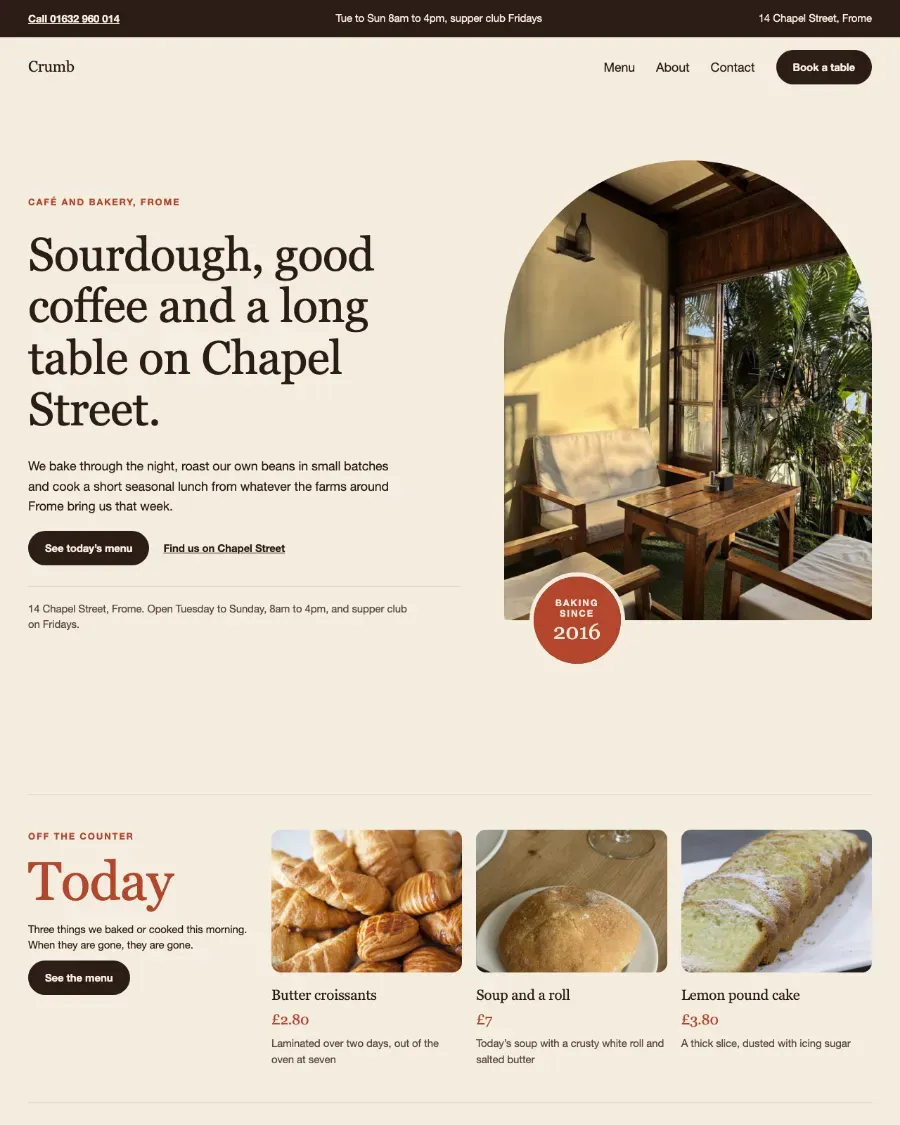
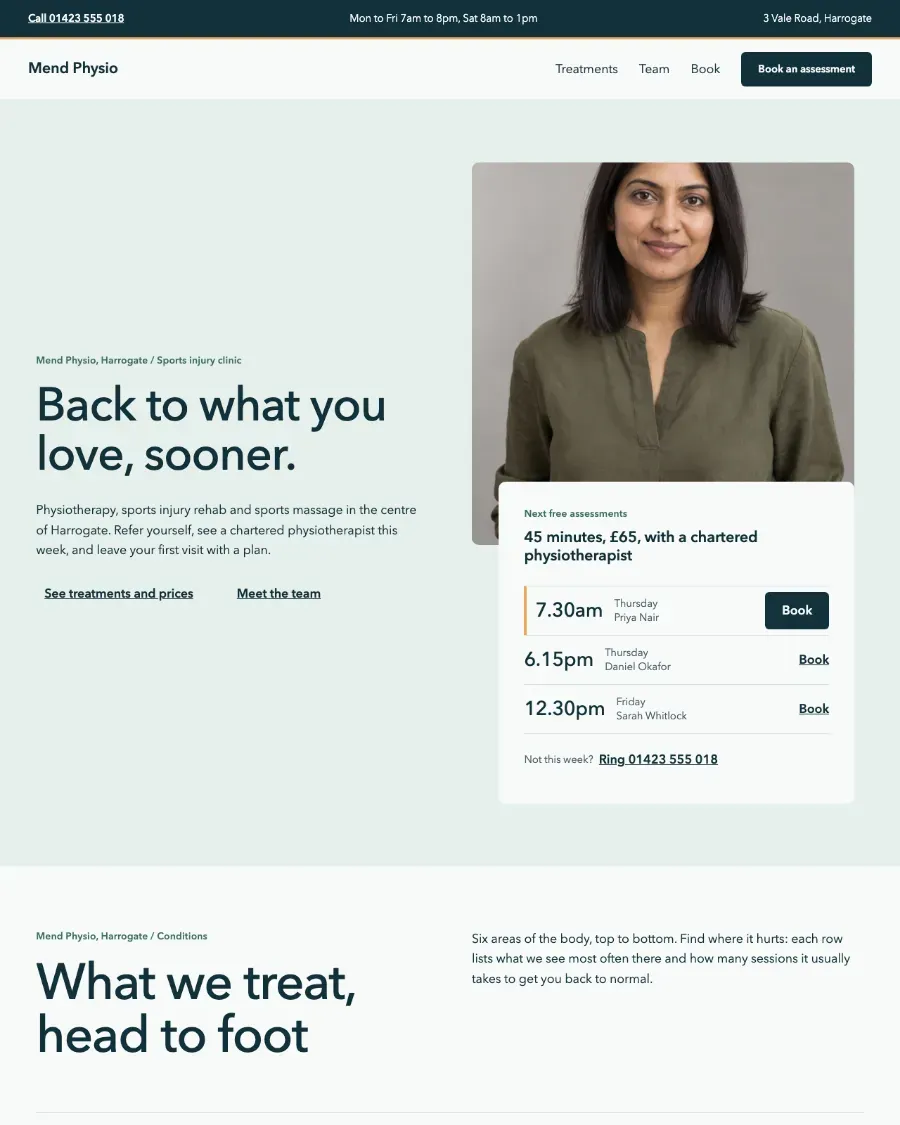
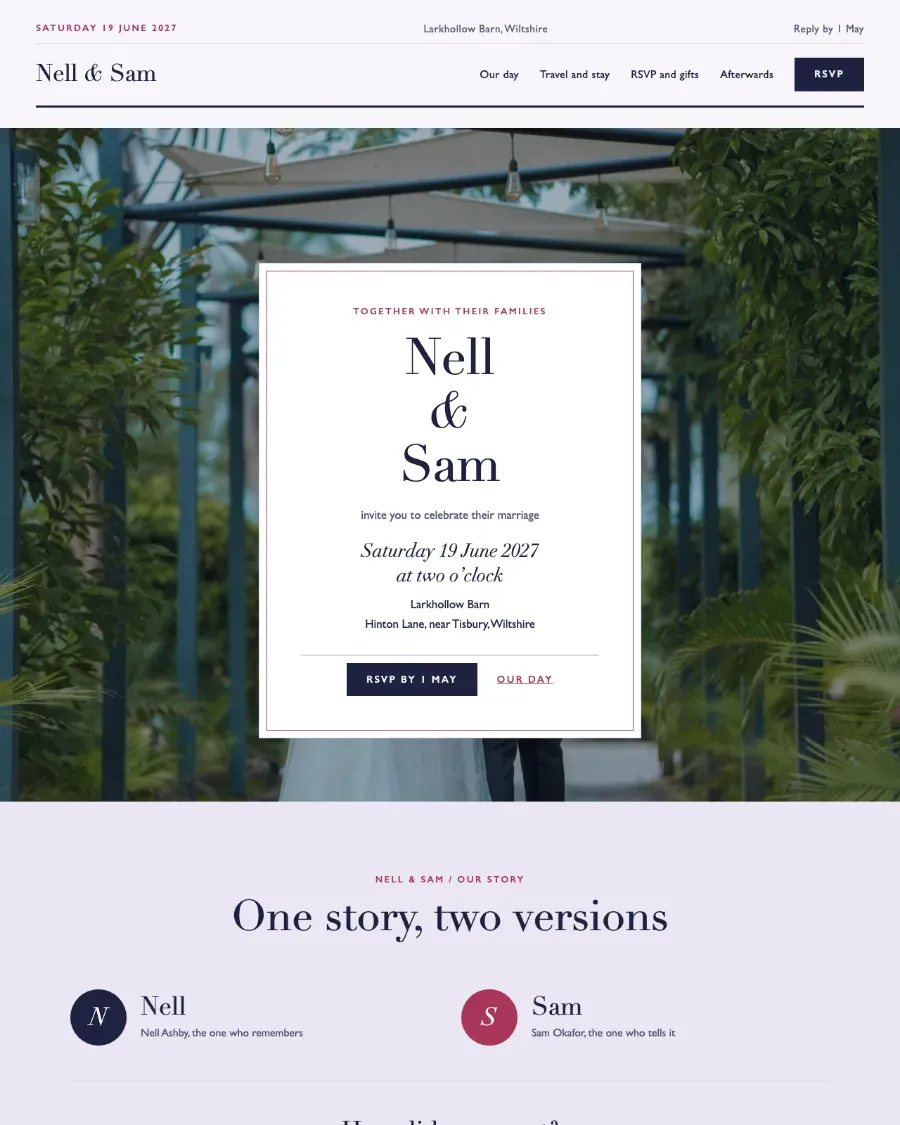
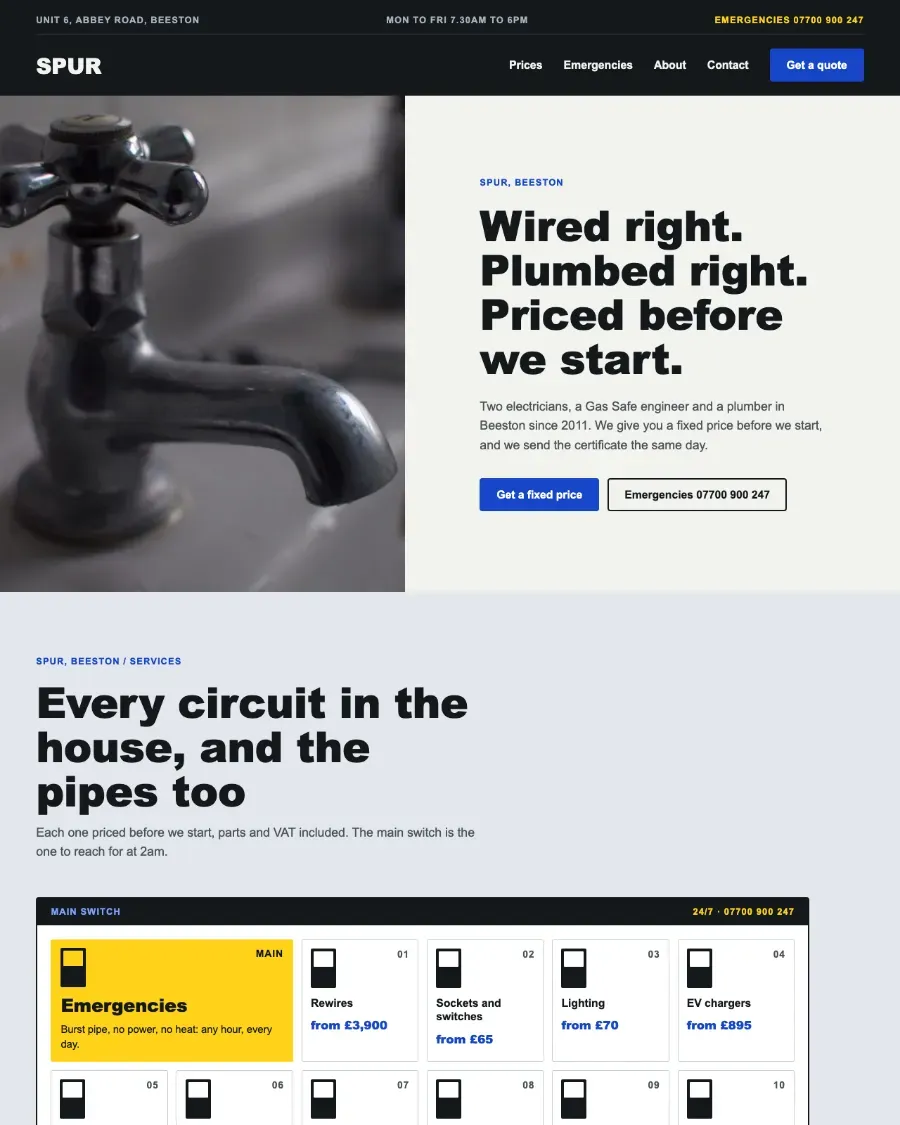
The same blocks in different themes
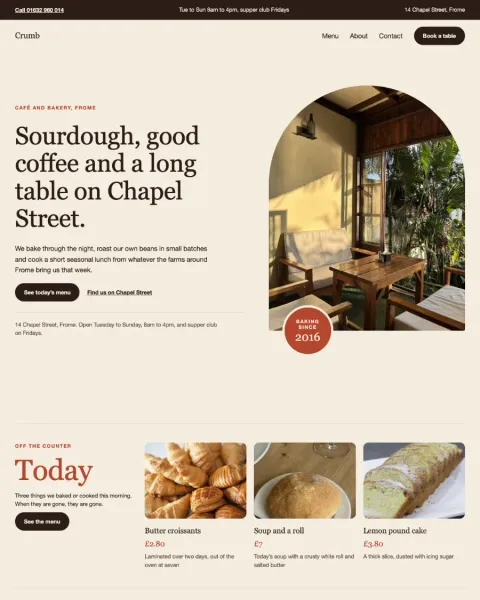
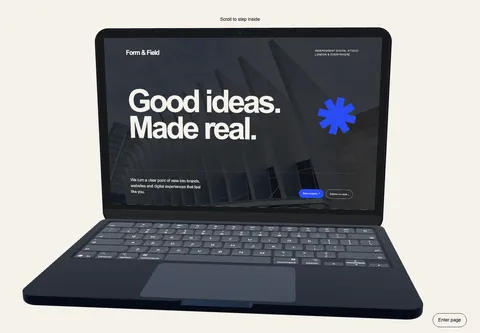
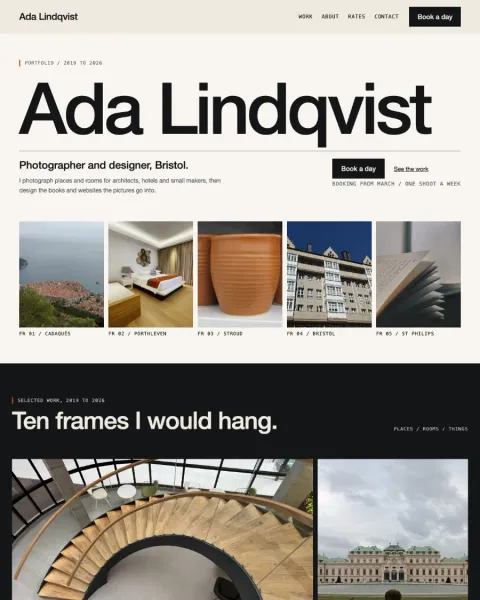
These existing WordPress renders show an unchanged sample made from a Group, heading, paragraph and button. The sample declares no colour, font family or font size. Its appearance changes with the theme.
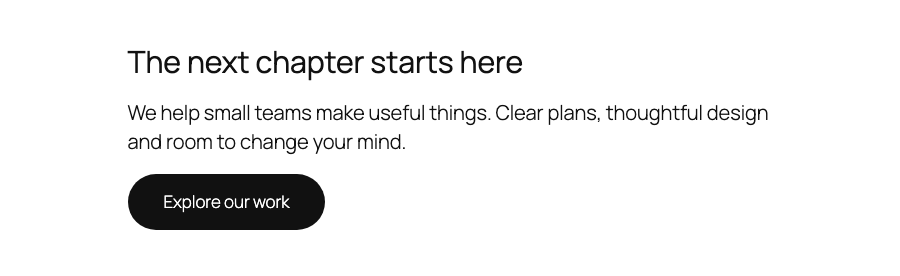
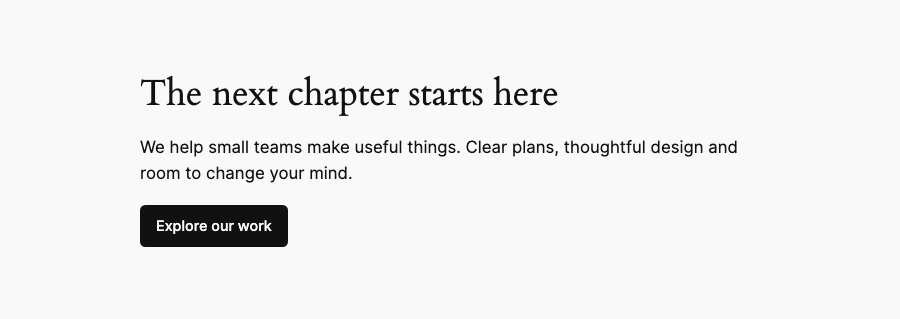
This example demonstrates theme inheritance for this sample. It does not prove that every section works in every theme. Read the comparison and its limitations.
What our verification workflow checks
We run the checks in Twenty Twenty-Five and Twenty Twenty-Four, and measure each layout at 1920, 1280, 820 and 390 pixels wide. Those are the widths we measure; the sizes in the preview toolbar are there for browsing.
- Block validity
- Parse the markup with WordPress and check registration and saved block structure. A layout that looks correct can still contain invalid block attributes.
- Theme inheritance
- Check colour and typography declarations against the pattern’s stated behaviour, then inspect the styles the browser resolves in WordPress. An authored palette is checked as an authored palette.
- Responsive layout
- Measure overflow, geometry and interaction targets at the verification widths, and review rendered screenshots for clipping, awkward crops and spacing.
- Contrast
- Measure text and background colour pairs from rendered styles. A colour reference in the source is not enough to establish what a visitor sees.
- Rendering errors
- Check for WordPress notices and rendering failures that may not be obvious in the screenshot.
A pass holds for the pattern as we checked it, so when a pattern changes, we check it again. This page explains how we test rather than reporting a live result for every pattern, and we do not claim to have tested every WordPress release in between.
Interactive Patterns run in the Pro plugin
Install the Pattern Paste Pro plugin before pasting an Interactive Pattern. Its shared section block supplies the composition, appearance controls and optional behaviour.
The Interactive Pattern workflow checks editor controls, saved pages, responsive layout, motion and reduced-motion behaviour. It also checks the content with the plugin absent. The fallback promise is readable headings, text and images in a plain layout. It does not promise the designed composition after deactivation.
Browse Interactive Patterns or follow the installation and copying steps.
Check the result on your own site
Our checks cannot cover every theme, plugin, saved Global Styles setting or content change. A styled variation can keep its palette while your theme still changes its spacing and dimensions. Our contrast and layout measurements prove what they measure; they are not a complete accessibility audit or certification.
- Paste a Core Pattern, or a Interactive Pattern once the plugin is installed, into a draft page in your block theme.
- Replace the example text and images, then check long headings, image crops and links.
- Inspect the page on desktop and mobile. Test keyboard navigation and any disclosure, navigation or motion controls.
- Recheck contrast when you change colours or place text over a new image.
Browse Interactive Patterns, browse Core Patterns or read the product and compatibility questions.