



4 pagesThe pages
Every page, top to bottom.
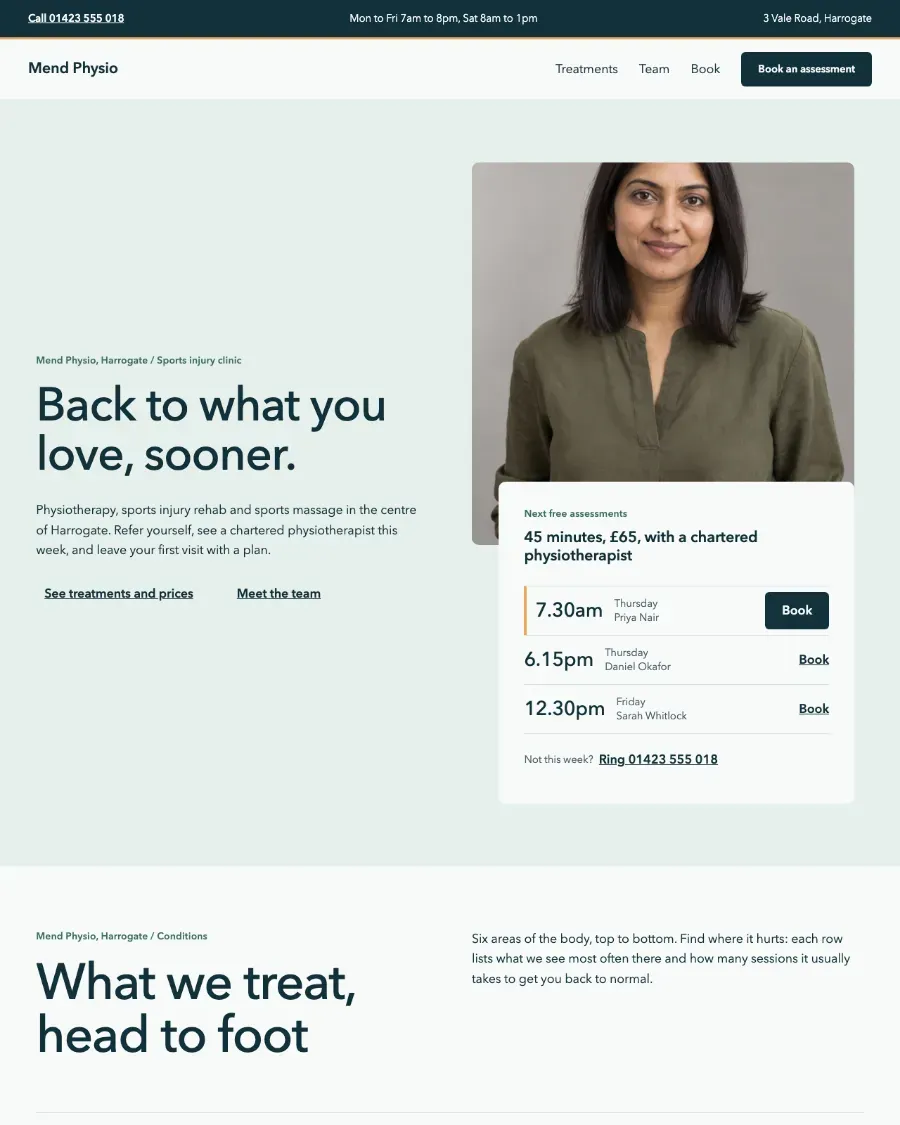
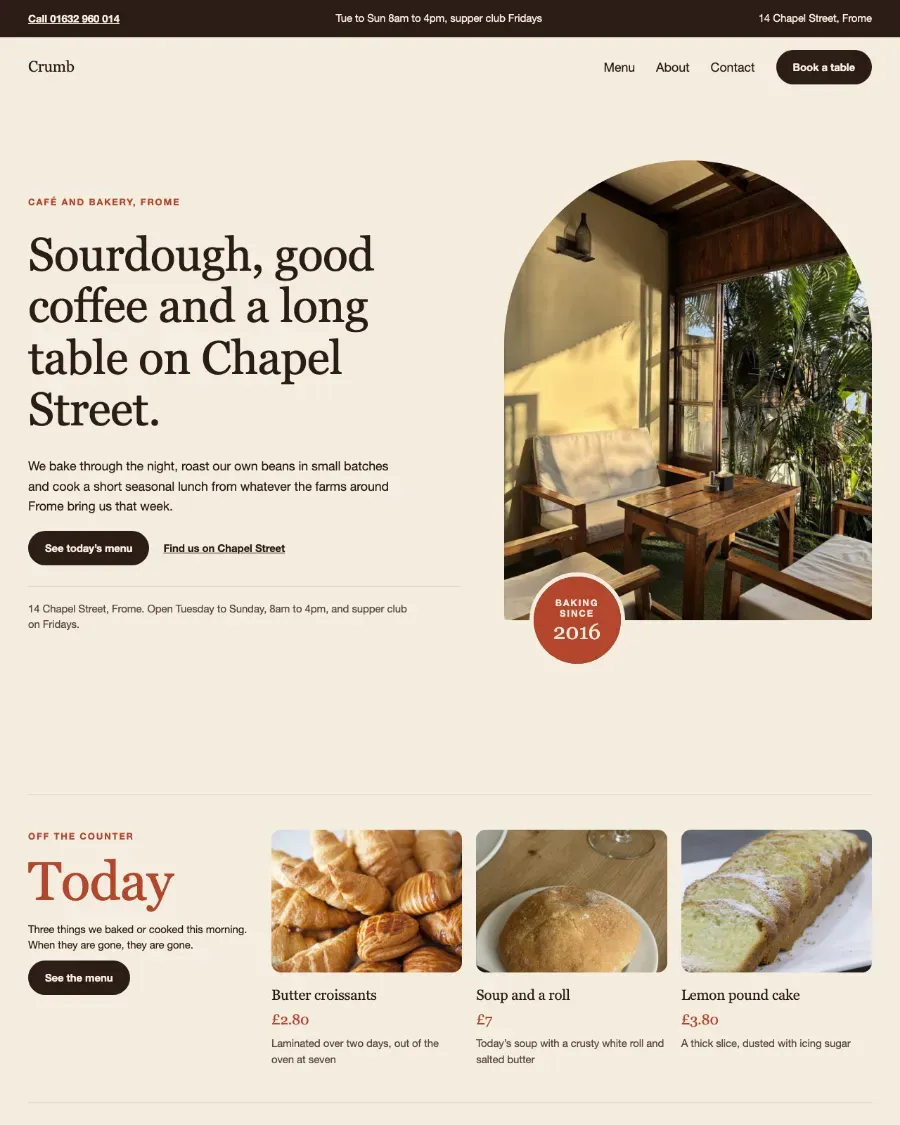
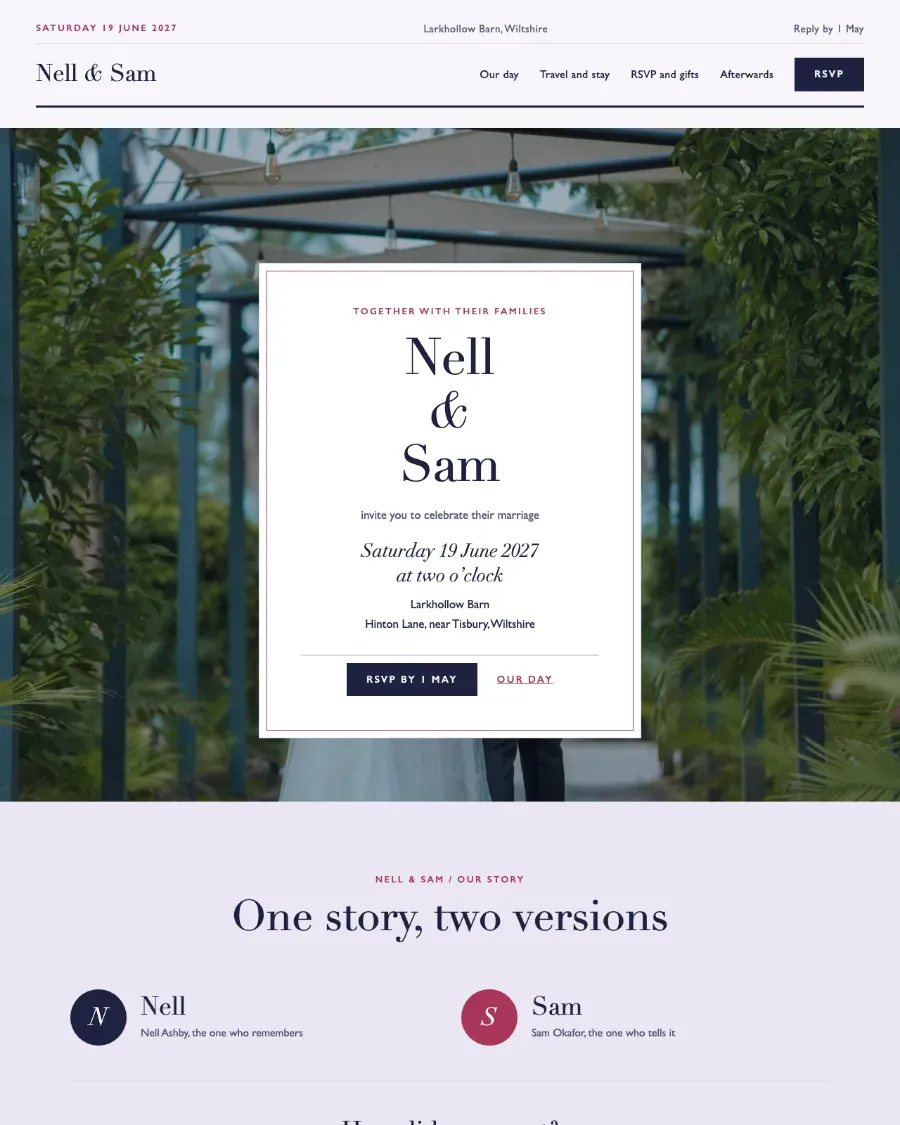
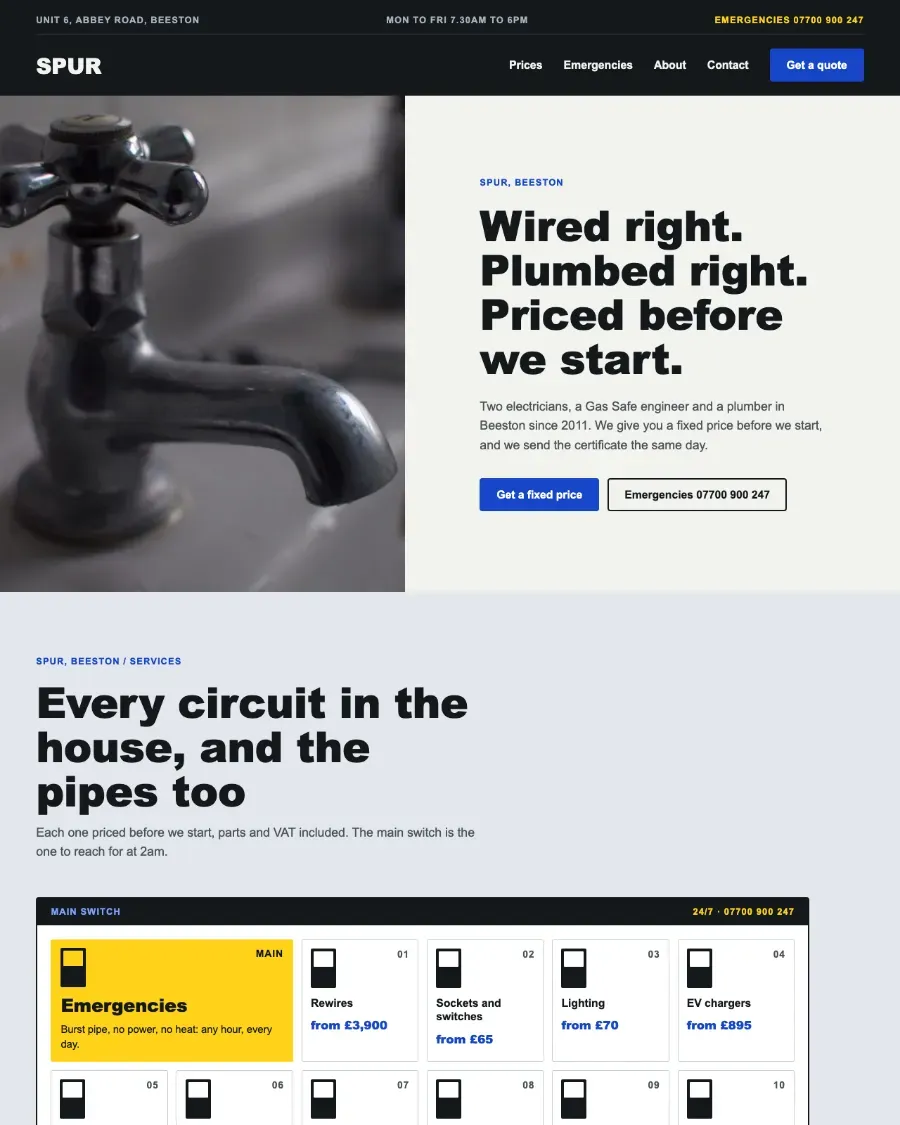
Open one to click around it in the live demo, copy it whole or see it in your own theme.


Copying swaps our own pictures for WordPress.org photographs, grey portraits and plain-text logos, so your site never loads anything from ours. Pattern Paste Pro puts the real ones in your Media Library for you. Download the pictures (zip)
32 sectionsThe sections
Every section of Mend.
Copy any one into a page you already have, in the theme’s own design, or open it to see it large.
In the box
What comes with it.
The parts every page of Mend shares, in its own design. What is left is your words and photographs.
Header, footer and menu
The same on every page: Home, Treatments, Team and Book.
- Clinic white
- Mint
- Deep teal
- Slate
- Pine
- Apricot
- Hairline
- Sea glass
- Mist
- Tide
- Headings
- Nunito Sans
- Text
- Nunito Sans
Colours and fonts
Its own, set here in its own type. Or choose your theme and the pages take yours.
The theme itself
An installable WordPress block theme, or the pages added to the theme you have.
What a physiotherapy clinic’s website needs
Someone looking for a physiotherapist is usually in pain and wants to know three things: can you treat what I have, how soon can I be seen, and what will it cost. Name the conditions you treat in the words patients use, such as back pain, a sports injury or recovery after surgery, give prices for a first appointment and a follow-up, and put the booking button where it can be found on every page.
Trust comes from the people. Introduce each clinician with a photograph, their HCPC registration and what they specialise in, and say whether you work with insurers or take self-referrals. Keep the address, parking and access details beside the booking, since a first visit is easier when the patient knows where to go.
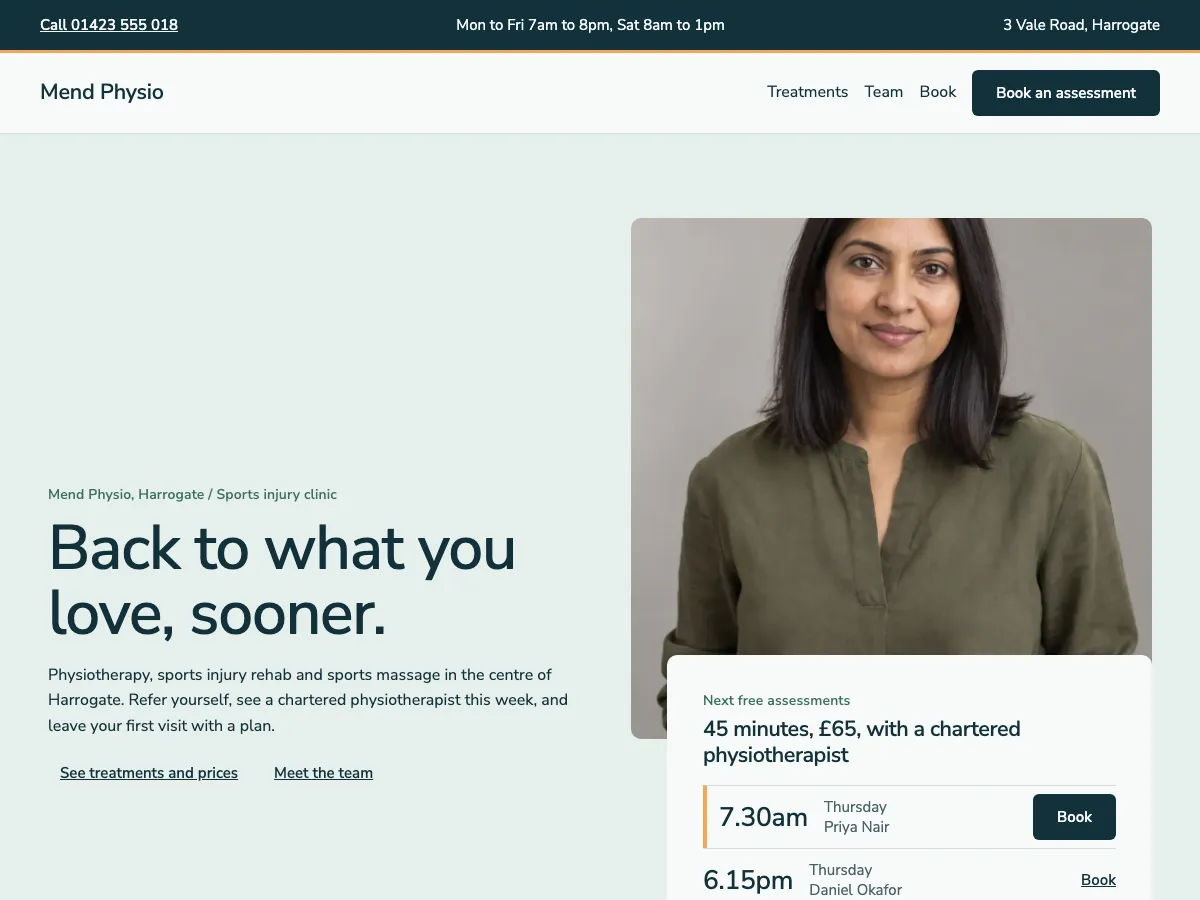
Mend lays that out as 4 pages: Home, Treatments, Team and Book. Every section is ordinary WordPress blocks, so you change the words and photographs in the block editor like any other page.
In WordPress
Start Mend in WordPress.
The Pattern Paste Pro plugin makes every page as a draft, with the header, footer, menu and pictures. It asks first whether to install the Mend theme as a new site or add the pages to the theme you have.
- Subscribe to Pro, £49 a year. Your account holds the plugin and every theme.
- Download Pattern Paste Pro from your account, then install and activate it.
- In WordPress, go to Settings › Pattern Paste › Sites and choose Mend; Pro asks whether to install it as a new site or add the pages to your theme.
Every page arrives as a draft, with the header, footer, menu and pictures. Nothing is published until you say.
FAQBefore you subscribe
Questions beforeyou choose.
Still stuck? Email [email protected] and the person who built the patterns will answer.
Can I keep my current theme?
Yes. Start the site and choose to keep your theme; the Pro plugin adds the pages, header, footer and menu to the theme you have. Or copy the pages yourself; choose your theme under Preview in first and most pages take its colours and fonts.
Do I need the plugin?
To start a whole site, yes: the Pattern Paste Pro plugin, which comes with both plans, installs the theme as a new site or adds the pages to the theme you have. Copying the pages yourself needs no plugin, except a section that is one of the Interactive Patterns, which come with Everything.
Can I use it for clients?
Yes. Unlimited covers your own sites and the sites you build for clients; an account may not be pooled or resold between unrelated businesses.
What if I cancel?
Your pages keep working: what you paste is ordinary WordPress content in your own database. New downloads, updates and support end with the subscription.
Mend
Start your physiotherapy clinic website today.
Pro plan, £49 a year, unlimited sites.
Included in your plan, with unlimited sites.