


- 22 patterns
- 18 styled looks
- No plugin needed
WordPress FAQ patterns
Add a WordPress FAQ section with copy-and-paste block patterns: an open question list, a multi-column layout or native disclosure rows.


FAQ, 22 patterns
22 patterns shown
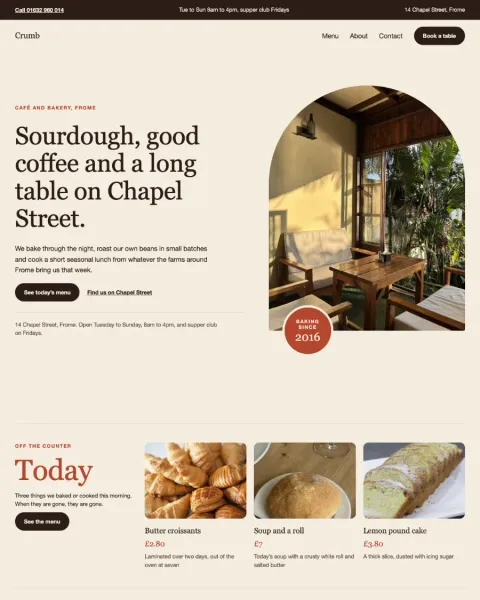
Crumb Café and bakery
See Crumb as whole pagesMend Physiotherapy clinic
See Mend as whole pagesVow Wedding website
See Vow as whole pagesSpur Electrician and plumber
See Spur as whole pagesBough Tree surgeon
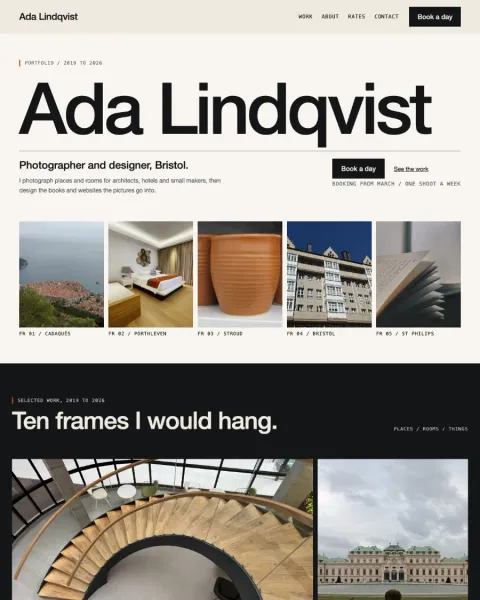
See Bough as whole pagesFolio Freelance photographer and designer
See Folio as whole pagesCounsel Law firm
See Counsel as whole pages


Sorbet and burnt orange, Short answer
ProShort answer
Authored font stack with theme and device fallbacks
Counsel, Practice detail rows
ProPractice detail rows
Authored font stack with theme and device fallbacks
Bough, FAQ list
ProFAQ list
Some designs bring an authored font stack; the rest use your theme’s typeface
Spur, Emergency triage list
ProEmergency triage list
Authored font stack with theme and device fallbacks
Common ground, Answers beside an invitation
ProAnswers beside an invitation
Authored font stack with theme and device fallbacks
No patterns match
Try a shorter search or choose another category.
Showing 1–22 of 22 · Featured first
Looking for sections that move? 58 interactive patterns on their own page
Any theme
Paste a section and it takes your theme.
The same section in each theme below, word for word. The pattern brings the layout; the colours and fonts are the theme’s, so it matches the rest of your site.
22 patterns
At a glance
| Pattern | What it is | Notable blocks | Variations | Access |
|---|---|---|---|---|
| Answers beside an invitation | A membership FAQ that ends in an invitation. | Columns, Group | 2 | Subscription |
| Course curriculum | Six course modules as a ruled stack of core/details, each summary its hours in a bold left column and then the module name, each opening to a list of three or four lessons, the first open by default. | Details, List | 1 | Subscription |
| Emergency triage list | An emergency page section for a trade. | Columns, Group | 2 | Subscription |
| FAQ bento | An asymmetric bento layout pairing a large featured lead card on the left with four compact question tiles on the right. | Separator | 2 | Subscription |
| FAQ cards | An FAQ as a wall of bordered cards. | Columns, Group | 5 | Free |
| FAQ cover questions | A screen-height FAQ on a photograph. | Cover, Details | 2 | Subscription |
| FAQ dialogue | An editorial interview-style FAQ. | Separator | 2 | Subscription |
| FAQ index | An editorial inquiry index structured as full-width ruled rows. | Separator | 2 | Subscription |
| FAQ ledger | A display headline over three topic rows. | Details, Separator | 2 | Free |
| FAQ list | A two-column FAQ in which the invitation is the loud half. | Details, Separator | 8 | Subscription |
| FAQ measure | A single column of seven native disclosure rows running the full 1240 measure, ruled between and above and below. | Details, Separator | 4 | Subscription |
| FAQ pillars | A three-column architectural layout organizing questions by topic into vertical pillars. | Details, Separator | 4 | Subscription |
| FAQ plate | An FAQ designed as an isolated focal plate. | Details, Separator | 2 | Subscription |
| FAQ spotlight | A FAQ with one question promoted to display size. | Details, Separator | 1 | Subscription |
| Lead question, rest on a rail | One question answered in full with the other eight on a rail beside it. | Details, Separator | 1 | Subscription |
| Open book | A reading-room FAQ with every answer already open. | Group | 5 | Subscription |
| Open index | A FAQ with nothing to click. | Separator | 1 | Subscription |
| Plain words | A FAQ for the words a business uses that its customers ask about, each answered as a dictionary entry. | Group | 2 | Subscription |
| Practice detail rows | Six ruled rows of native details blocks with large names. | Details | 2 | Subscription |
| Short answer | A FAQ where every answer is a word before it is a sentence. | Separator | 2 | Subscription |
| Stage line | A FAQ sorted by when each question is asked. | Details, Separator | 2 | Subscription |
| Text thread | A FAQ laid out as a message thread. | Columns, Group | 2 | Subscription |
Guide
Designing an FAQ section
An FAQ answers the questions that stop someone buying, booking or calling. Collect them from real enquiries, put the one most people ask first, and answer it in the first sentence: the reader should not have to read three lines to find out whether the answer is yes.
Choose open answers when there are only a handful and each is short, so everything can be read without a click. Use disclosure rows when the list is long, and group questions under a few headings when visitors come with different concerns, such as booking, prices and aftercare.
Keep short answers visible in a list. Choose disclosure rows when answers are longer, and group related questions so visitors can find the one that matters to them.
New to patterns? Learn how to copy and paste a pattern. Read how we test patterns.
FAQ
WordPress FAQ patterns: common questions
How do I add one of these WordPress FAQ patterns to my site?
Open a pattern, choose a variation and press Copy pattern. In the block editor, click into an empty paragraph and press Cmd+V on Mac or Ctrl+V on Windows: the section arrives as ordinary blocks you edit like any other.
Can search engines read answers inside a collapsed question?
Yes. The core Details block is a native HTML disclosure, so the answer is in the page markup even while it is closed, and search engines and screen readers can reach it without any script.
Do these FAQ patterns add FAQ schema to my page?
No. They are plain core blocks, and core WordPress adds no FAQ structured data on its own. If you want FAQPage schema, add it with an SEO plugin that supports it.
Do these WordPress FAQ patterns need a plugin?
No. All 22 are built from core WordPress blocks, such as Details, so they paste into the block editor with nothing to install.
Will they match my theme?
Yes. Every pattern's first variation names no colour or font of its own: it takes your theme's palette, type and spacing when pasted. 18 Styled looks bring their own colours, and each is labelled Styled.
Are any WordPress FAQ patterns free?
Yes, 2, marked Free in the At a glance table on this page. They copy without an account and are among 64 free Core Patterns; a subscription opens the rest.