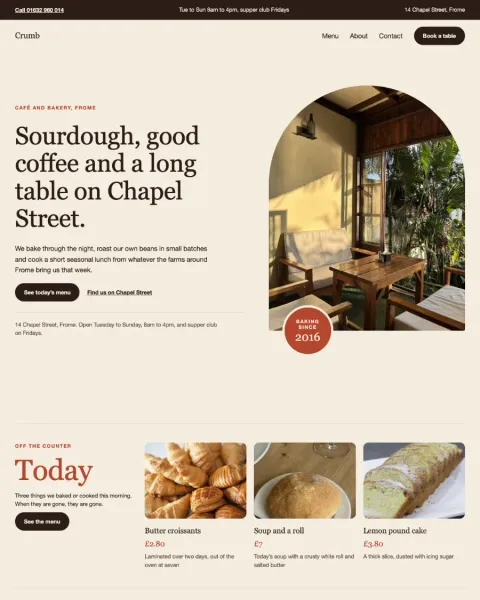

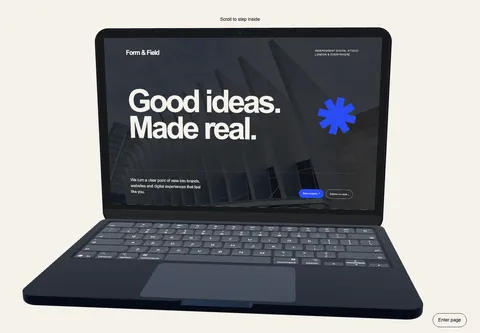

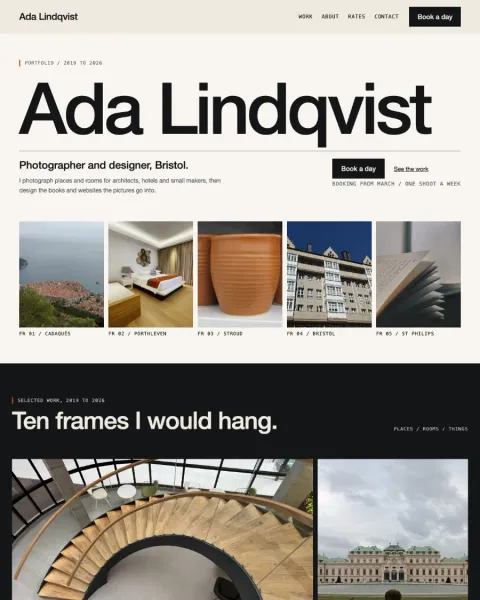
- 21 patterns
- 17 styled looks
- No plugin needed
WordPress client logo patterns
Show who you have worked with using WordPress logo patterns: a quiet row or grid of client and partner wordmarks for your block theme.


Logos, 21 patterns
21 patterns shown
Mend Physiotherapy clinic
See Mend as whole pagesSpur Electrician and plumber
See Spur as whole pagesBough Tree surgeon
See Bough as whole pagesFolio Freelance photographer and designer
See Folio as whole pages


Calico and spruce, Logos in a sentence
ProLogos in a sentence
Authored font stack with theme and device fallbacks
Lead and lemon, One mark, one claim
ProOne mark, one claim
Authored font stack with theme and device fallbacks
Vellum and ultramarine, Accreditation certificate stub
ProAccreditation certificate stub
Authored font stack with theme and device fallbacks
Bough, Accreditations ledger
ProAccreditations ledger
Authored font stack with theme and device fallbacks
Spur, Accreditations ledger
ProAccreditations ledger
Authored font stack with theme and device fallbacks
Mend, Accreditations ledger
ProAccreditations ledger
Authored font stack with theme and device fallbacks
Bone and brick, Accreditations ledger
ProAccreditations ledger
Authored font stack with theme and device fallbacks
Sea Glass And Pine, Partner Assembly
ProPartner Assembly
Authored font stack with theme and device fallbacks
No patterns match
Try a shorter search or choose another category.
Showing 1–21 of 21 · Featured first
Looking for sections that move? 58 interactive patterns on their own page
Any theme
Paste a section and it takes your theme.
The same section in each theme below, word for word. The pattern brings the layout; the colours and fonts are the theme’s, so it matches the rest of your site.
21 patterns
At a glance
| Pattern | What it is | Notable blocks | Variations | Access |
|---|---|---|---|---|
| Accreditation certificate stub | One asymmetric assurance document. | Columns, Group | 2 | Subscription |
| Accreditations ledger | The trade bodies, schemes and awards behind a builder, an electrician or a clinic, set as a ledger of six ruled cells. | Columns, Group | 5 | Subscription |
| App integrations grid | A headline and intro over a grid of twelve ruled tiles. | Group | 1 | Subscription |
| Engineer ID card | A trust section for a trade. | Image | 2 | Subscription |
| Good Company | Six oversized client names read as quiet typographic credits beneath a short introduction. | Group | 3 | Subscription |
| Logo bar | A social-proof band of five partner logos on one line, held as a tight cluster inside two hairlines that run the full measure, with the label pair spread across the top. | Image, Separator | 4 | Subscription |
| Logo bookends | Two rows of partner logos frame a large centred statement. | Image | 1 | Subscription |
| Logo cells | Ten client logos in a five by two grid of ruled cells, hairlines running both ways and the frame closed on all four sides, so the band reads as a table of clients rather than a row of them. | Image | 1 | Free |
| Logo claim | A social-proof band that argues as well as displays. | Image | 3 | Subscription |
| Logo compact strip | A concise introduction anchors one end of a shallow band, with four image logos on the other side. | Image | 2 | Free |
| Logo intro wall | A short introduction sits beside a compact wall of nine named logos. | Image | 1 | Subscription |
| Logo partner cards | Three individually framed partner cards give each logo room, a role label and a short introduction. | Image | 1 | Subscription |
| Logo partner rows | An editorial partner directory with three labelled rows of marks. | Image | 1 | Subscription |
| Logo sector ledger | Ten client logos filed into five sector rows. | Image | 1 | Subscription |
| Logo spotlight | One oversized partner mark occupies an open feature panel beside six smaller logos in a compact grid. | Image | 1 | Subscription |
| Logos in a sentence | Your clients named in one sentence at display size, each logo set inline before its name at the height of the words, so the marks read as part of the claim rather than a strip beside it. | Group | 2 | Subscription |
| Nested cover | A builder's or installer's insurance and guarantee schemes drawn as frames inside frames. | Image | 2 | Subscription |
| One mark, one claim | One accreditation given the whole section. | Image | 2 | Subscription |
| Partner Assembly | Four double-framed partner plaques pair a project statement with names, numbers and sectors. | Group | 2 | Subscription |
| Plus the rest | A trusted-by wall where the last place is a tile. | Image | 2 | Subscription |
| Years with us | A client list ordered by how long each client has stayed. | Image | 2 | Subscription |
Guide
Designing a logo section
A logo section borrows trust from names a visitor already knows: clients, partners, trade bodies, accreditations. It works when the names mean something to your customers, so a local electrician gains more from a registration scheme than from a famous brand they once worked for.
Set every mark in one colour and at a matched visual height, so no single logo shouts. A short row suits a few strong names under a hero; a grid or a ledger suits a longer list grouped by sector; a single statement with the marks beside it suits a page that needs to make a case.
Keep the logos one colour and one height. A short row reads as trust; a long wall reads as noise, so pick the six that matter.
New to patterns? Learn how to copy and paste a pattern. Read how we test patterns.
FAQ
WordPress client logo patterns: common questions
How do I add one of these WordPress client logo patterns to my site?
Open a pattern, choose a variation and press Copy pattern. In the block editor, click into an empty paragraph and press Cmd+V on Mac or Ctrl+V on Windows: the section arrives as ordinary blocks you edit like any other.
What file format should logos be?
A PNG with a transparent background works everywhere. Core WordPress does not allow SVG uploads to the Media Library by default, so SVG needs a plugin that permits it.
Do I need permission to show a client’s logo?
Ask first. A logo implies an endorsement, and most businesses are glad to say yes when asked. Where you cannot get permission, write the client’s name as text instead.
Do these WordPress client logo patterns need a plugin?
No. All 21 are built from core WordPress blocks, such as Image, so they paste into the block editor with nothing to install.
Will they match my theme?
Yes. Every pattern's first variation names no colour or font of its own: it takes your theme's palette, type and spacing when pasted. 17 Styled looks bring their own colours, and each is labelled Styled.
Are any WordPress client logo patterns free?
Yes, 2, marked Free in the At a glance table on this page. They copy without an account and are among 64 free Core Patterns; a subscription opens the rest.