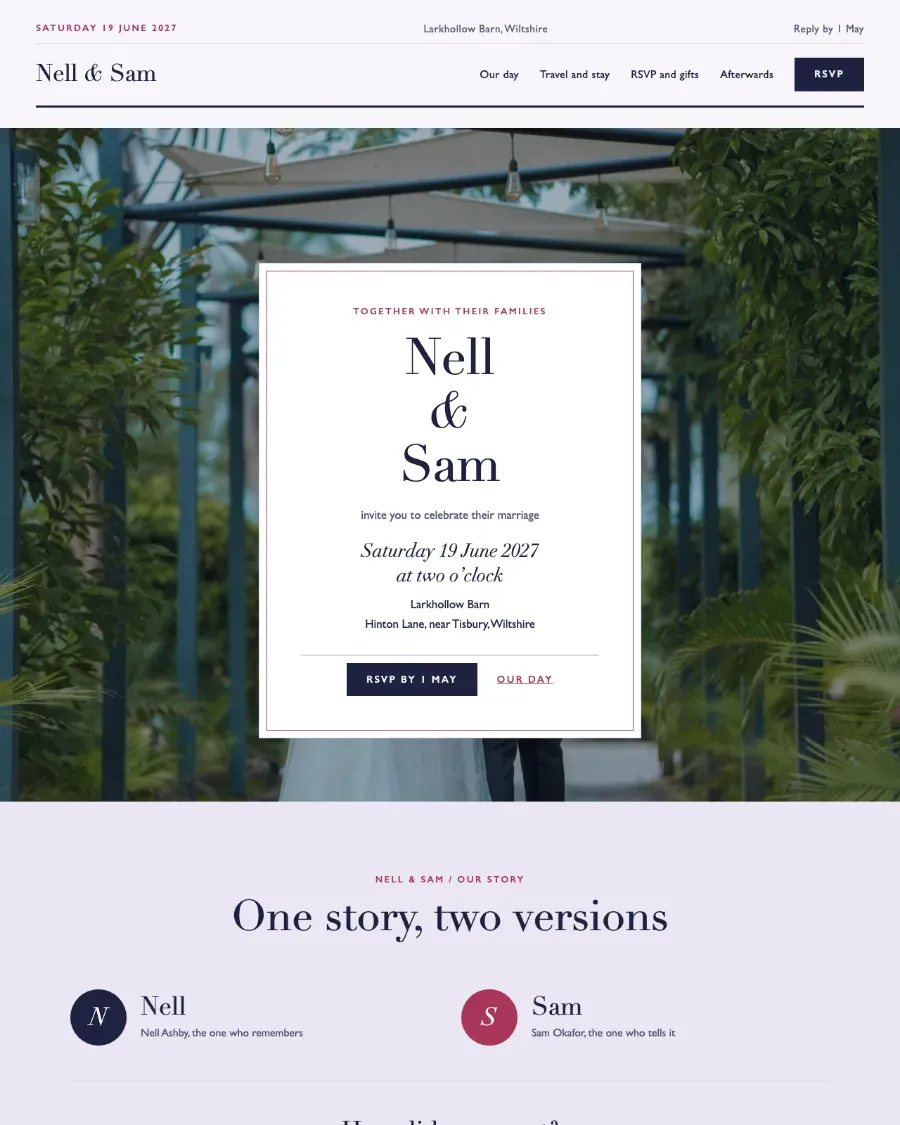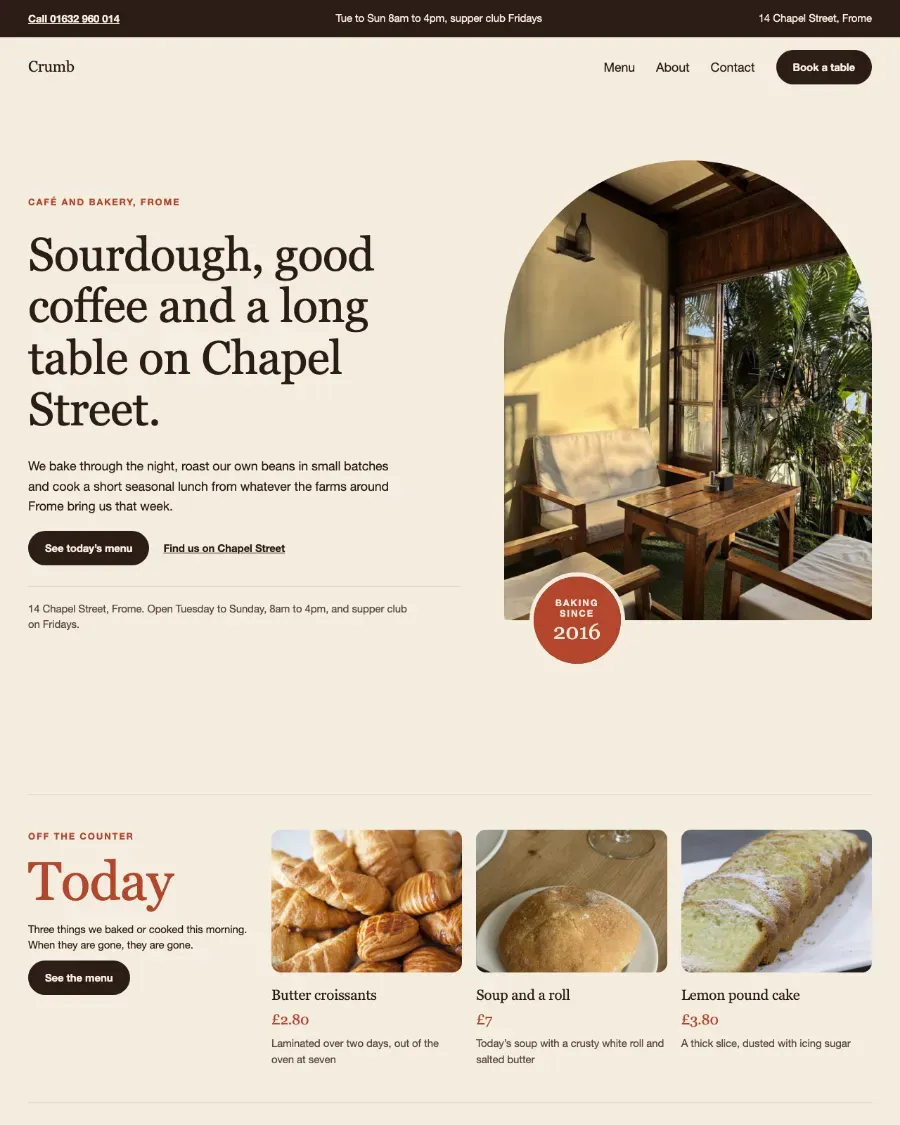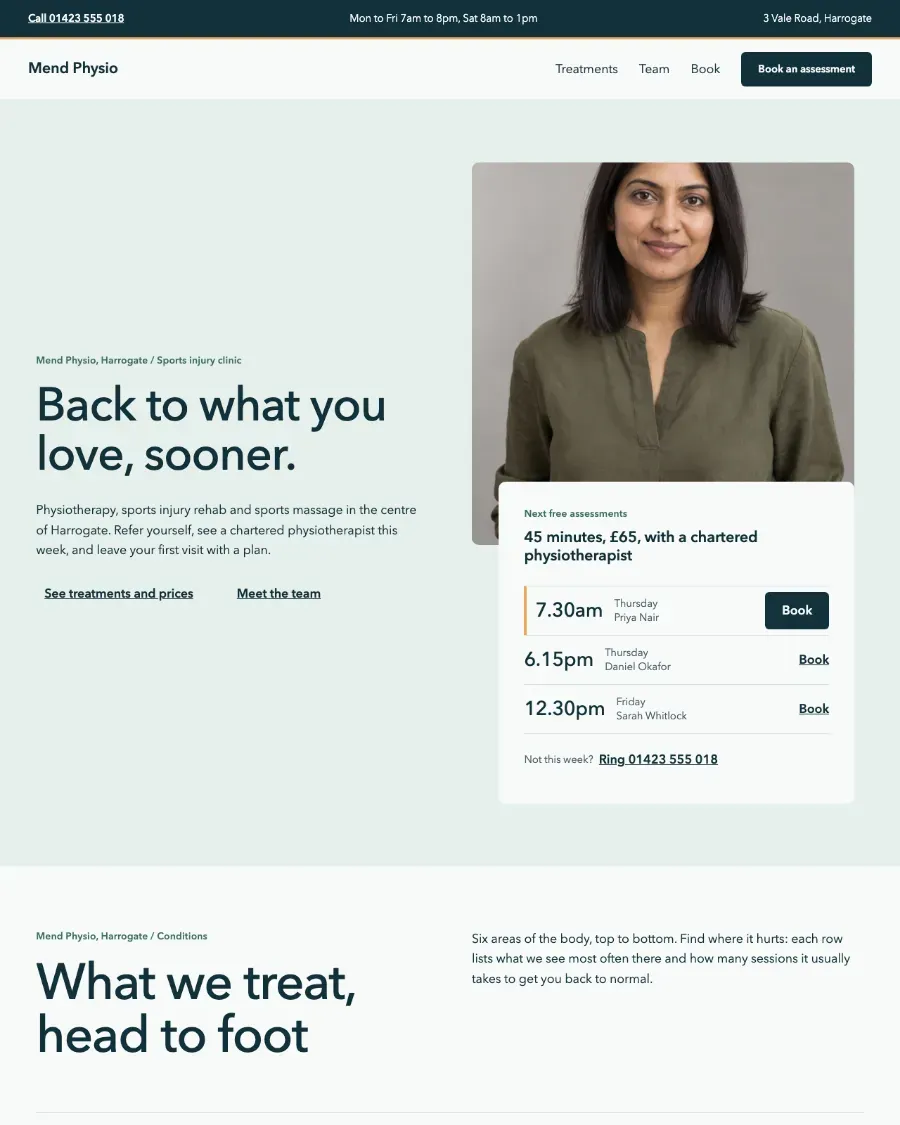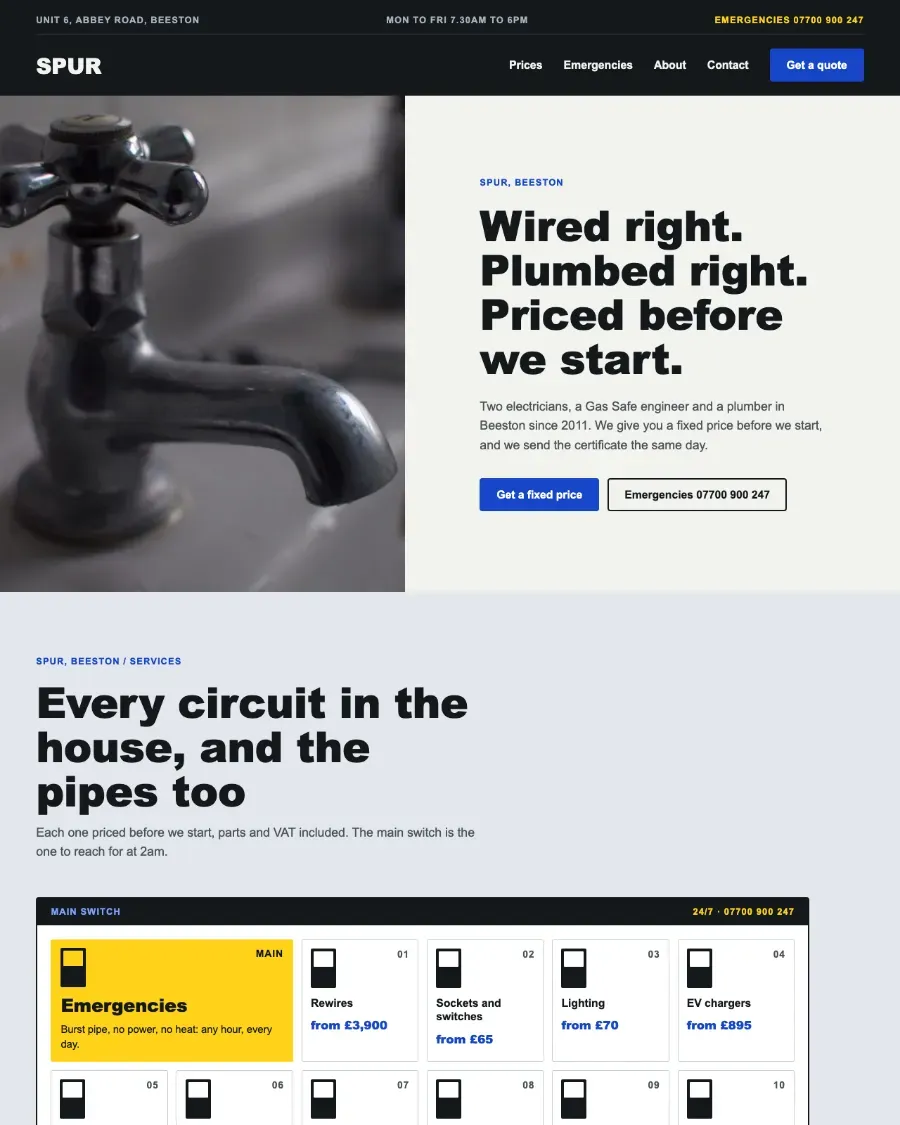



5 pagesThe pages
Every page, top to bottom.
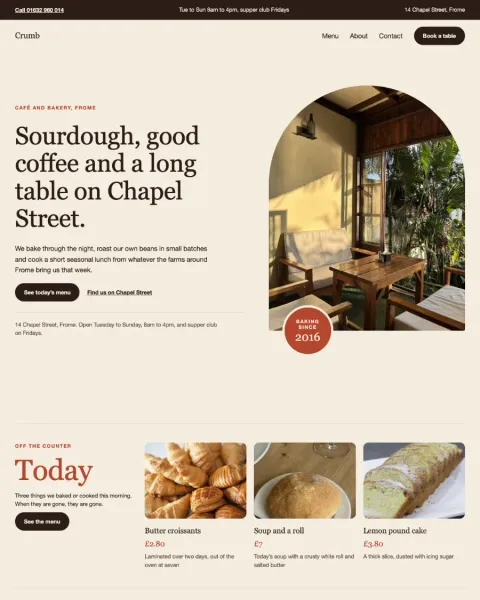
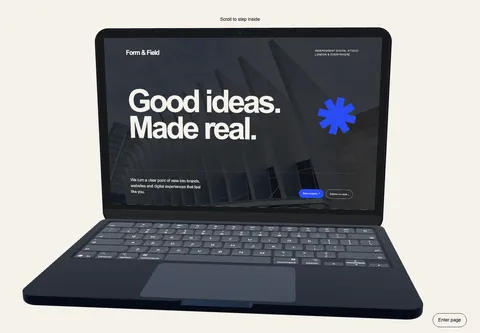
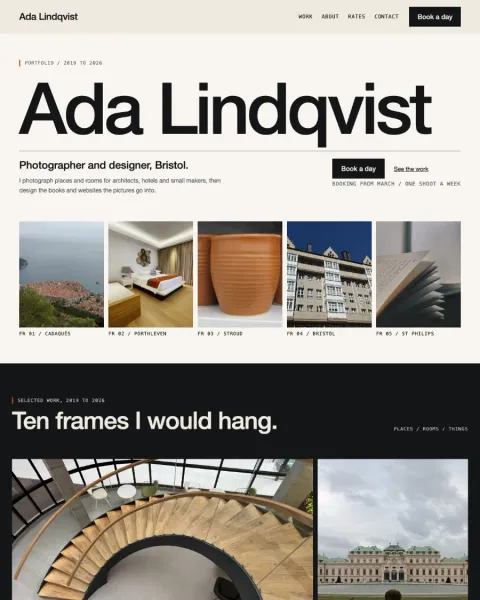
Open one to click around it in the live demo, copy it whole or see it in your own theme.


25 sectionsThe sections
Every section of Vow.
Copy any one into a page you already have, in the theme’s own design, or open it to see it large.
In the box
What comes with it.
The parts every page of Vow shares, in its own design. What is left is your words and photographs.
Header, footer and menu
The same on every page: Home, Our day, Travel and stay, RSVP and gifts and Afterwards.
- Wisteria white
- Card white
- Wisteria
- Midnight
- Dusk
- Peony
- Pale peony
- Wisteria hairline
- Lilac grey
- Headings
- Bodoni Moda
- Text
- Cabin
Colours and fonts
Its own, set here in its own type. Or choose your theme and the pages take yours.
The theme itself
An installable WordPress block theme, or the pages added to the theme you have.
What a wedding website needs
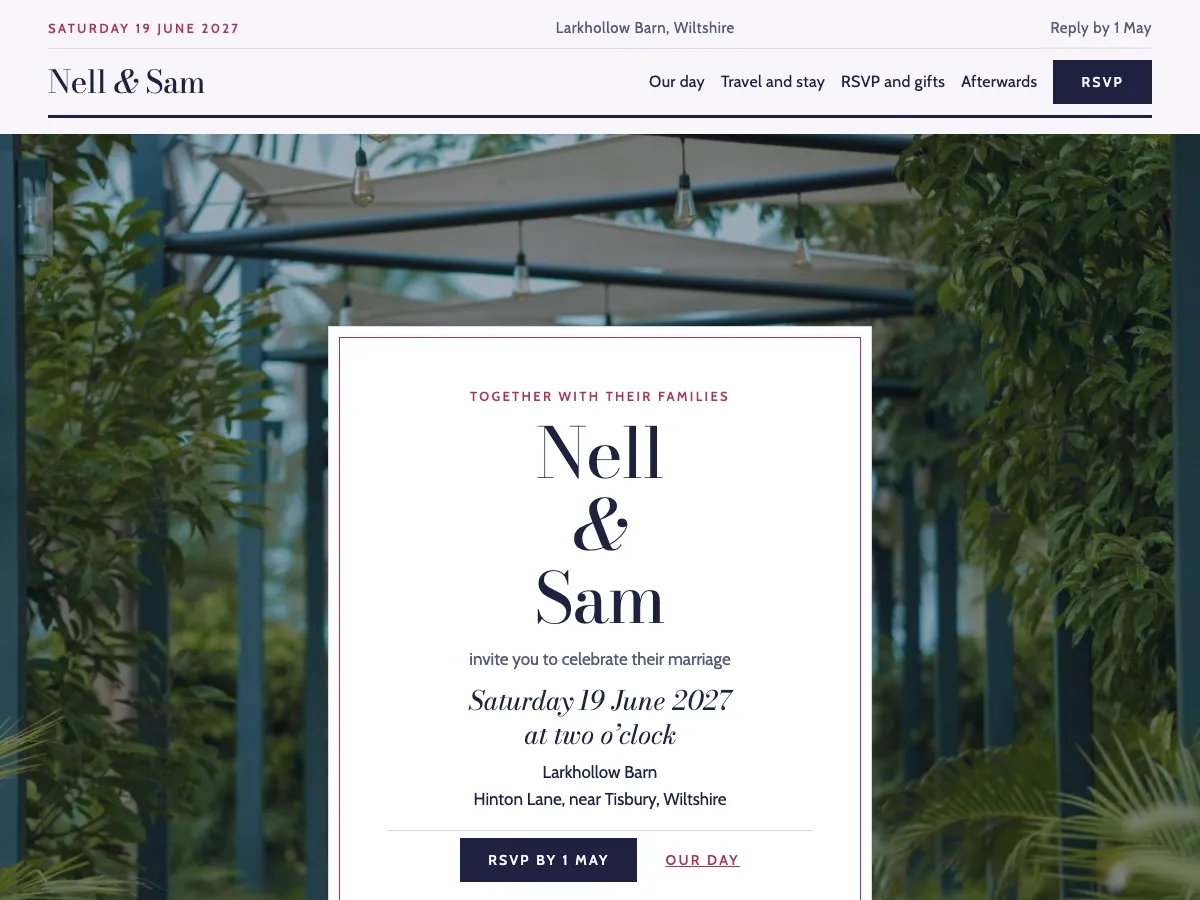
A wedding website is for the guests, and they arrive with practical questions: when and where, what to wear, how to get there and where to stay, and how to reply. Put the date and the place on the home page, the order of the day on a page of its own, and travel, parking and nearby rooms together, so nobody has to message you to ask.
Make replying easy: one clear way to RSVP, a date to reply by, and room for dietary needs and a plus-one. Say how you feel about gifts in plain words. After the day, the same site becomes the place for the photographs and the thank-yous, and because it is your own WordPress site, it stays yours for as long as you want it.
Vow lays that out as 5 pages: Home, Our day, Travel and stay, RSVP and gifts and Afterwards. Every section is ordinary WordPress blocks, so you change the words and photographs in the block editor like any other page.
In WordPress
Start Vow in WordPress.
The Pattern Paste Pro plugin makes every page as a draft, with the header, footer, menu and pictures. It asks first whether to install the Vow theme as a new site or add the pages to the theme you have.
- Subscribe to Pro, £49 a year. Your account holds the plugin and every theme.
- Download Pattern Paste Pro from your account, then install and activate it.
- In WordPress, go to Settings › Pattern Paste › Sites and choose Vow; Pro asks whether to install it as a new site or add the pages to your theme.
Every page arrives as a draft, with the header, footer, menu and pictures. Nothing is published until you say.
FAQBefore you subscribe
Questions beforeyou choose.
Still stuck? Email [email protected] and the person who built the patterns will answer.
Can I keep my current theme?
Yes. Start the site and choose to keep your theme; the Pro plugin adds the pages, header, footer and menu to the theme you have. Or copy the pages yourself; choose your theme under Preview in first and most pages take its colours and fonts.
Do I need the plugin?
To start a whole site, yes: the Pattern Paste Pro plugin, which comes with both plans, installs the theme as a new site or adds the pages to the theme you have. Copying the pages yourself needs no plugin, except a section that is one of the Interactive Patterns, which come with Everything.
Can I use it for clients?
Yes. Unlimited covers your own sites and the sites you build for clients; an account may not be pooled or resold between unrelated businesses.
What if I cancel?
Your pages keep working: what you paste is ordinary WordPress content in your own database. New downloads, updates and support end with the subscription.
Vow
Start your wedding website today.
Pro plan, £49 a year, unlimited sites.
Included in your plan, with unlimited sites.