BlogRelease notes
Why we ship complete sections instead of raw blocks
Pattern Paste ships complete layouts across two collections: Core Patterns that follow your theme, and Designed Patterns with optional custom design. Here is how they work.
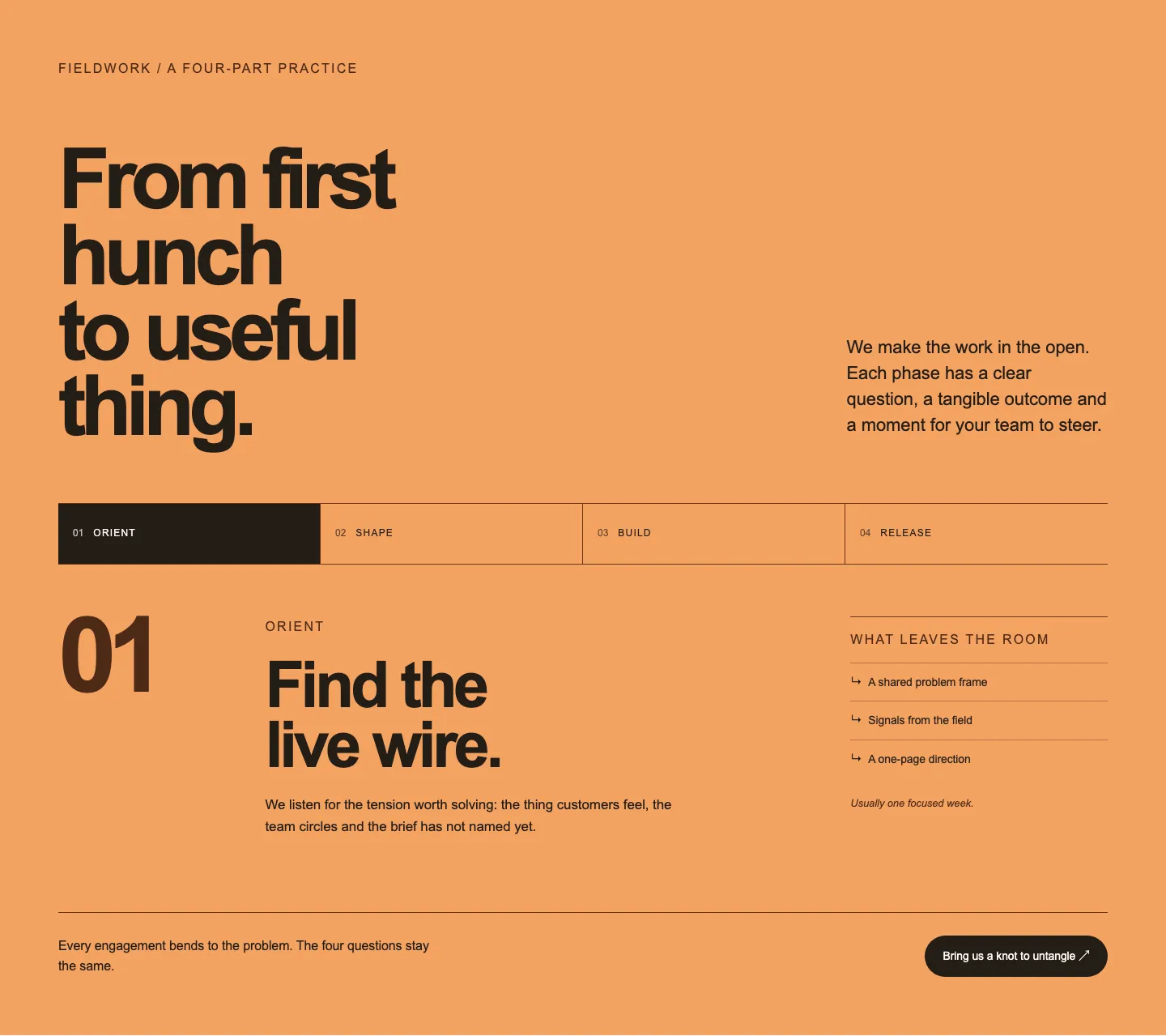
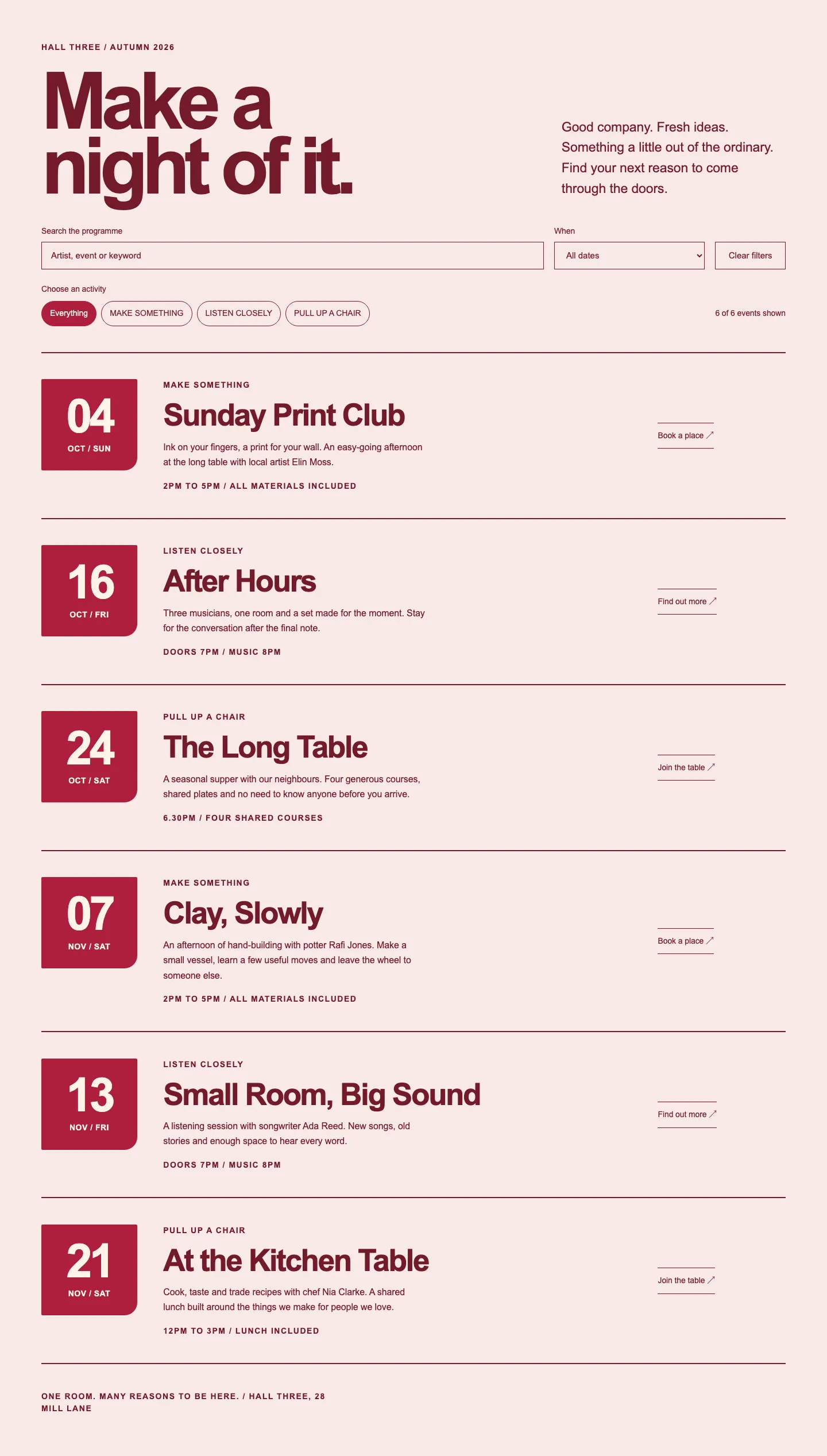
Pattern Paste ships complete, finished layouts across two collections: 263 Core Patterns that follow your block theme with no plugin, and 54 Designed Patterns that feature richer compositions, optional custom designs, and useful interaction.
When you open a pattern library, you want finished layouts ready to paste into WordPress, not individual components you have to assemble and tweak from scratch. A section arrives complete. You paste it in, update your copy and images, and publish. You can let your active theme drive the typography and colour palette, or choose a Designed Pattern with an optional custom design we ship with.
Assembling raw blocks is the work you were avoiding#
Starting a layout with raw blocks means dropping empty containers onto a page with an inspector panel. You have nothing useful to look at until you choose column proportions, set padding and gaps, pick colours, add your content, and work out what each sidebar control does. You end up designing directly inside settings panels, one field at a time, while the canvas shifts around.
Dedicated blocks make sense when you need centralized control across a site. If you manage an accordion component across ninety pages and need a single source of truth to update global behaviour, a dedicated block is the right tool. But assembling raw blocks one setting at a time solves a different problem than a pattern library.
A pattern library exists because someone has already resolved the typographic scale, responsive spacing, and compositional balance. Dropping a complete section into your page gives you a finished composition immediately, leaving you free to focus on copy and media rather than rebuilding layout structures.
Core Patterns take your theme and nothing else#
A Core Pattern uses standard WordPress blocks and nothing else. There is no companion plugin required, no shortcode, no inline <style> tag, and no bundled font. It pulls colours, typography, spacing presets, and button styles directly from your theme.json, matching your active theme on first render.
This portability is where block patterns typically fail. When a pattern hardcodes #1a1a1a or fixed dimensions, it looks clean in an isolated screenshot but breaks on a live site. An inline style overrides theme presets, so a pattern with hardcoded values will not update when you adjust your theme palette. Core Patterns declare no colours or fonts of their own, meaning any palette adjustments or theme switches apply to them immediately. We verify this against Twenty Twenty-Five and Twenty Twenty-Four on every release, across WordPress 7.0 through 7.0.
Many sections also include variations with alternative alignments, media placements, and typographic weights. There are 255 variations across the catalogue. In addition, 50 complete sections are available to copy without an account, so you can test them in your own development environment before committing.
The trade-off is that the pattern relies entirely on the design tokens in your theme. A Core Pattern cannot introduce colours or type styles that do not exist in your theme configuration. If the typography looks unspaced or presets feel unbalanced, the adjustment belongs in theme.json, keeping your global styles consistent.
Designed Patterns: keep the look, or use your theme#
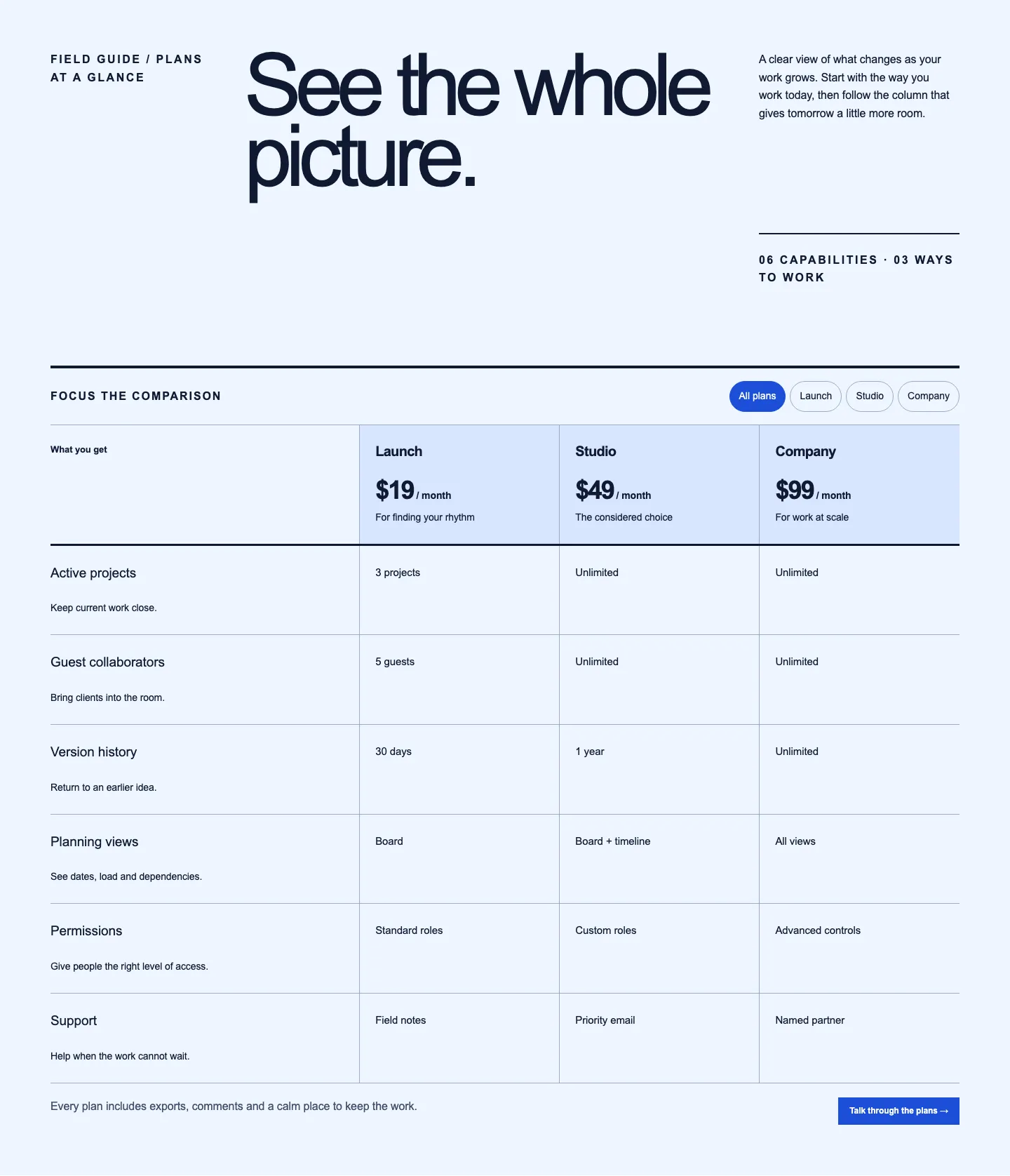
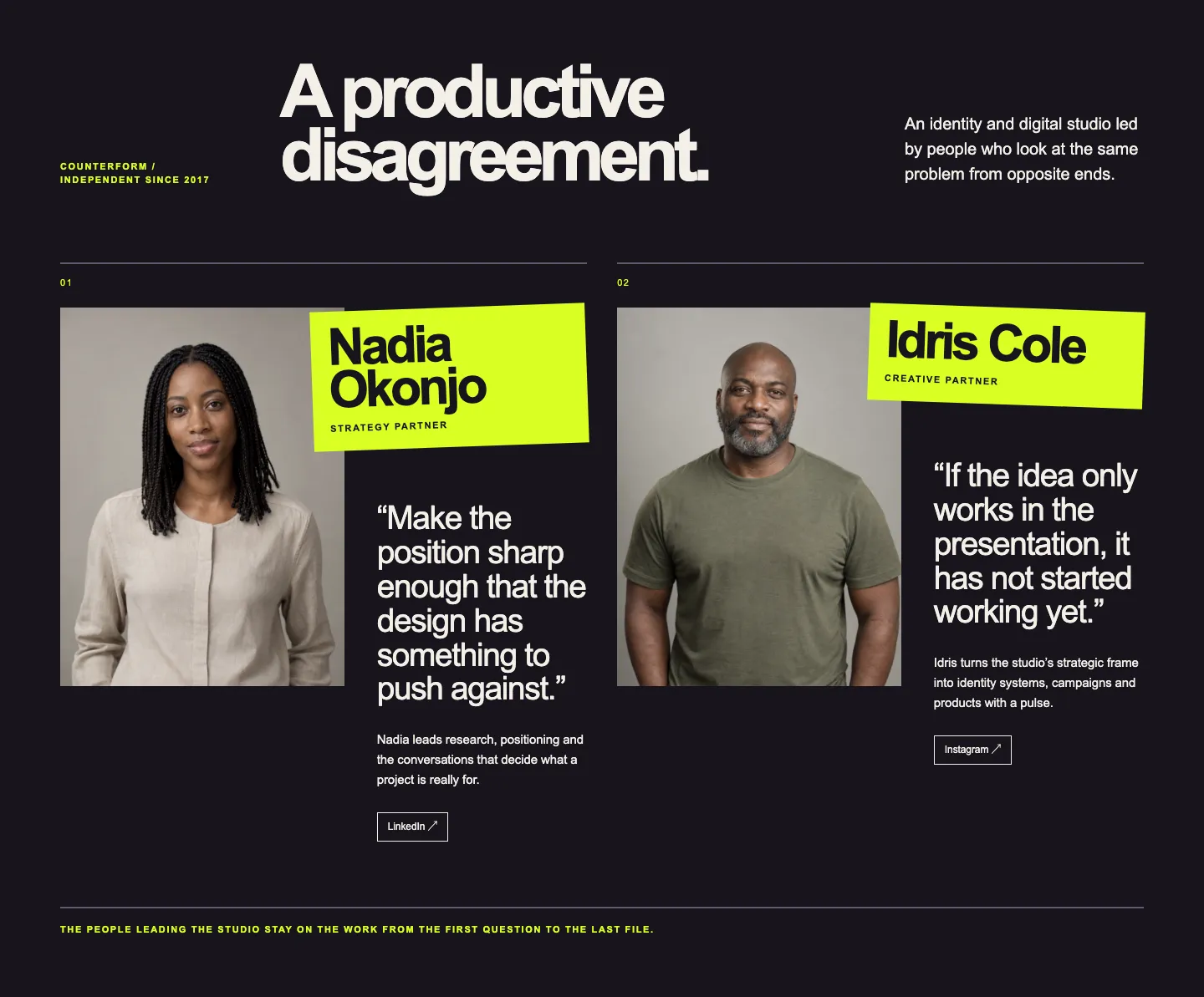
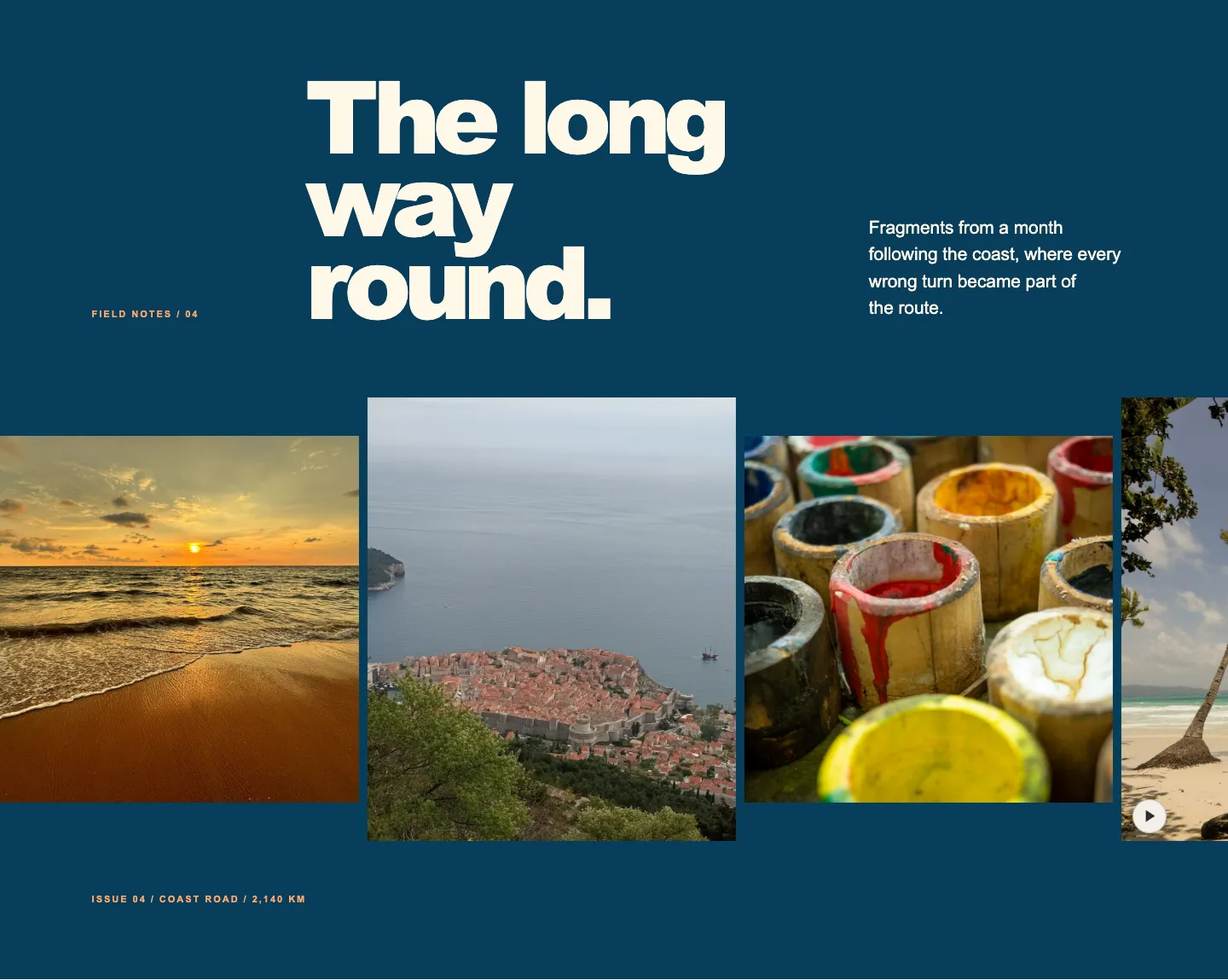
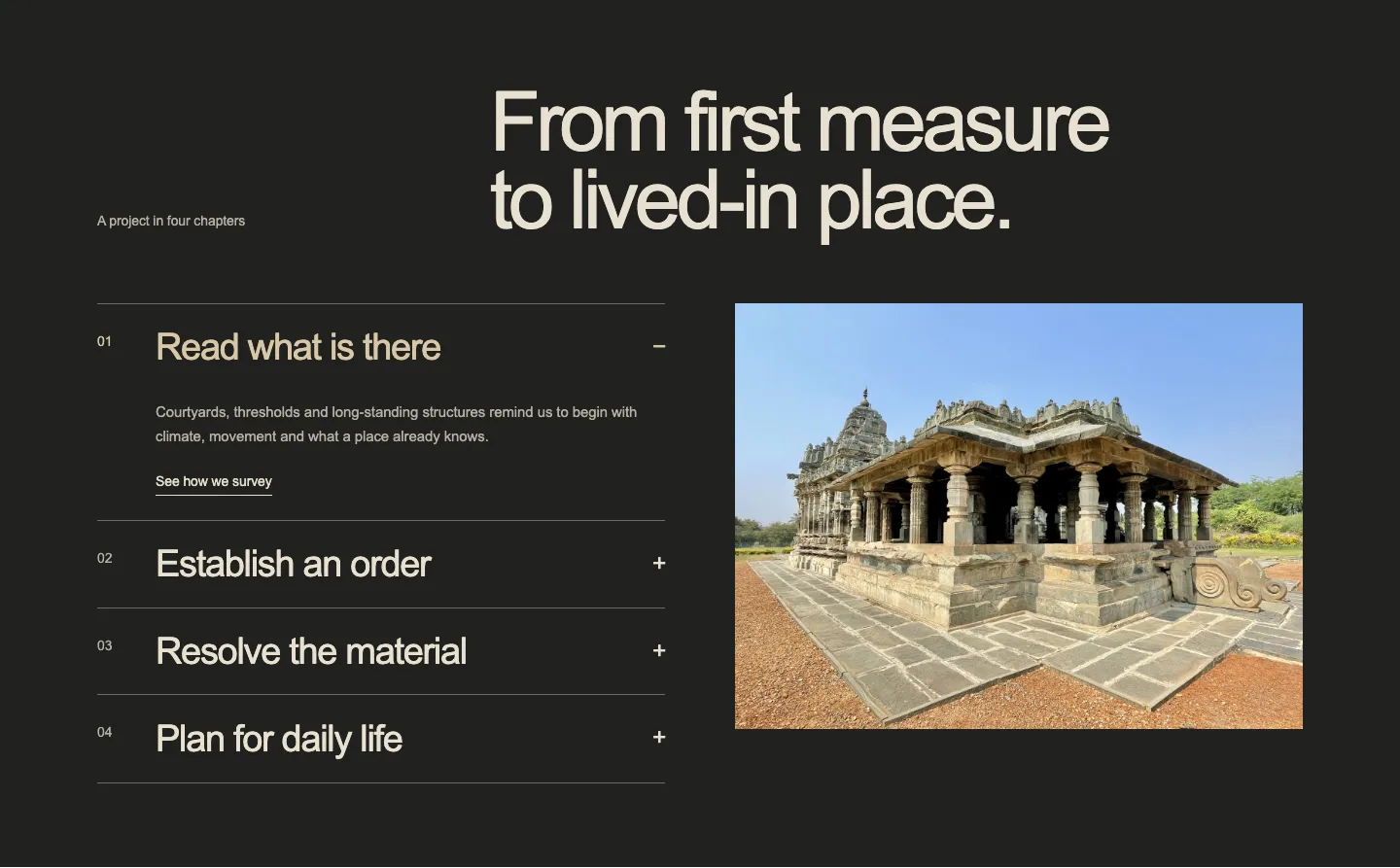
Certain pages require more visual ambition or purposeful interaction: an editorial testimonial grid with distinct card styling, a pricing table with curated display type, or an interactive before-and-after comparison slider.
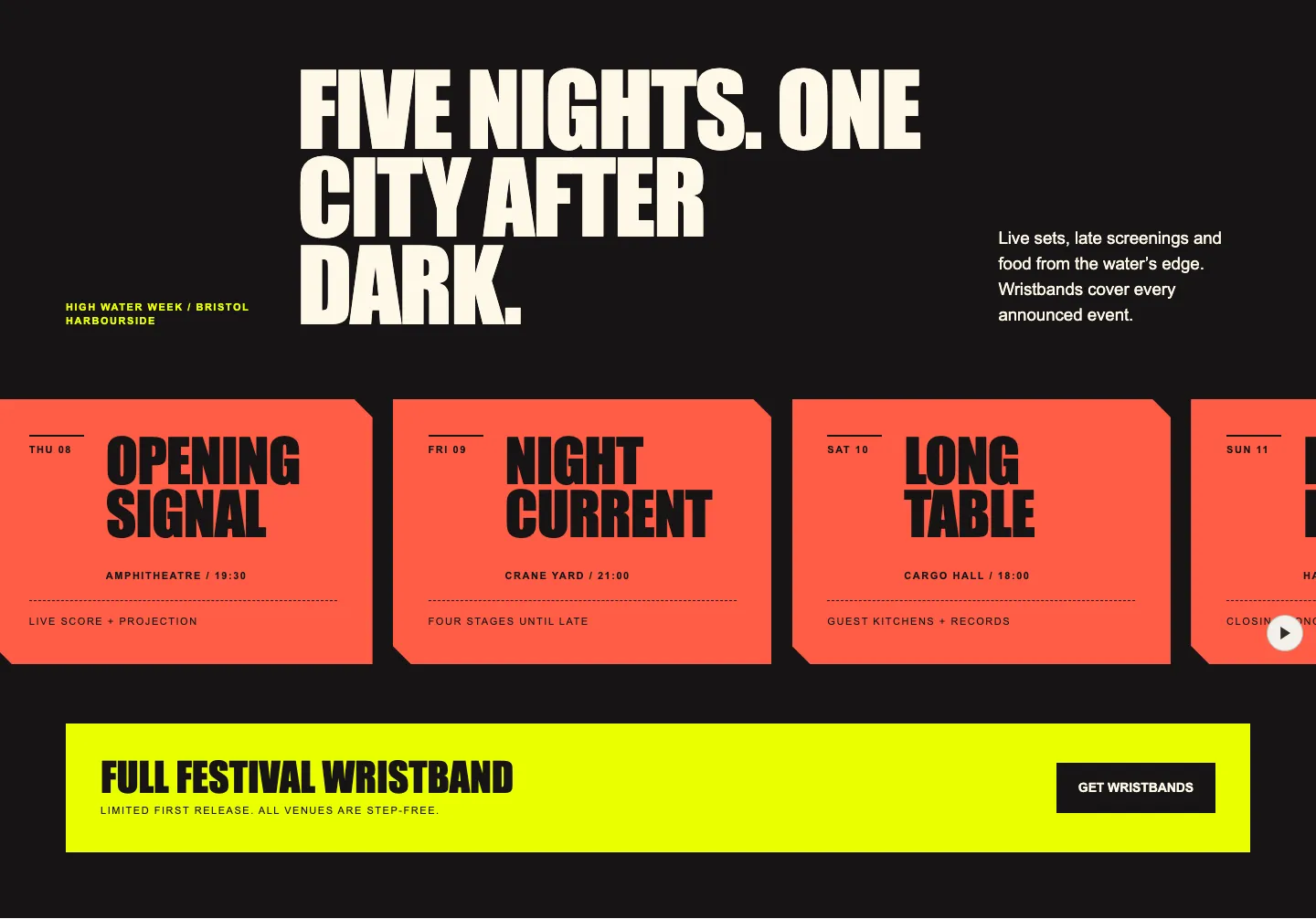
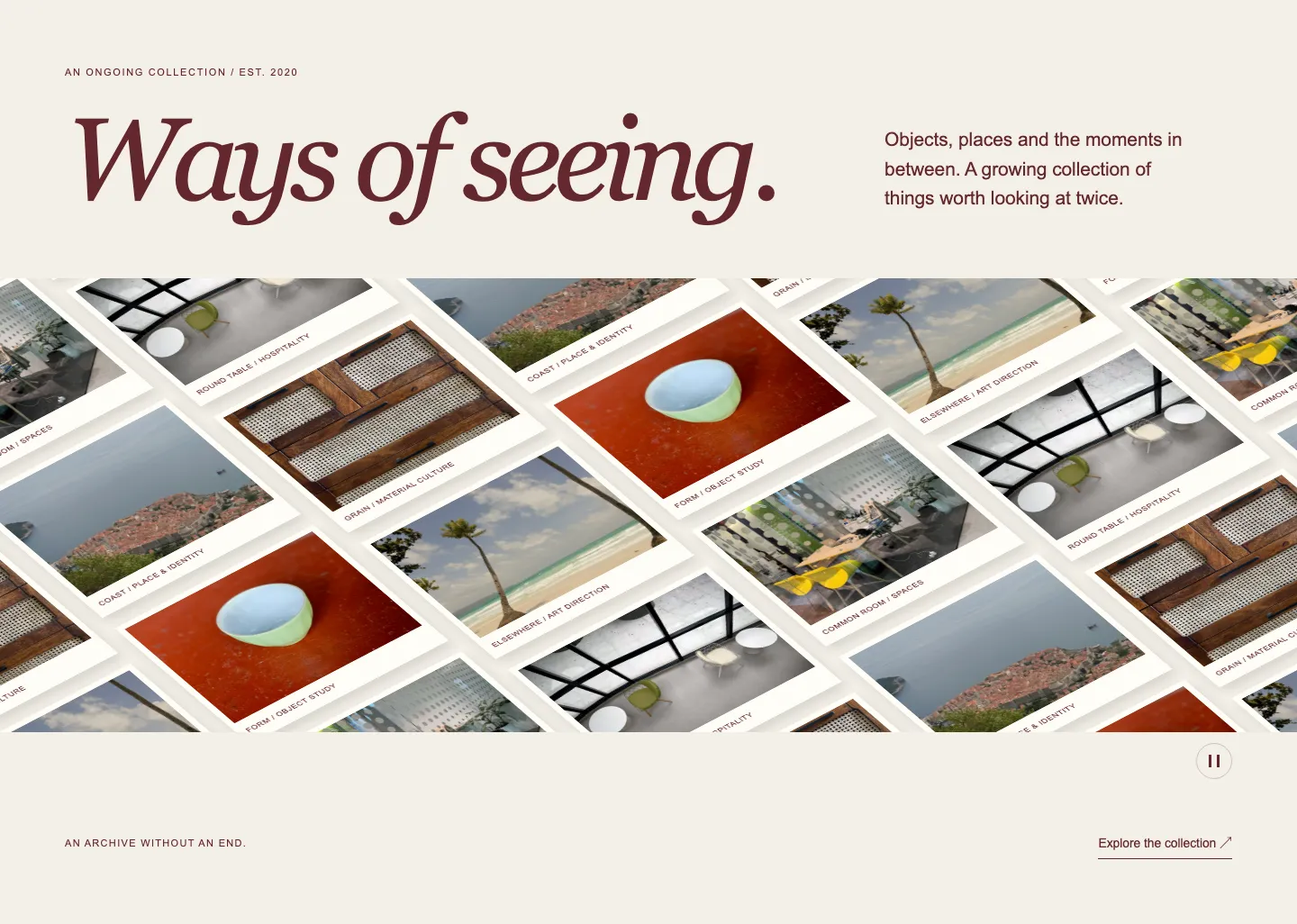
Designed Patterns accommodate this by providing two treatments via a toggle in the block inspector. Designed applies the curated palette, typography, and visual treatment we created for that section. Use my theme preserves the structural composition while adapting to your active theme's colours and typefaces. You get the same finished layout either way: you decide whether it takes your site's styles or provides a deliberate visual contrast.
Inside WordPress, editing remains completely native. Headings, paragraphs, images, and buttons use standard core blocks with familiar toolbar controls. The composition structure is locked by default to prevent accidental column deletion while editing text, while repeated items like cards or list entries provide add and remove buttons in the sidebar. If you need full structural control, an Unlock layout button exposes the entire nested block hierarchy.
Designed Patterns use our companion plugin to supply scoped stylesheets and any necessary interactive scripts. If you ever deactivate the plugin, the content remains intact on the page as standard core blocks in their proper semantic order; only the custom styling and motion behaviour are removed.
Comparing Core and Designed Patterns#
| Core Patterns | Designed Patterns | |
|---|---|---|
| Markup | Core blocks only | Core blocks plus a scoped stylesheet |
| Styling | Follows your theme's theme.json | Curated design, or your theme via toggle |
| Interaction | Native core links and buttons | Optional motion and interactive controls |
| Plugin requirement | None | Companion plugin required |
| Best suited for | Sites with an established design system | Richer compositions, interactive sections, or custom visual styling |
| Trade-off | Constrained by theme presets | Requires an active companion plugin |
Both collections are included in the same subscription, £119 a year, and both use copy-and-paste markup. Neither requires configuring blocks from scratch.
What to do with this#
You can test both approaches directly in the catalogue. Open any Core Pattern to see how it adapts to different theme presets, or explore a Designed Pattern and toggle between Designed and Use my theme to see the composition take on different palettes and typefaces.
Then paste one of the free sections into a local or staging site to confirm how it renders with your active theme. If the section slots in cleanly, your theme presets are well defined and the rest of the collection will behave identically. If spacing or colours look unexpected, inspecting the computed styles will quickly identify which preset or property in your theme.json needs adjustment.
Pattern Paste sells both collections on one subscription, £119 a year, with the companion plugin included for Designed Patterns. The 50 free Core Patterns are complete and unredacted: the same markup, tested against the same themes.
From the library


Read next
Why does my WordPress block pattern look different from the demo?
Find out which differences come from your WordPress theme, which reveal a broken pattern, and what to check before adding another CSS override.
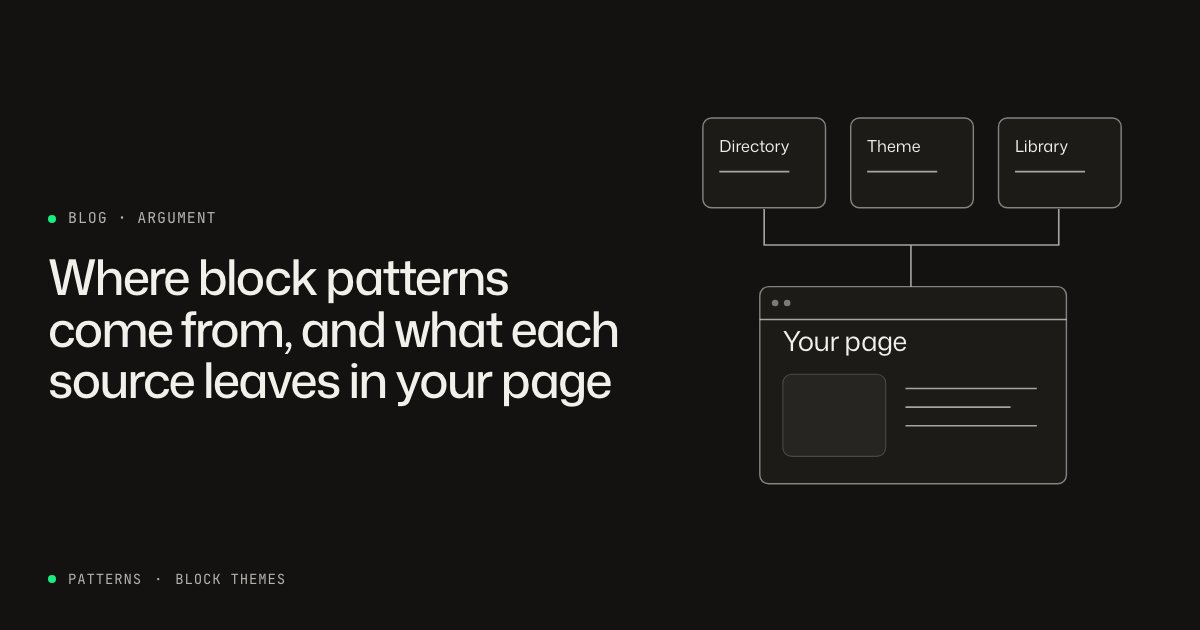
Where block patterns come from, and what each source leaves in your page
The pattern directory, your theme, a library plugin or a copy-paste catalogue: what each source puts in post_content, and what survives when it goes away.