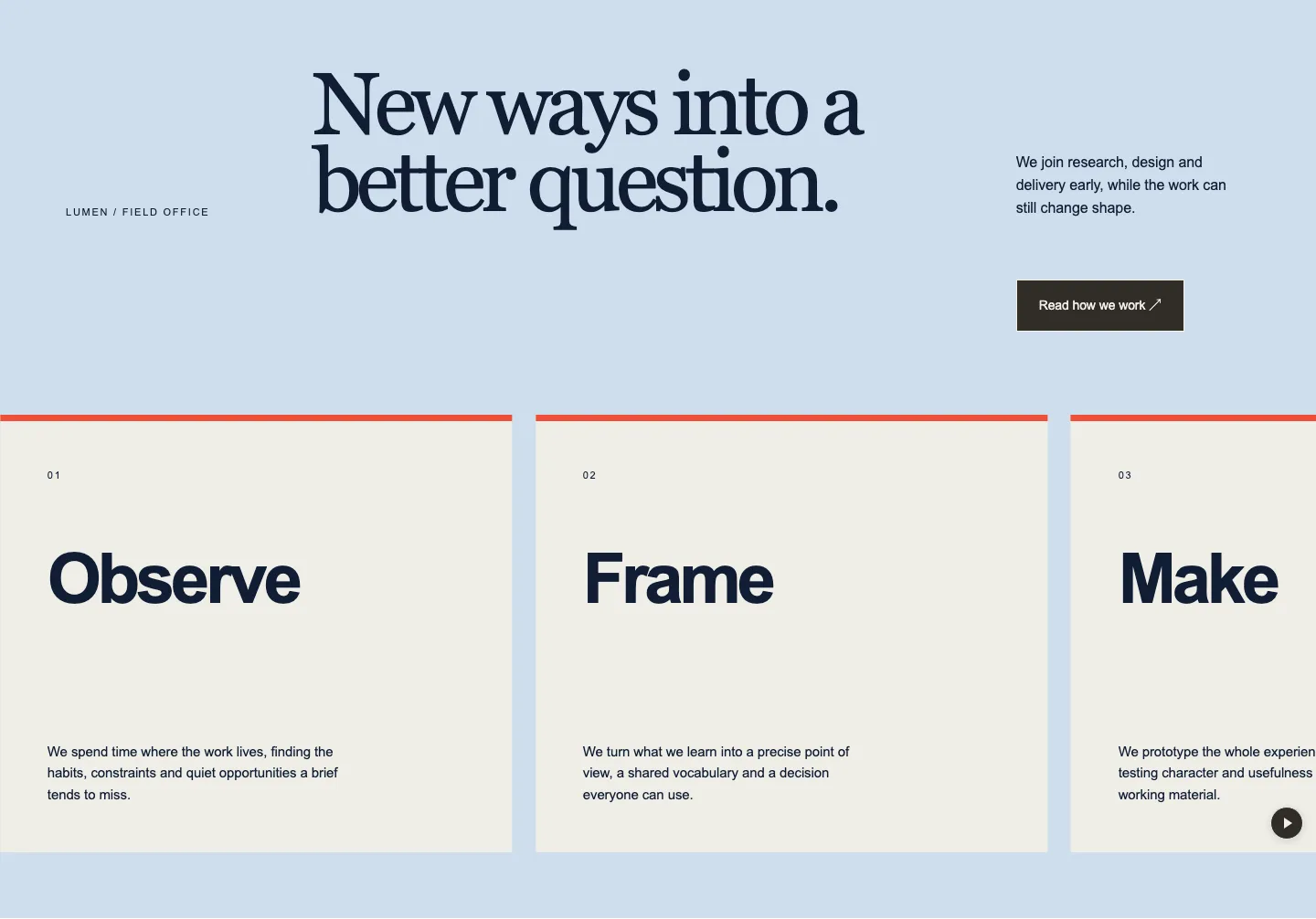
Working Disciplines
Numbered capability cards with practical descriptions in a composed editorial service collection.
Preview patternMonumental service words in a bold studio ribbon with a stationary introduction and editable supporting notes.
The section’s original colours and type. Copy this appearance as shown.
About this pattern
Straight after the hero on an agency or studio site, where oversized service names state what you do before any detail follows.
What you can edit
Select any of them in the block editor and change it in place. Colours, type and spacing use the blocks’ own controls.
The layout stays protected while you edit. Unlock layout, in the section’s settings, lets you insert, move and remove any block.
How it behaves
The service words travel past a still introduction; pointer position steers speed and direction, the centre holds them, clicking pauses, and a pause button stops them.
Questions
Straight after the hero on an agency or studio site, where oversized service names state what you do before any detail follows. Typical uses: agency home page services, studio practice overview and freelancer services band.
Yes. Designed Patterns come with a subscription, which includes the Pattern Paste plugin that runs them; Studio Capabilities arrived in plugin 0.28.2. Without the plugin, or on an older version, it pastes as plain WordPress blocks: the content reads in order, without the designed layout.
As pasted it has 5 headings, 10 text lines and 1 button, 6 of them optional and removable. The items are a repeatable set: the item controls add one or remove the last. The layout stays protected while you edit. Unlock layout, in the section’s settings, lets you insert, move and remove any block.
Choose Designed to keep its own palette and type, or Use my theme to let it follow your theme’s colours and fonts. Either works in any block theme on WordPress 7.0 or later. Choose Use my theme in the preview above to see it follow a theme before you copy.
Yes. Turn off Animate changes in the section settings, and visitors who ask their device for reduced motion get the same: the section shows its final state at once and anything they can press or drag still works. With JavaScript off, all content stays visible.
Continue exploring
Numbered capability cards with practical descriptions in a composed editorial service collection.
Preview pattern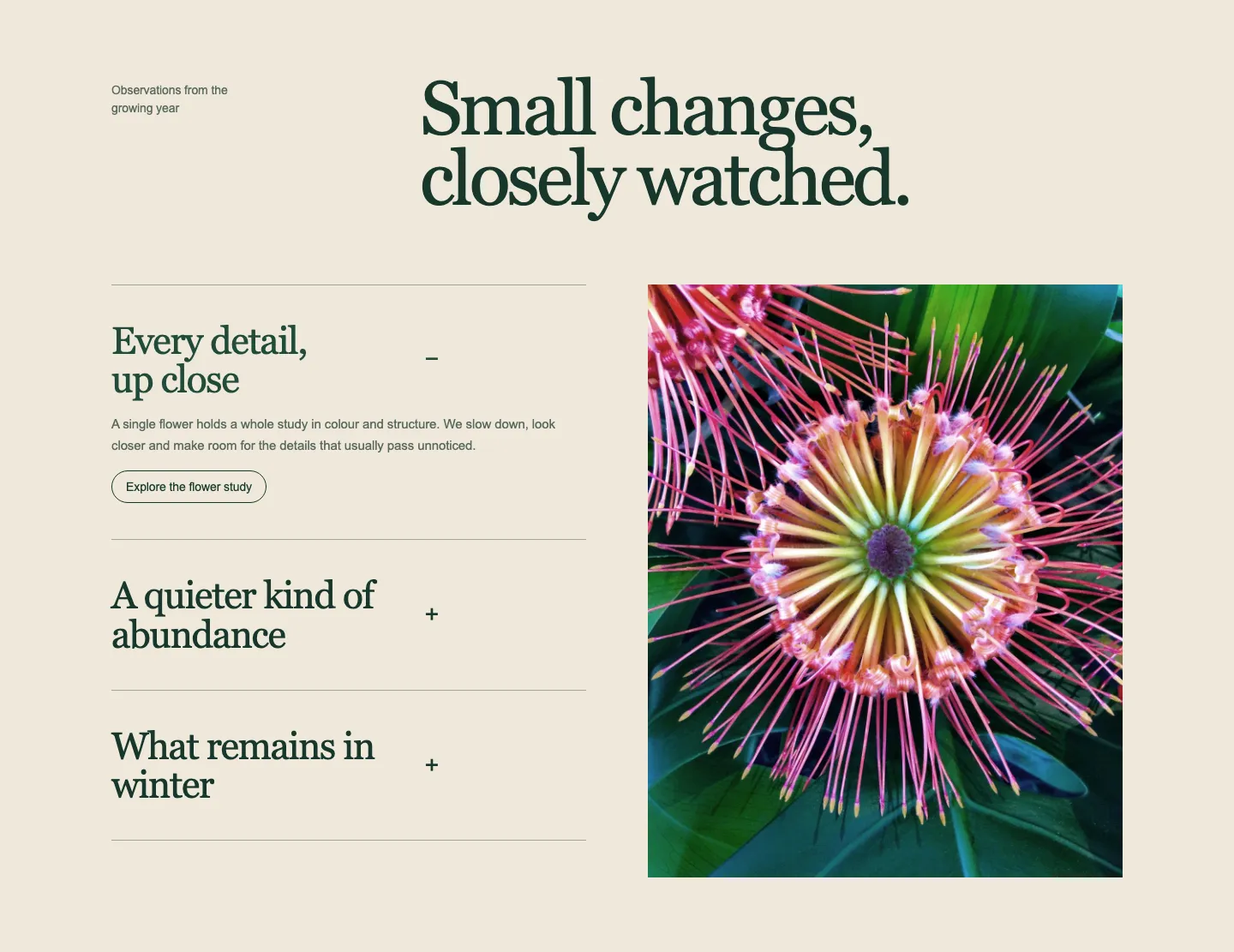
A quiet editorial feature rail with opening notes and a changing photograph, in warm paper and forest ink.
Preview pattern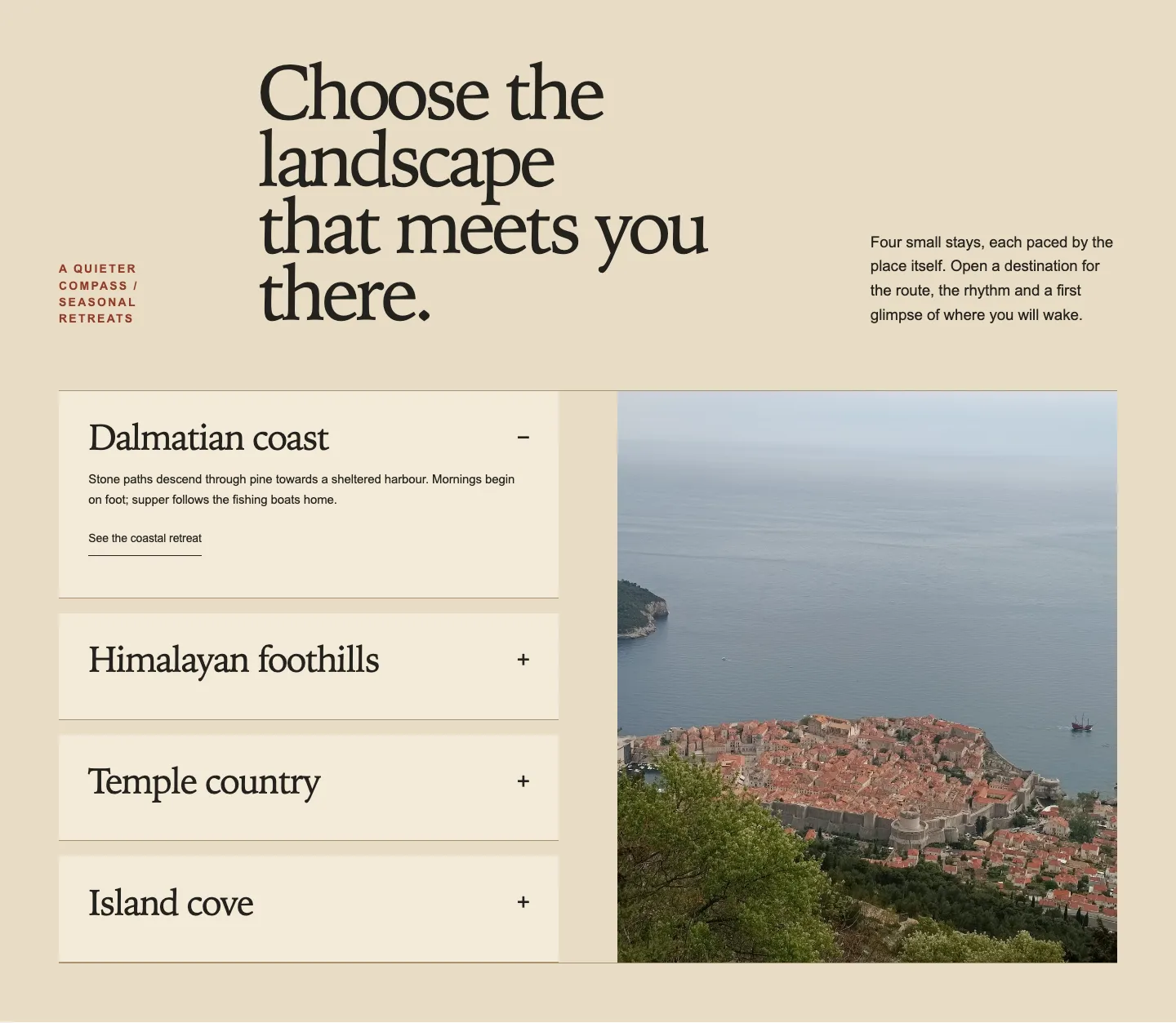
A photographic destination guide with opening cards, a generously framed changing image and a warm sand-and-terracotta palette.
Preview patternFull access
Every pattern, template and theme download, and everything we release next.
Checking your account.
Full access
Use every Core Pattern on unlimited websites. The companion plugin includes updates and support for five production sites, each with staging or local included.
Billed once a year
What you copy is yours forever. Cancel whenever.
Everything you copy is yours to keep, forever, on any site; access to the rest of the library runs while you subscribe. Cancel any time; access runs to the end of the period you have paid for, and there is no pro-rata refund. Prices are in pounds and are the full price in the UK, the US and eleven other countries; elsewhere the checkout adds your local VAT or sales tax. The terms name every country. If the renewal price changes, we will email you at least 30 days before it applies.
Already subscribed?
Sign in to continue
Your subscription lives on an account. Sign in, or create one here, and you go straight on to payment.
A password is at least 8 characters. Trouble signing in? [email protected]
You have full access
Core Patterns can be used on unlimited websites. Companion plugin updates and support cover five production sites, each with staging or local included. Your card, invoices and cancellation are in Stripe's billing portal.
Payment is handled by Stripe; we never see your card.