

View WordPress markup
Interactive Patterns38 of 58
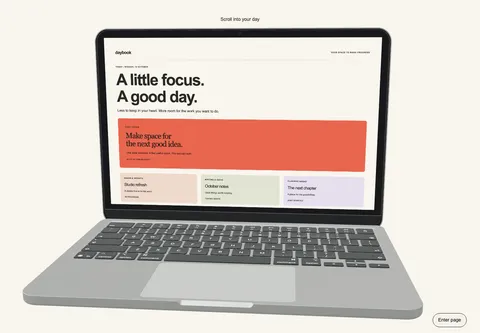 HeroDaybook
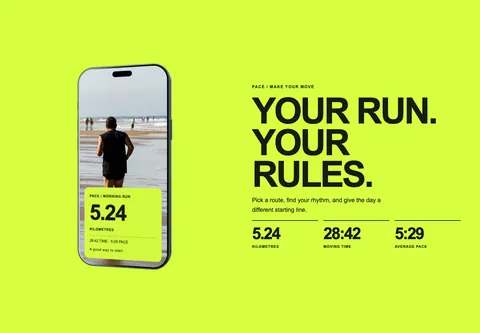 FeaturesPace
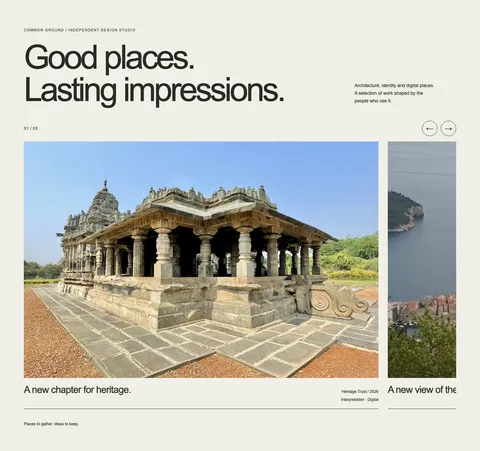 GallerySelected Work
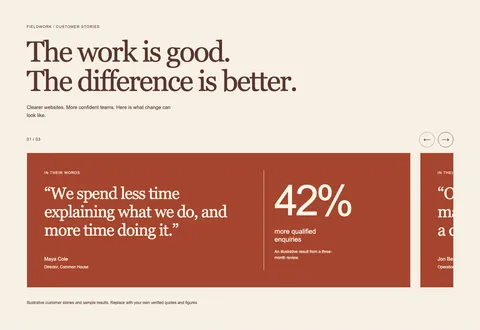 TestimonialsCustomer Results
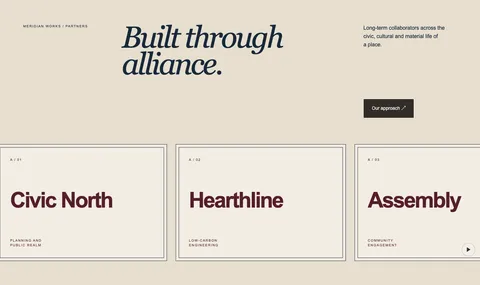 LogosPartner Assembly
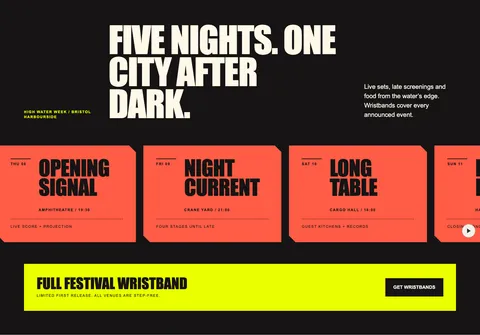 Call to actionFestival Bulletin
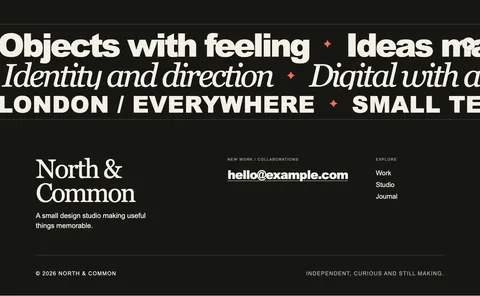 FooterSignoff
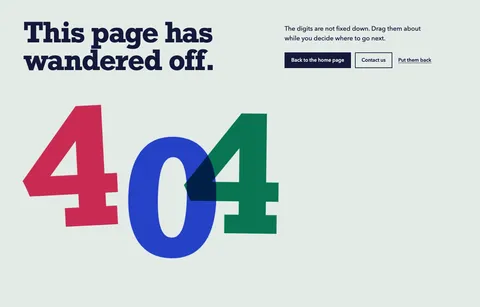 404Loose Type
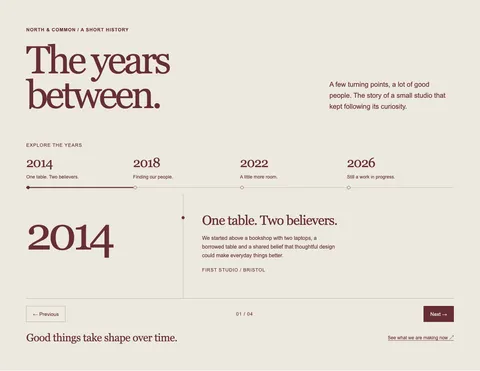 TimelineStudio Chronicle
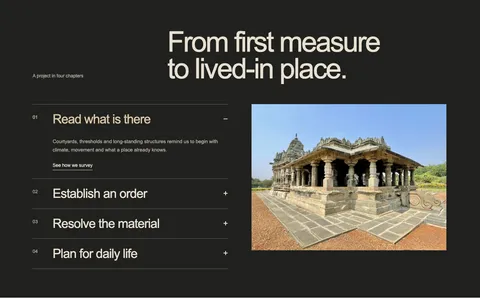 How it worksAtelier Chapters
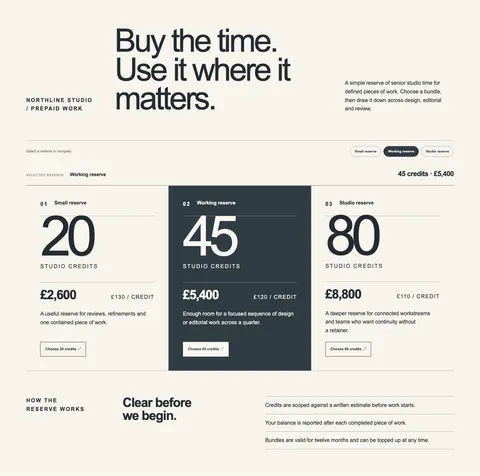 PricingStudio Credit Reserve
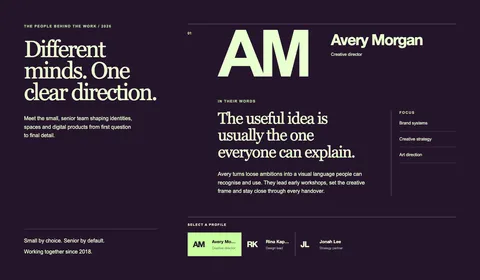 TeamTeam Spotlight
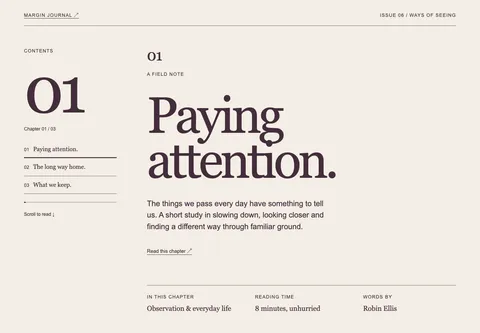 Page headerChapter Opening
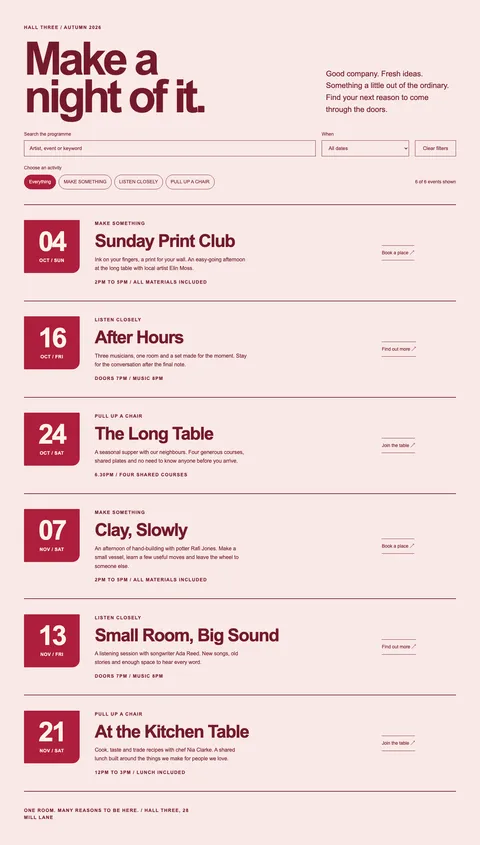 ListingsWhat’s On
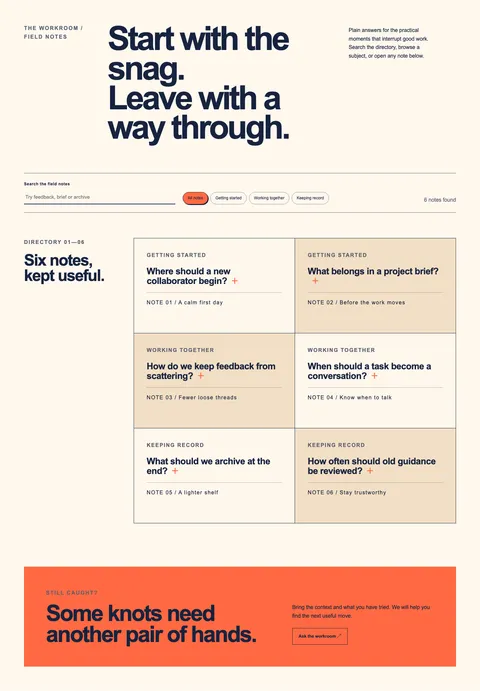 FAQSupport Directory
 HeroStep Inside
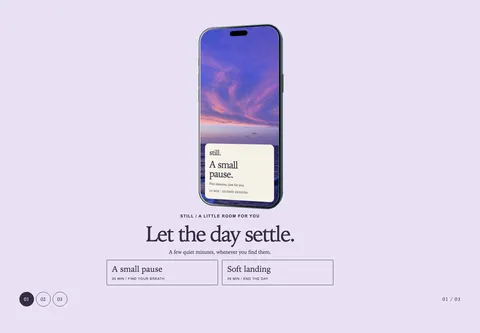 FeaturesStill
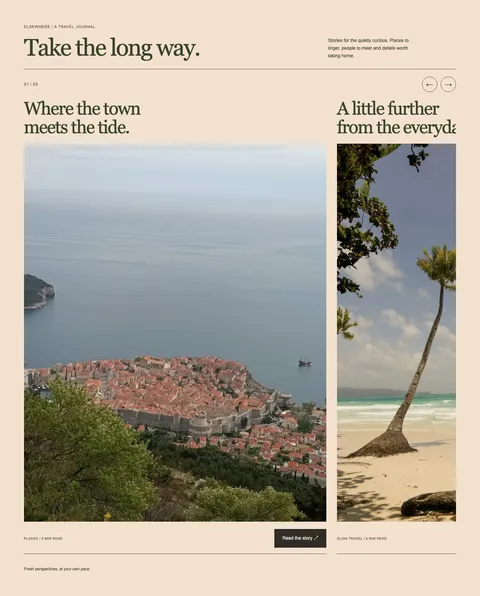 GalleryElsewhere Journal
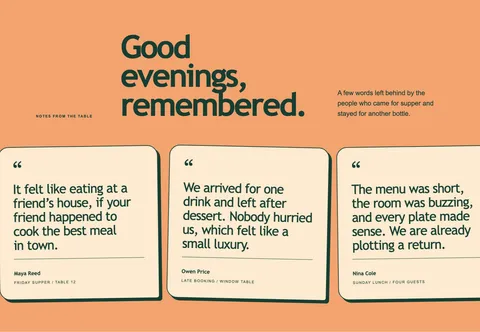 TestimonialsNotes from the Table
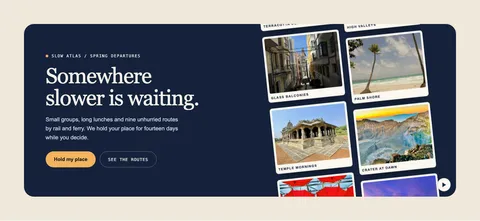 Call to actionPostcard Reels
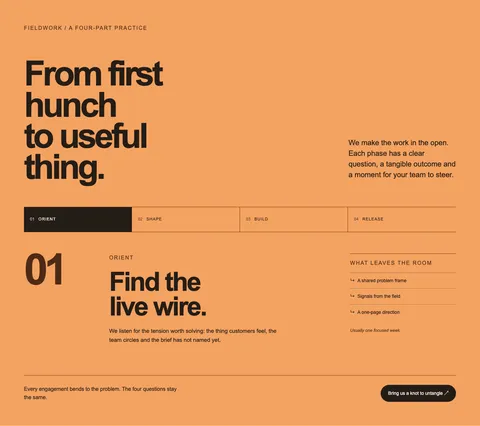 How it worksProcess Explorer
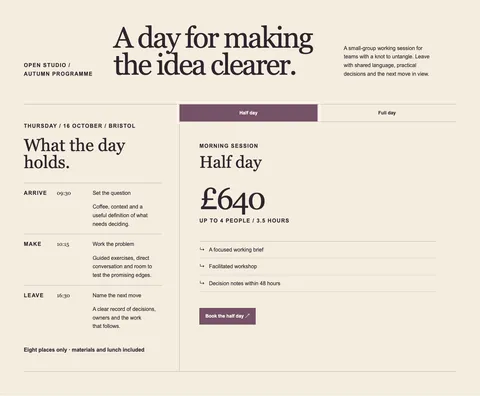 PricingWorkshop Sessions
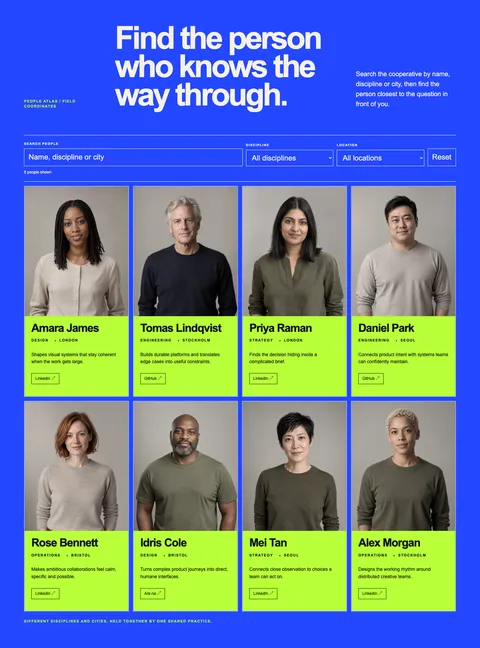 TeamPeople Atlas
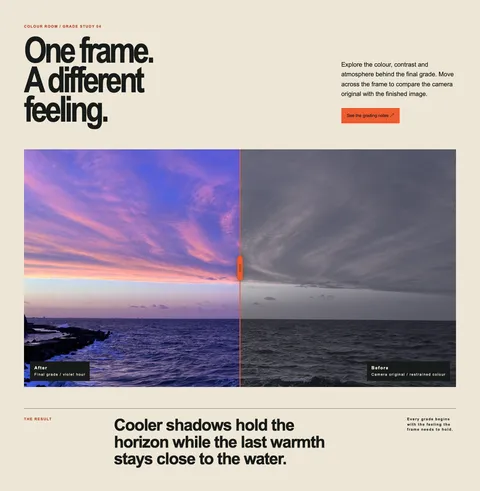 HeroBefore and After
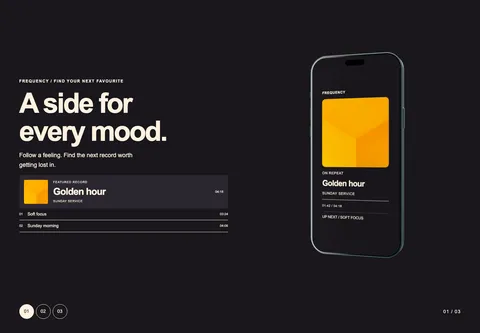 FeaturesFrequency
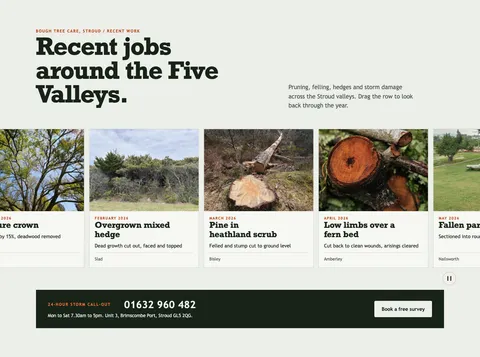 GalleryRecent Jobs
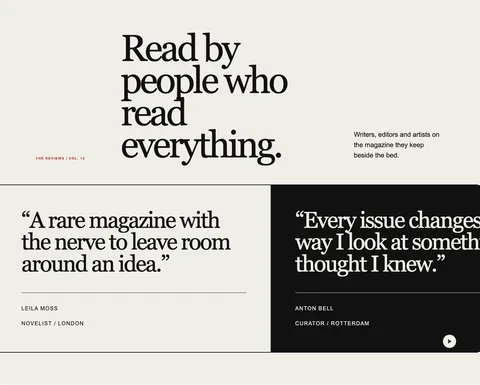 TestimonialsThe Reviews
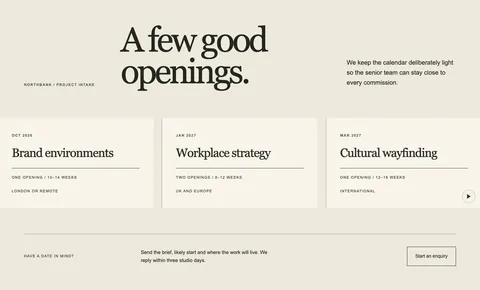 Call to actionStudio Openings
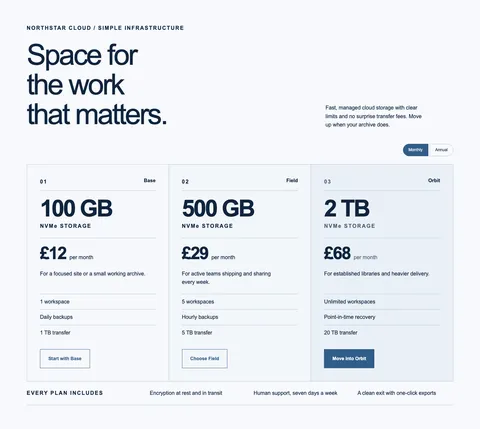 PricingCloud Plans
 TeamFaces & Stories
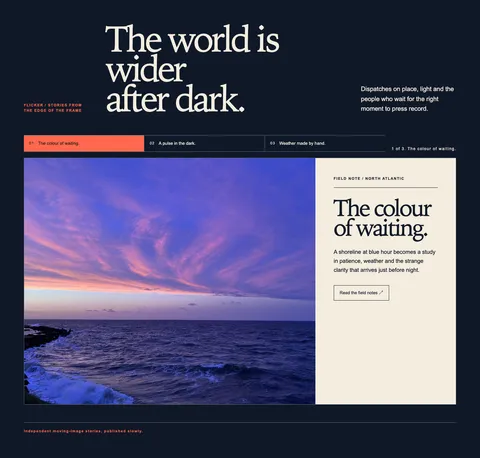 HeroCinema Stories
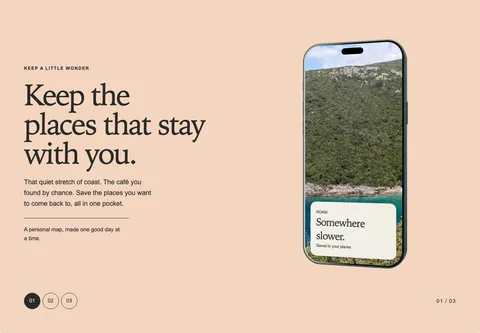 FeaturesPocket Stories
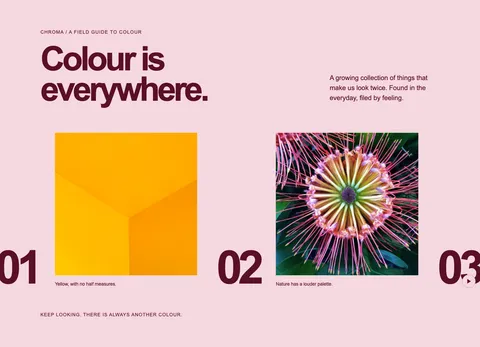 GalleryColour Parade
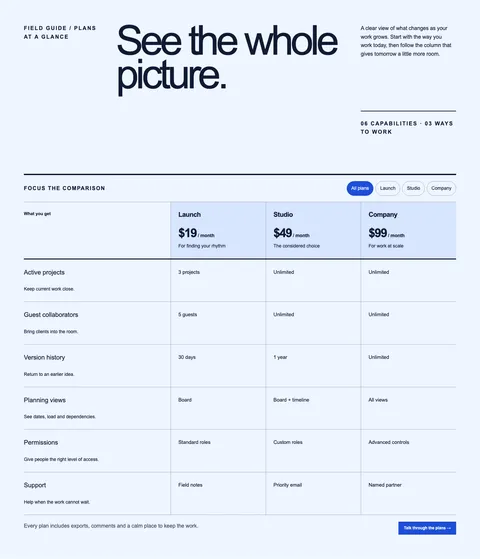 PricingFeature Ledger
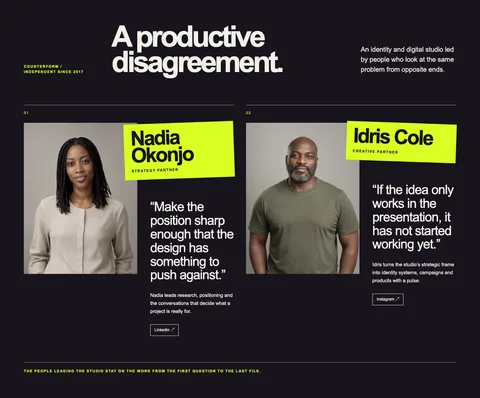 TeamStudio Partners
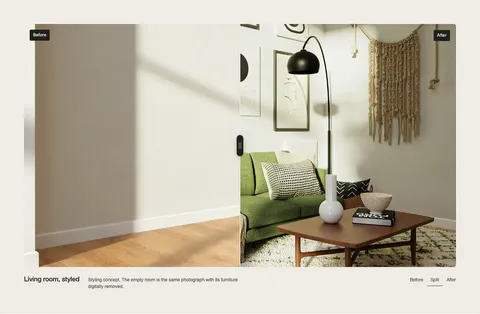 HeroReveal
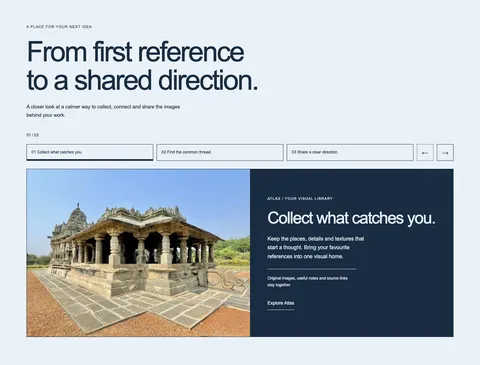 FeaturesProduct Walkthrough
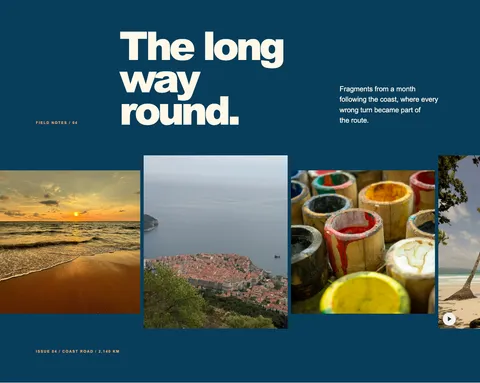 ViewingThe Long Way Round
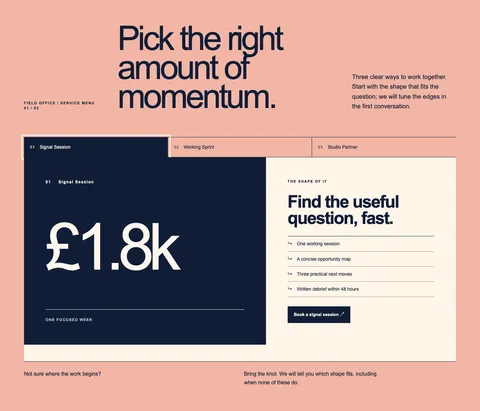 PricingStudio Service Menu
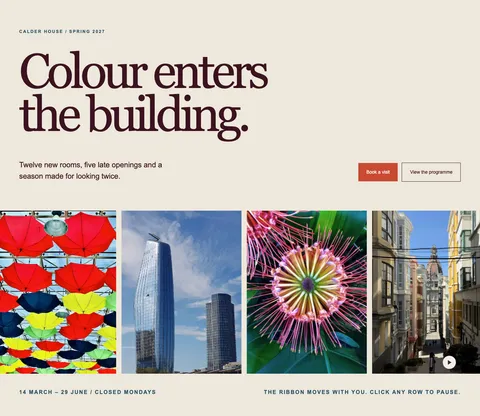 HeroColour in Season
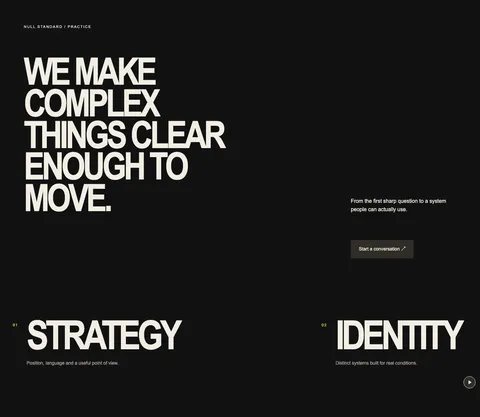 FeaturesStudio Capabilities
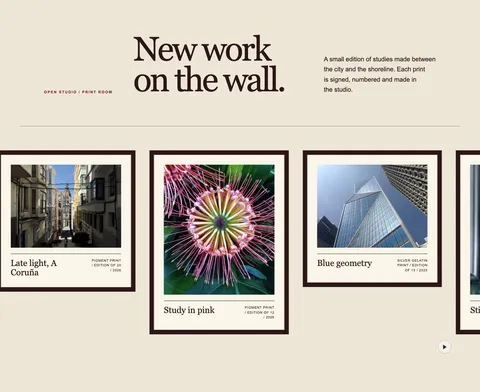 GalleryThe Print Room
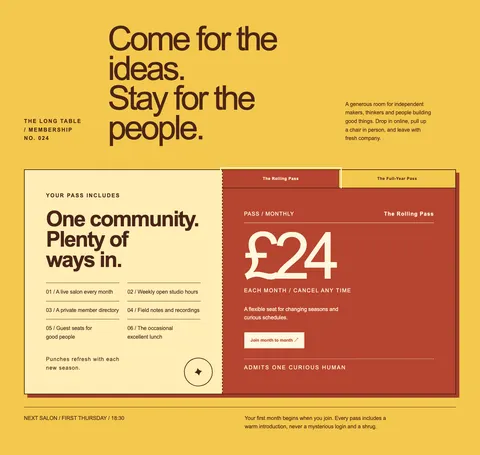 PricingThe Long Table Pass
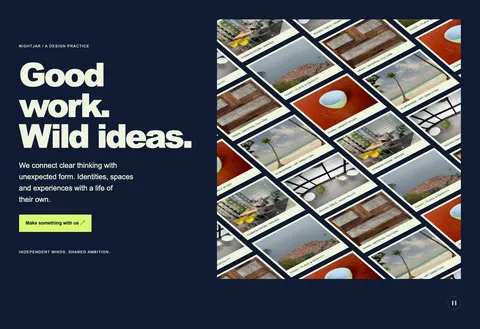 HeroNightjar Studio Wall
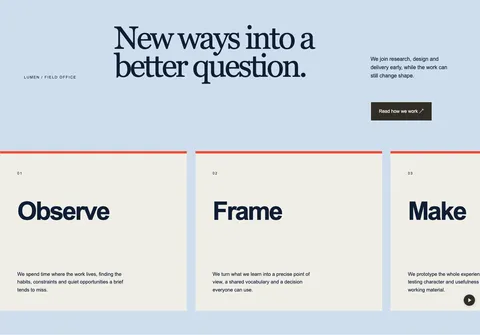 FeaturesWorking Disciplines
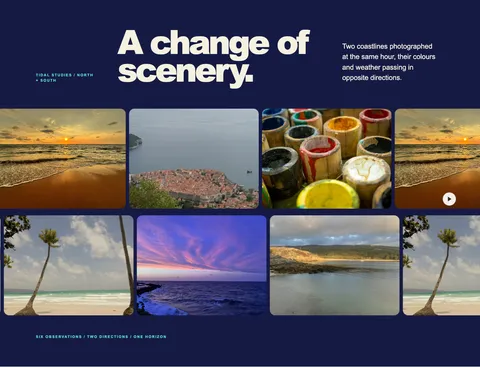 GalleryCross Currents
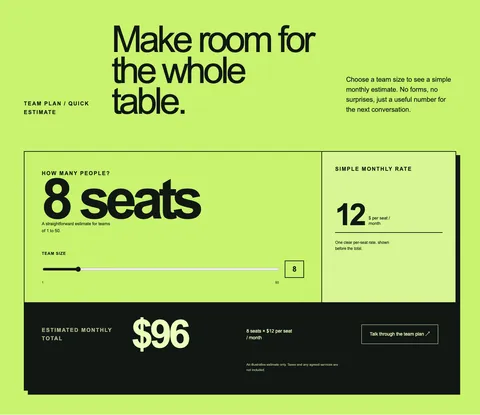 PricingTeam Estimate
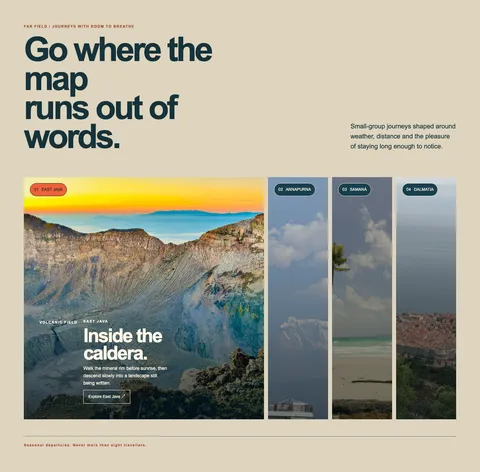 HeroOpen Horizons
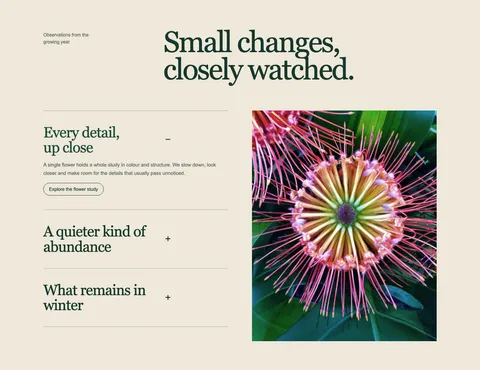 FeaturesField Notes
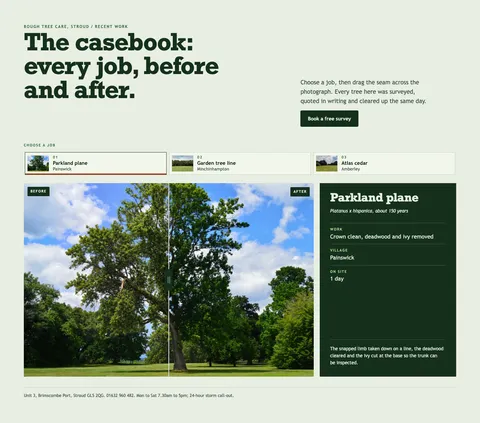 GalleryJob Casebook
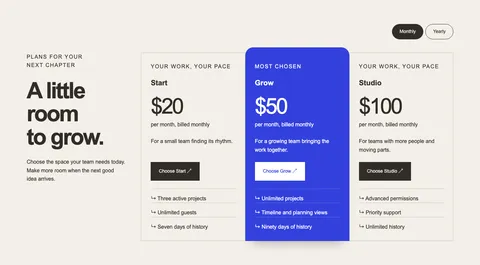 PricingPlan Comparison
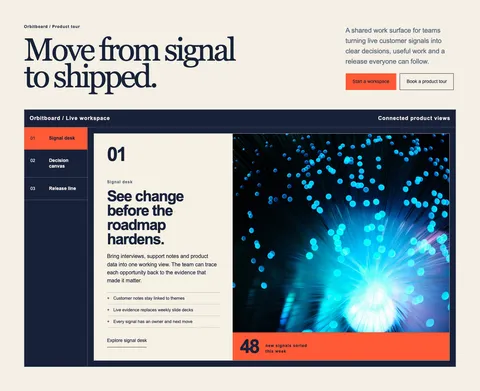 HeroProduct Launchpad
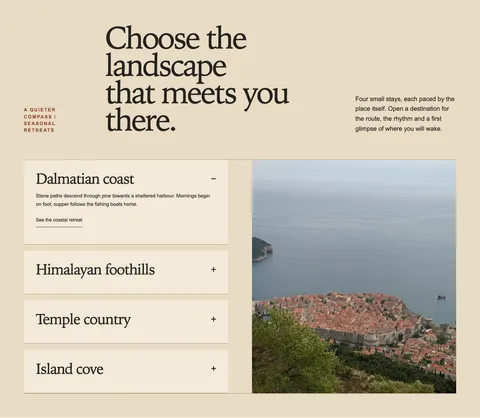 FeaturesA Quieter Compass
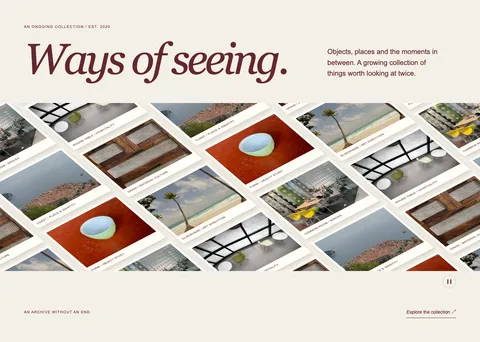 GalleryWays of Seeing
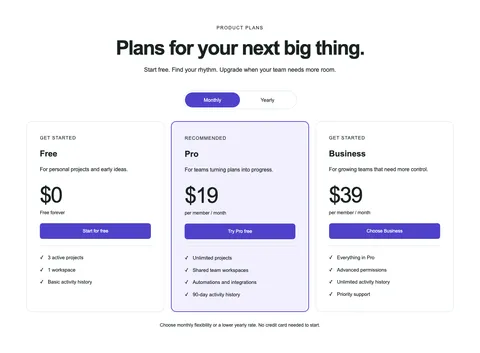 PricingProduct Plans
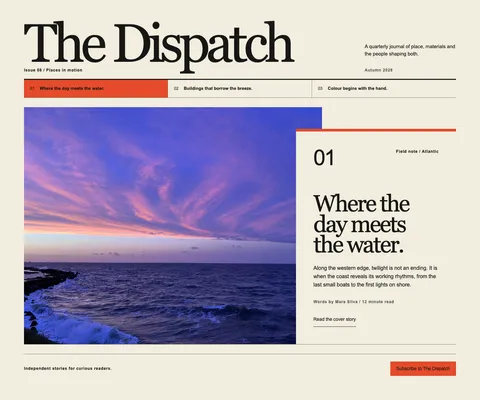 HeroThe Dispatch
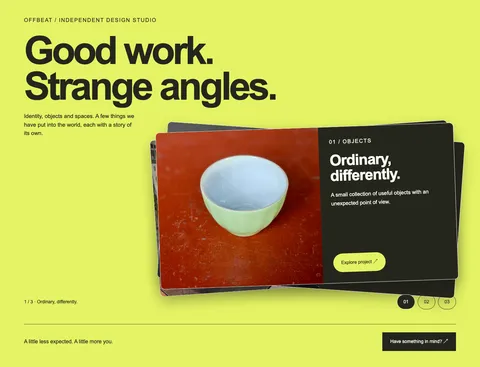 GalleryOffbeat Project Deck
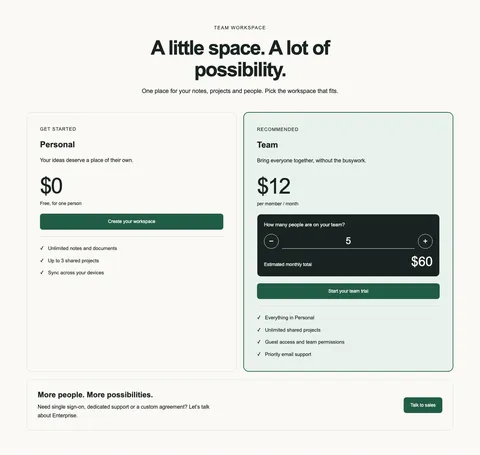 PricingTeam Workspace
About this pattern
Where The Long Way Round fits
A travel or photography page after the introduction, where a long strip of mixed crops reads as one journey rather than a grid of thumbnails.
Use it for
- Travel journal entry
- Photographer's trip gallery
- Road trip blog post
- Tour recap page
What you can edit
Every word, image and link is a WordPress block
Select any of them in the block editor and change it in place. Colours, type and spacing use the blocks’ own controls.
The layout stays protected while you edit. Unlock layout, in the section’s settings, lets you insert, move and remove any block.
- 5imagesall required
- 1headingrequired
- 3text linesall optional
- 5itemsAdd item or Remove last item; 1 always stays
Section settings
- Appearance: Designed or Use my theme
- Animate changes
- Marquee speed
- Pointer interaction: hover or drag
- Pause button
- Cursor controls
- Unlock layout
How it behaves
It still works when things are switched off
The filmstrip moves on its own; grab it to drag in either direction. Clicking a row pauses it, a pause button stops it, and it holds still for reduced motion.
- Motion off or reduced motion
- It shows its final state at once; anything a visitor can press or drag still works.
- JavaScript off
- All content stays visible and readable; controls the script adds are hidden.
- Plugin missing or older
- It pastes as plain WordPress blocks, in reading order, without the designed layout.
Specifications
- Section
- Gallery, Marquee
- Needs
- Pattern Paste Pro
- Since
- Plugin 0.28.2
- Appearance
- Designed or your theme
- Motion
- Optional, off for reduced motion
- Themes
- Any block theme
- WordPress
- 7.0+
- Tested
- In WordPress, 10 checks
Questions
The Long Way Round: common questions
What is The Long Way Round for?
A travel or photography page after the introduction, where a long strip of mixed crops reads as one journey rather than a grid of thumbnails. Typical uses: travel journal entry, photographer's trip gallery, road trip blog post and tour recap page.
Does The Long Way Round need a plugin?
Yes. Interactive Patterns come with Everything and run in the Pattern Paste Pro plugin; The Long Way Round arrived in plugin 0.28.2. Without the plugin, or on an older version, it pastes as plain WordPress blocks: the content reads in order, without the designed layout.
What can I edit in The Long Way Round?
As pasted it has 5 images, 1 heading and 3 text lines, 3 of them optional and removable. The items are a repeatable set: the item controls add one or remove the last. The layout stays protected while you edit. Unlock layout, in the section’s settings, lets you insert, move and remove any block.
Will The Long Way Round match my theme?
Choose Designed to keep its own palette and type, or Use my theme to let it follow your theme’s colours and fonts. Either works in any block theme on WordPress 7.0 or later. Choose Use my theme in the preview above to see it follow a theme before you copy.
Can the motion be switched off?
Yes. Turn off Animate changes in the section settings, and visitors who ask their device for reduced motion get the same: the section shows its final state at once and anything they can press or drag still works. With JavaScript off, all content stays visible.